Chapter 4: Managing and Playing Music
4-57
Rating a track
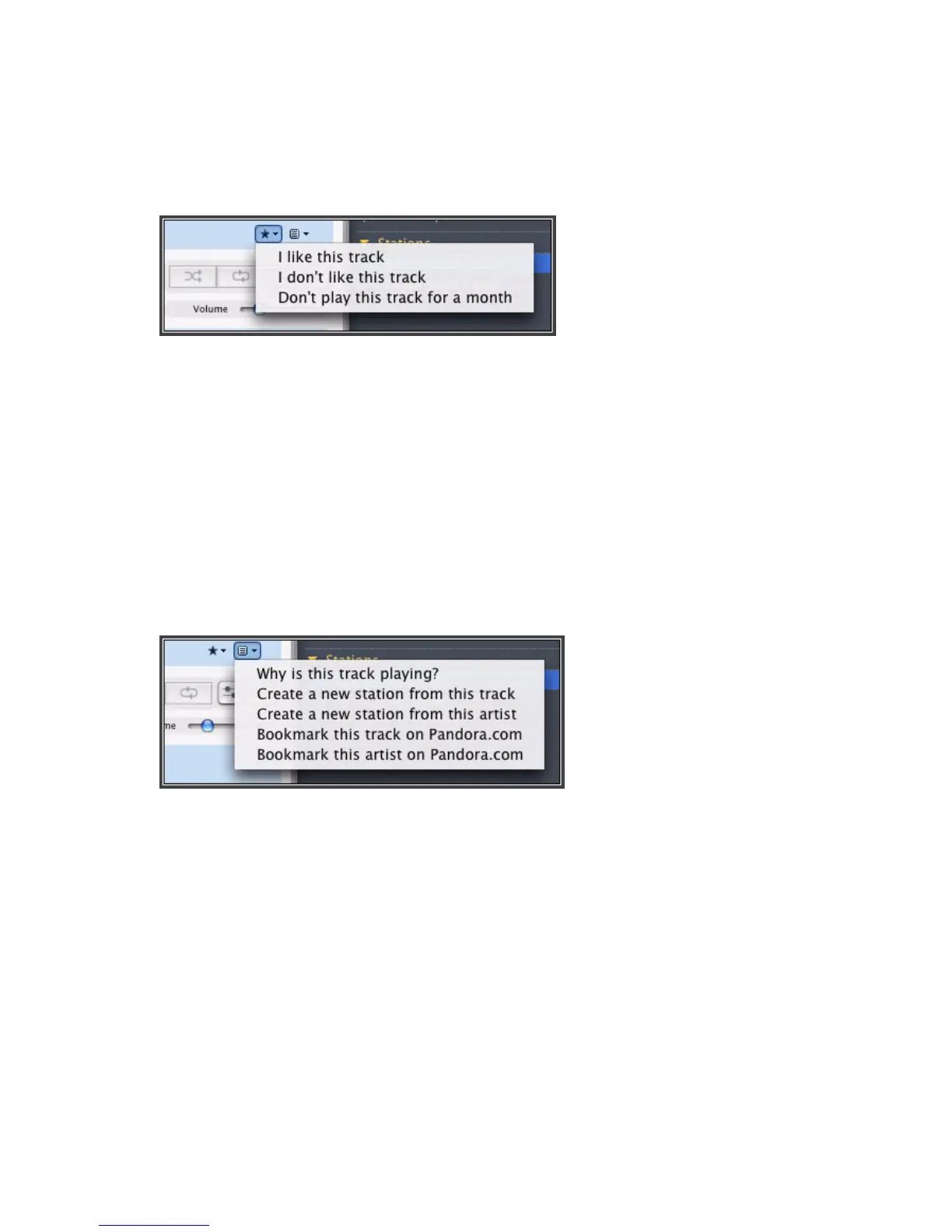
1. From the Now Playing screen, click the Ratings button.
2. Choose one of the following options:
• Select I like this track - Pandora will play more tracks with similar qualities.
• Select I don’t like this track - Pandora will not longer play this track on this
radio station.
• Select Don’t play this track for a month.
Bookmarking a track
1. From the Now Playing window, click the Pandora menu.
2. Select Bookmark this track on Pandora.com or Bookmark this artist on
Pandora.com.



 To Next Page