Sonos Multi-Room Music System User Guide
4-88
6. Select the next ZonePlayer and click Allow, repeating this procedure until all of
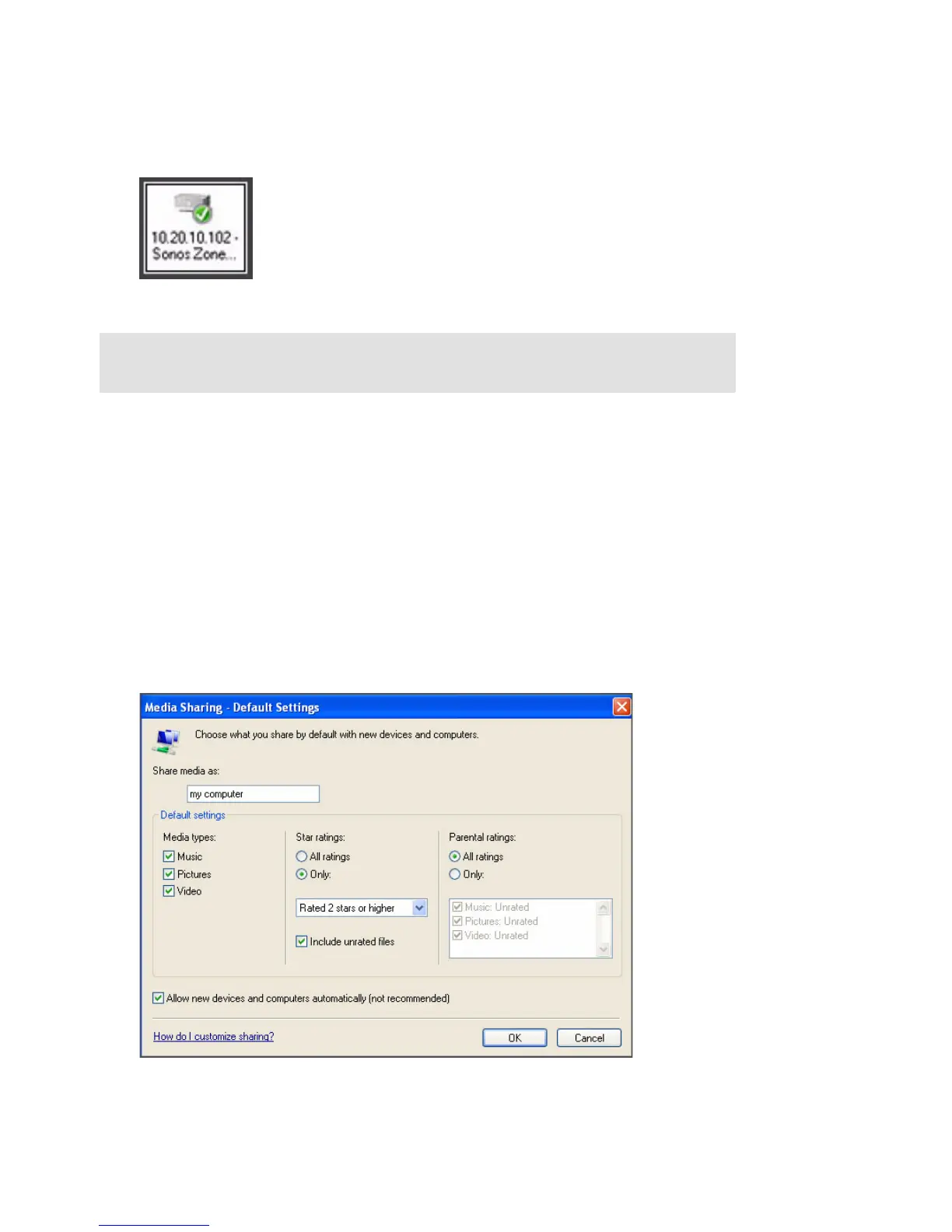
your ZonePlayers display a green checkmark (see illustration below).
Turning on automatic media sharing
You may want to turn on automatic media sharing so that you don't have to manually
share a new device each time you add one to your network.
1. Start Windows Media Player 11.
2. Click the Library tab.
3. Select Media Sharing.
4. Click the Settings button.
Note: If you do not allow media sharing on all ZonePlayers, those ZonePlayers
will not be able to play the music stored in your Windows Media Player library.



 To Next Page