Chapter 9: The Sonos® Controller 100
9-15
you can choose from the following:
• Play Now which stops playing the current selection in the queue to play
this music selection
• Play Next which places this selection next in the queue
• Add to End of Queue which places this selection at the end of the music
queue
• Play Now and Replace Queue which plays this selection now and also
clears the current queue of previous music selections
• Play Now. When you press OK, the selection will always begin to play imme-
diately.
• Add to End of Queue. When you press OK, the selection will always be added
to the end of your music queue.
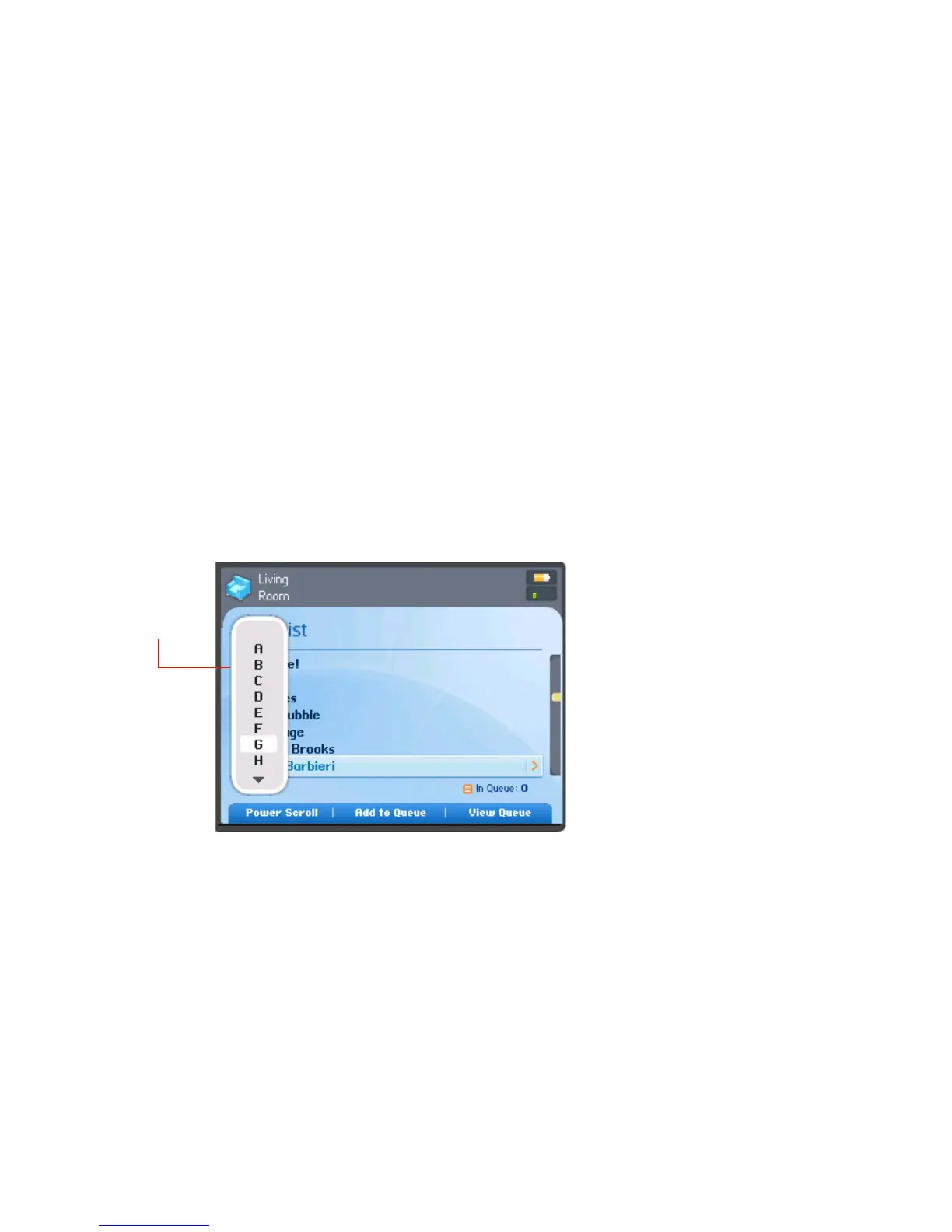
Power scroll
1. You can select Power Scroll for an alphabetical list to make browsing faster.
2. To play all songs by an artist, on an album, or in a genre, highlight the selection
and select Add to Queue, or press OK.
Power
scroll



 To Next Page