Chapter 9: The Sonos® Controller 100
9-29
5. Press Save Alarm when you finish choosing the alarm settings.
Deleting an alarm
1. From the Music menu, select Clock and Alarms>Alarms.
2. Use the scroll wheel to highlight the alarm you wish to delete, and press Delete
Alarm.
Setting a sleep timer
1. From the Music menu, select Clock and Alarms>Sleep Timer.
2. Use the scroll wheel to select a sleep timer duration, and press OK.
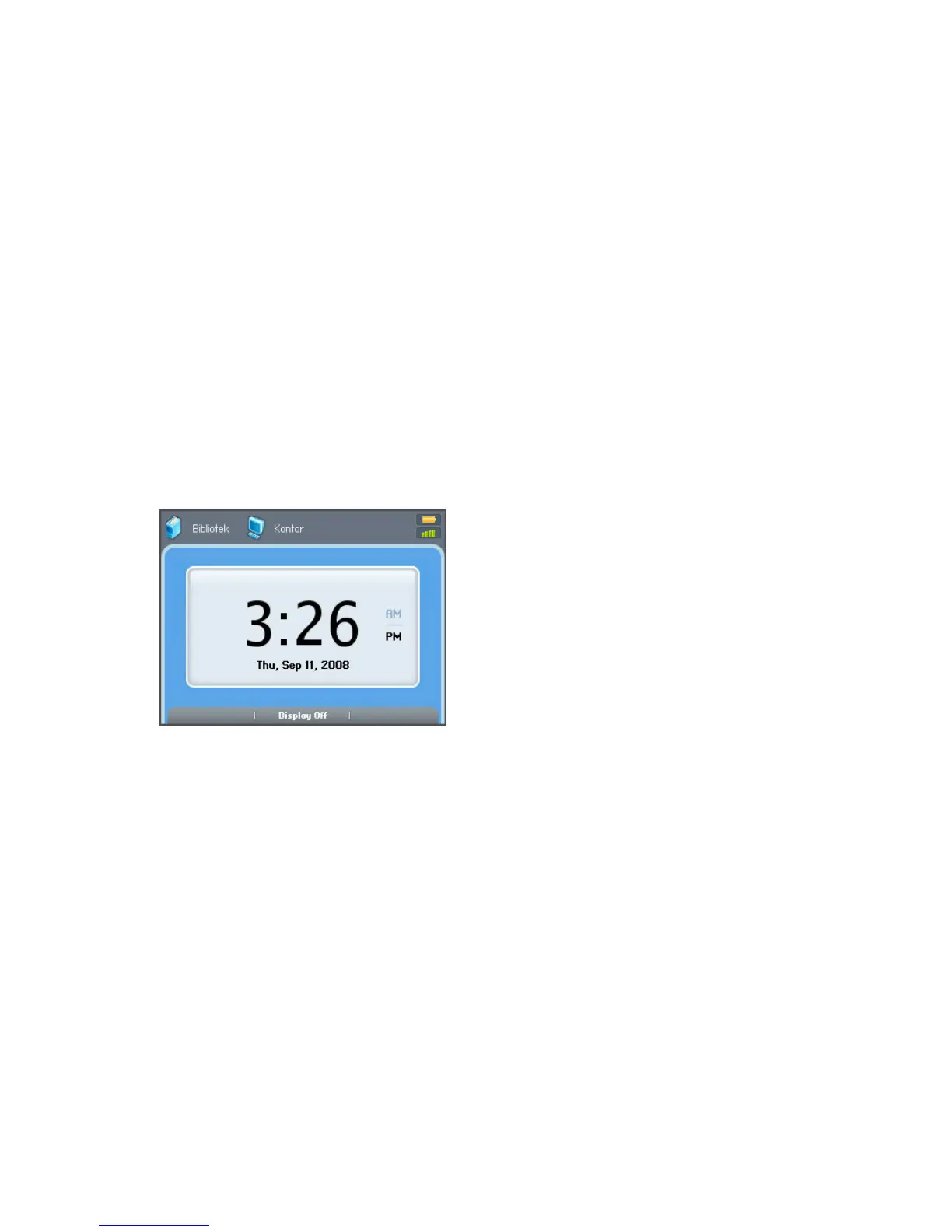
Viewing the clock
To view the clock on a handheld Controller:
• Select View Clock from the Music menu, or
• Select Clocks and Alarms>View Clock from the Music menu.
When an alarm goes off
When the alarm goes off, your Sonos Controller will display the clock face. You can:
•Press Snooze to begin a 9-minute snooze interval. The bell icon will be ani-
mated when snooze mode is active.
•Press Stop Alarm or Pause to turn the alarm off.
•Press Display Off to put the Controller into light sleep mode (helps to preserve
the battery charge.) The motion sensor will automatically wake your Controller
when you pick it up.



 To Next Page