Chapter C: Alternate Sonos System Setup
C-9
Step 4: Play some music!
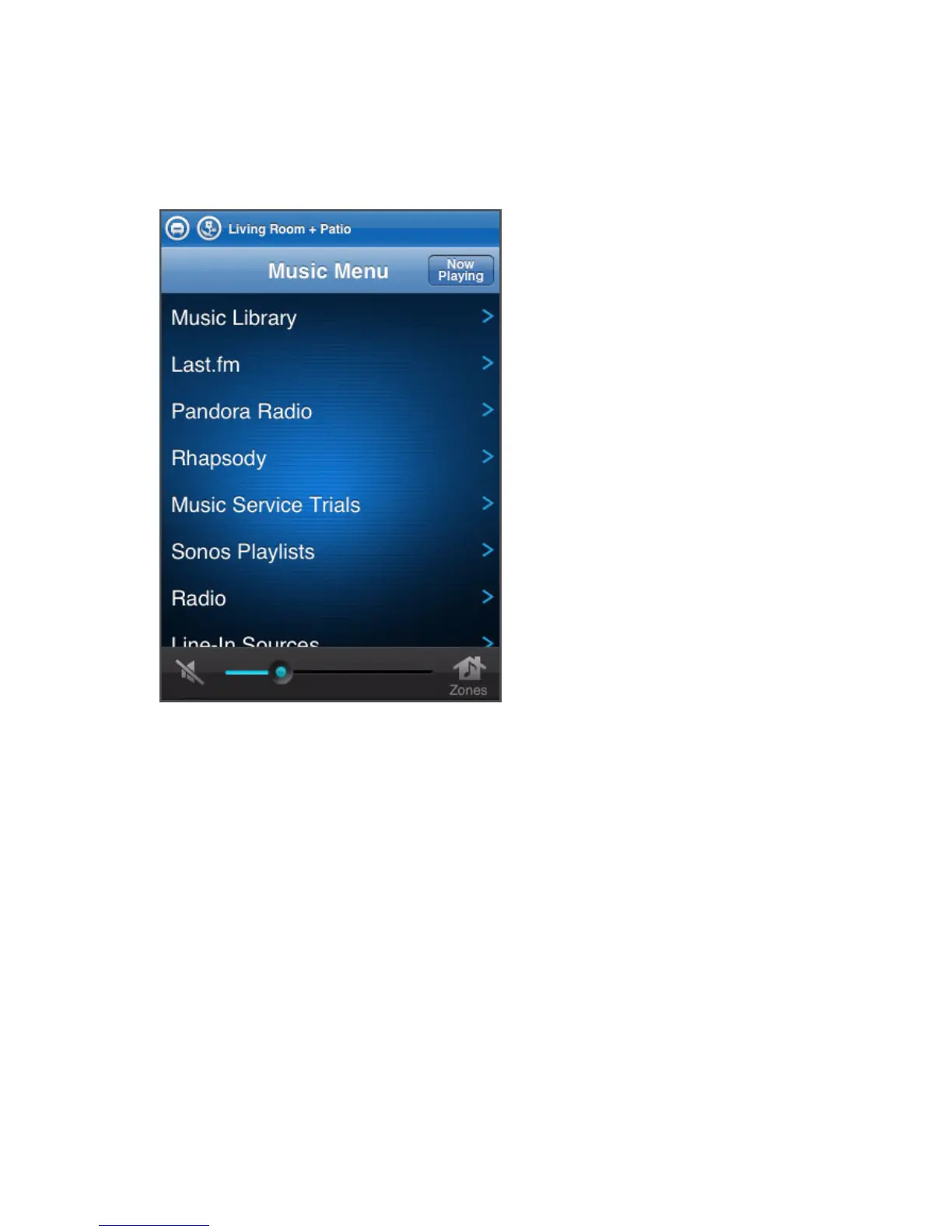
1. Tap the zone you’d like to play music in. The Music menu appears.
2. Choose one of the following options:
• To activate a free music service trial, tap More Music. (Your music system
must be registered to activate a trial, so if you have not yet registered, you can
do it now by selecting System Settings>Advanced Settings>System Regis-
tration.)
• To add a Sonos-compatible music service you already subscribe to, tap More
Music. Select the music service, and touch I have an account. Use the key-
board to enter your music service user name and password.
• To select an Internet radio station, radio show, or podcast, tap Radio.
• If you have music folders stored on your computer or a Network-Attached Stor-
age (NAS) drive, you can use the Sonos Controller for Mac or PC to locate
them.



 To Next Page