Sonos Multi-Room Music System User Guide
C-14
3. During the setup process, you’ll be asked to register your Sonos Multi-Room
Music System. You need to be registered in order to receive Sonos technical
support and free software upgrades, as well as to activate free music service trial
subscriptions for services like Rhapsody and Napster.
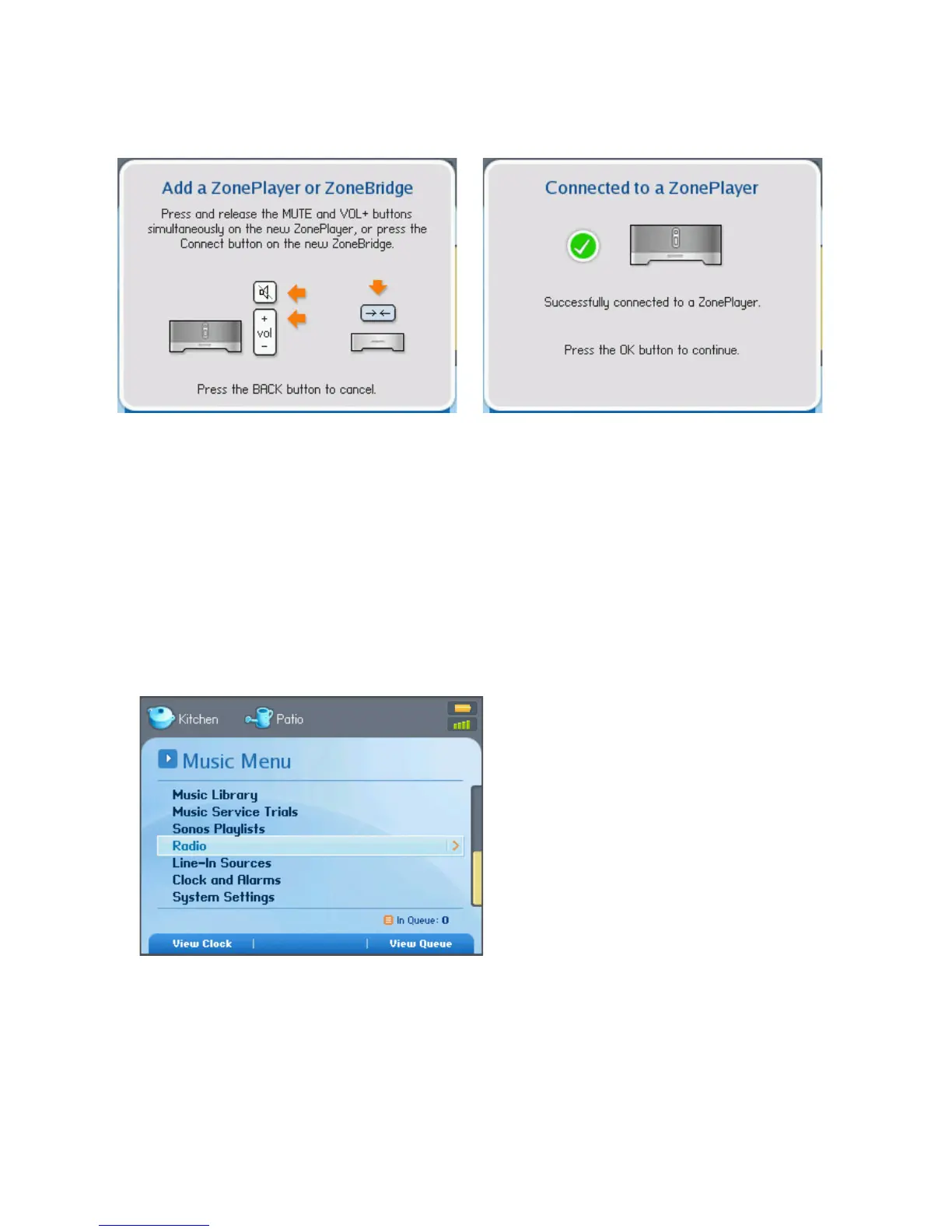
4. When you see the message Setup Complete, press OK.
Step 4: Play some music!
1. Press the Music button to display the Music menu.
2. Choose one of the following options:
• To activate a free music service trial, select Music Service Trials. (Your music
system must be registered to activate a trial, so if you have not yet registered,



 To Next Page