Chapter 2: System Setup
2-17
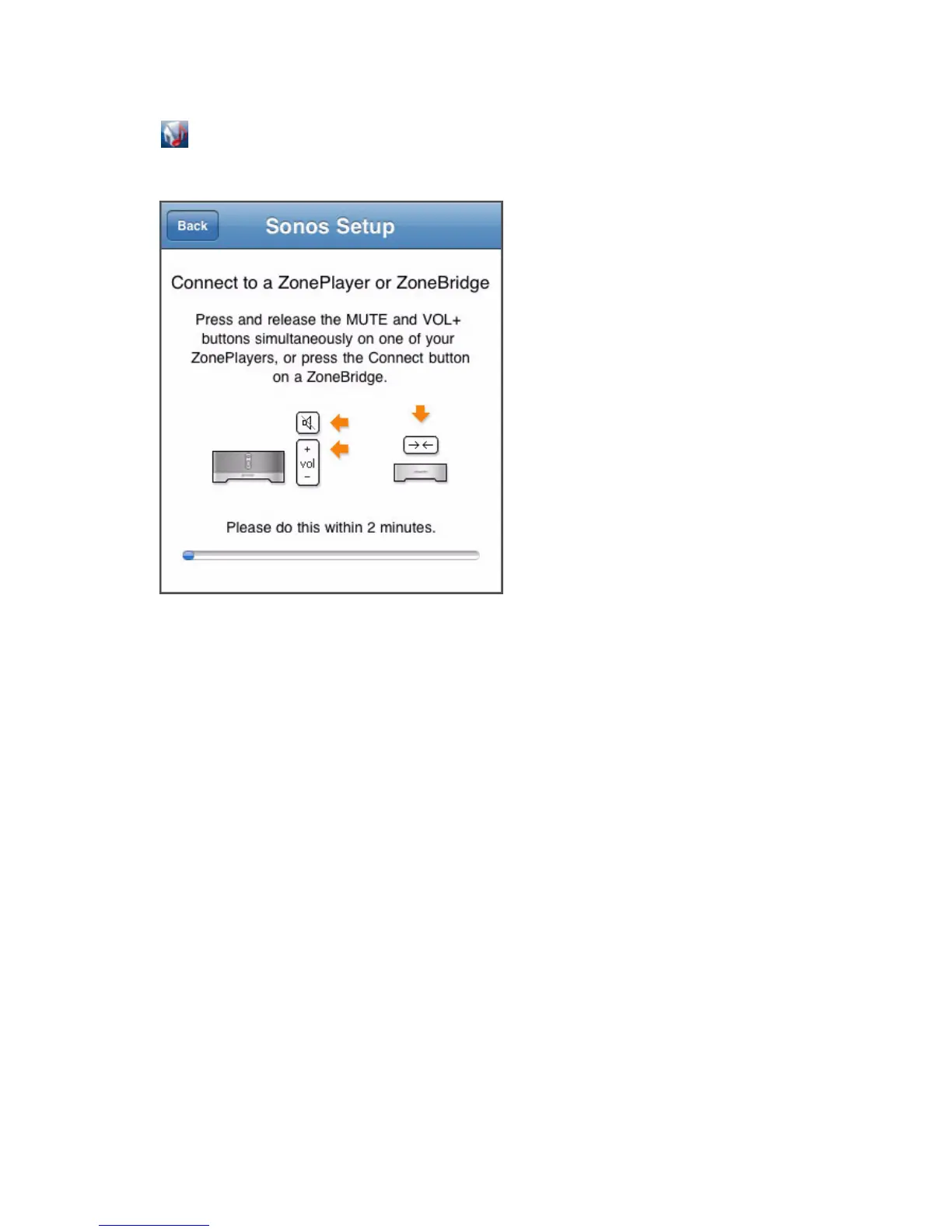
2. Tap the Sonos icon and then follow the prompts to add the Sonos Controller
for iPhone to your Sonos Multi-Room Music System.
ZoneBridge Setup
Press and release the Connect button on top of the ZoneBridge. The indicator lights
will flash green and white while the ZoneBridge is connecting.
ZonePlayer Setup
Press and release the Mute and Volume Up buttons simultaneously on the
ZonePlayer. The Mute and ZonePlayer Status indicator lights will flash green and
white while the ZonePlayer is connecting. You can release the buttons as soon as
they start to blink (approximately 1 second.)
If you should need assistance while setting up your Sonos system using an iPhone or
iPod touch, you can go to our Website at http://faq.sonos.com/icr.



 To Next Page