Sonos Multi-Room Music System User Guide
2-22
Using the Sonos Controller 200
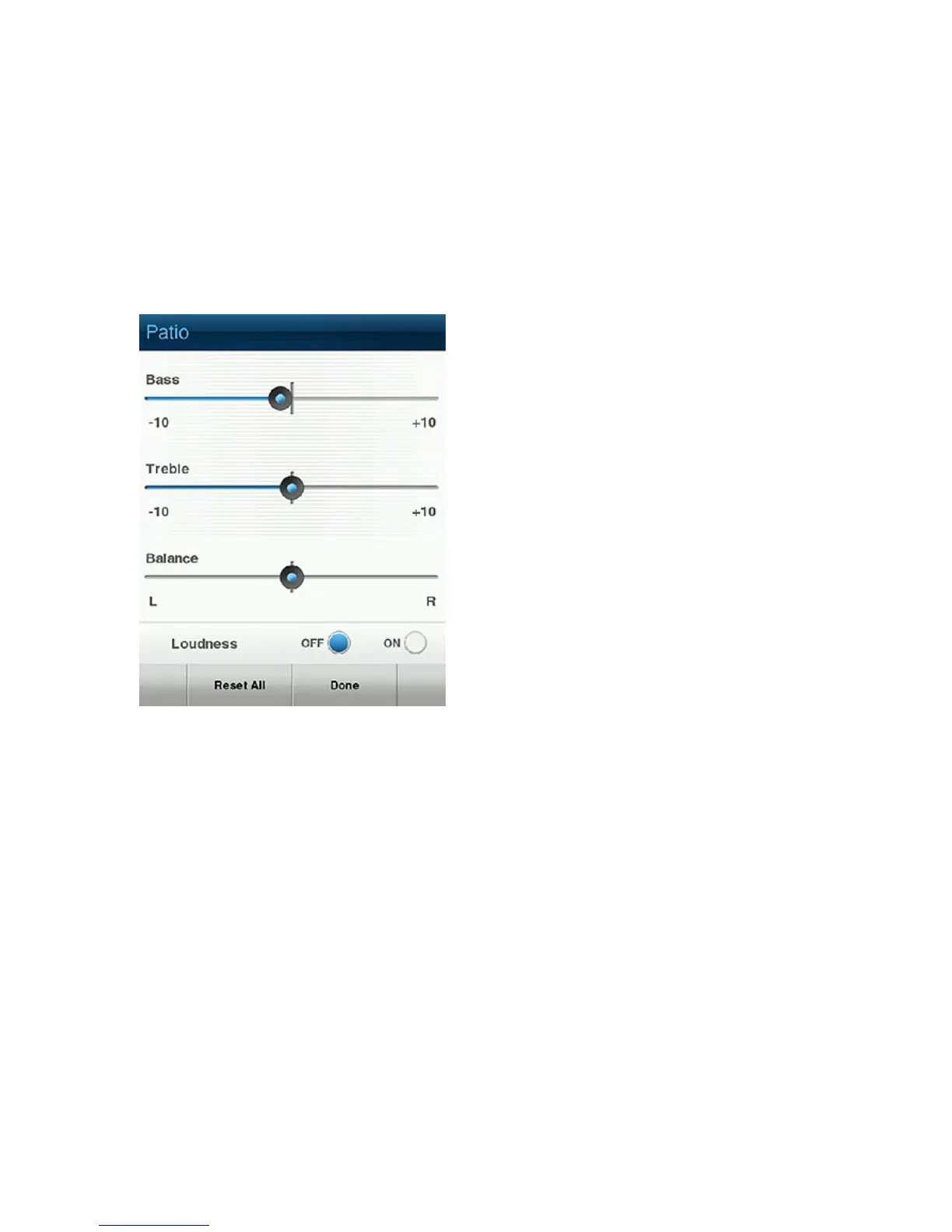
1. From the Music Menu, touch Settings>ZonePlayer Settings.
2. Touch to select a zone.
3. Select Music Equalization, and drag your finger across the sliders to make
adjustments.
4. To change the settings for a ZonePlayer back to the original default values, touch
Reset All.
Using the Sonos Controller for iPhone
1. From the Music Menu, tap Settings>ZonePlayer Settings.
2. Tap the zone you want to change, and then select Music Equalization.
3. Use your finger to make changes to the settings—
• Slide controls to the right to increase, left to decrease.
• To change the Loudness setting, tap On or Off.
• To change the settings for a ZonePlayer back to the original default values, tap
Reset All.



 To Next Page