Chapter 2: Getting Started 27
Getting Started
To login to system as user:
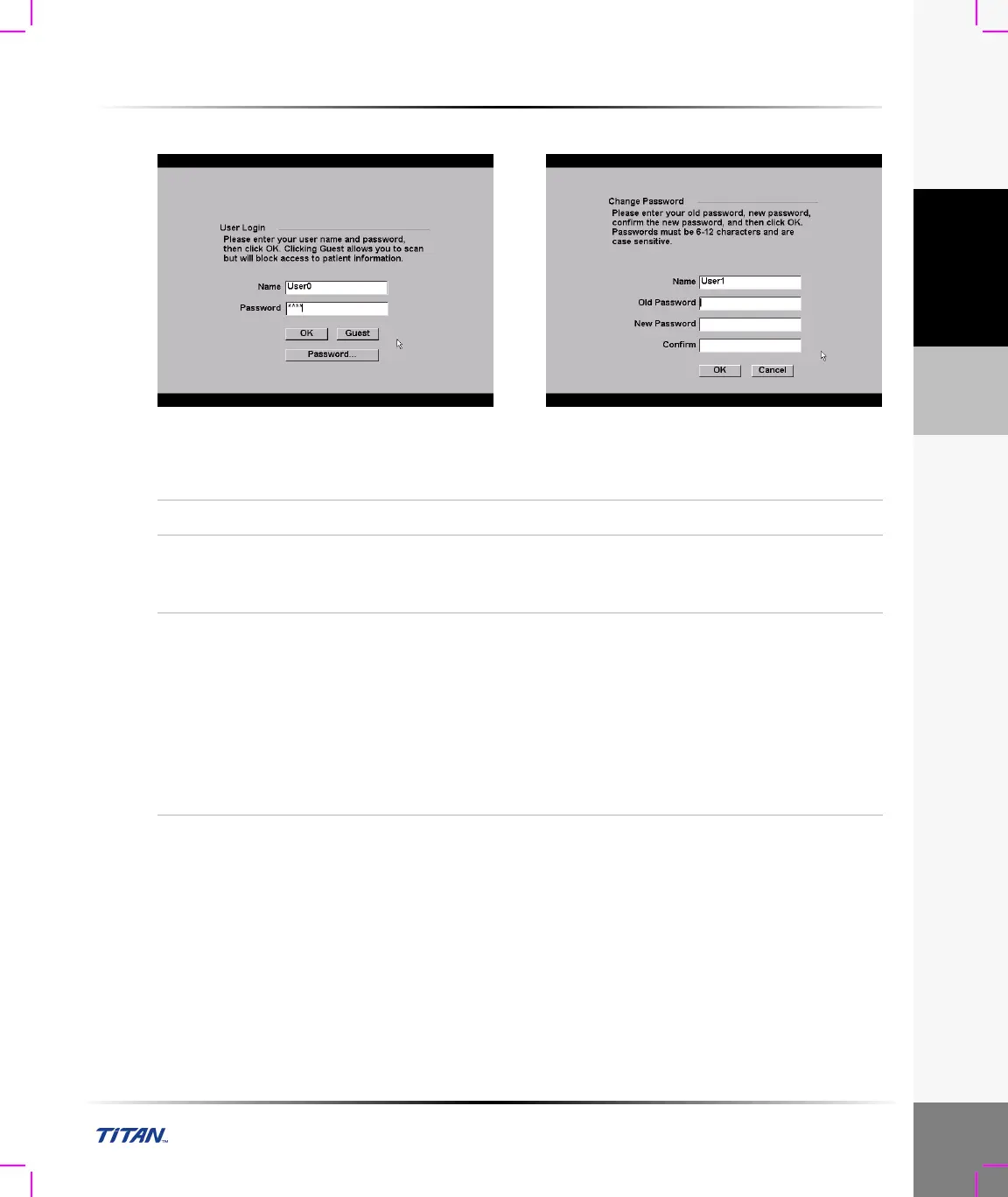
Figure 10 User Login and Change Password
Note: User Login is displayed when system access is turned on.
User Login
In User Login, enter Name and Password and click OK.
Guest Login
In User Login, select Guest.
In Guest mode the user is able to scan but is restricted from accessing system
setup and patient information.
Change
Password
1 In User Login, select Password.
2 Enter your old password, new password, confirm the new password and
then click OK.
To ensure passwords are secure, it is recommended that passwords contain
characters from the following categories:
• Upper case characters: A-Z
• Lower case characters: a-z
• Numbers: 0-9
Note: The password is case-sensitive.



 To Next Page