40 Chapter 2: Getting Started
Getting Started
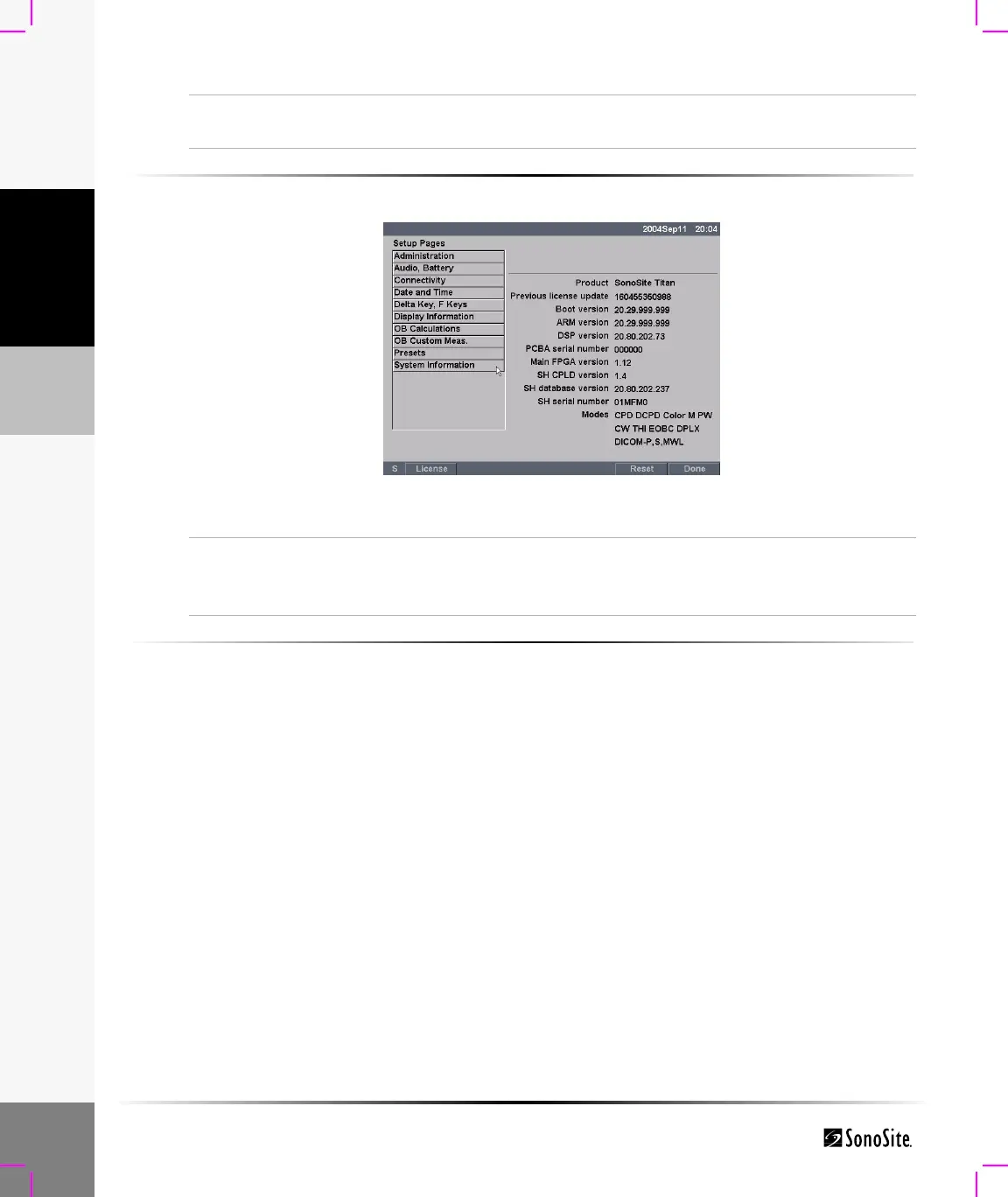
To view System Information:
Figure 20 Setup Screen: System Information
To change system setups to the default settings:
1 Turn the system off.
2 Connect the system to AC power. See “To operate the system using AC power (directly to
system):” on page 12.
3 Simultaneously press and release 1 and the Power key.
The system beeps several times and then the image display appears with all default settings.
Note: Default settings can not be changed by the user. Default settings are set at the factory.
Reset
To return settings for this setup page to factory default, select Reset
from the on-screen menu.
System Information
1 Press the Setup key.
2 Select System Information from the on-screen menu.
Note: To install a license key see “Installing a License Key” on page 170.



 To Next Page