80 Chapter 4: Measurements and Calculations
Meas. & Calcs
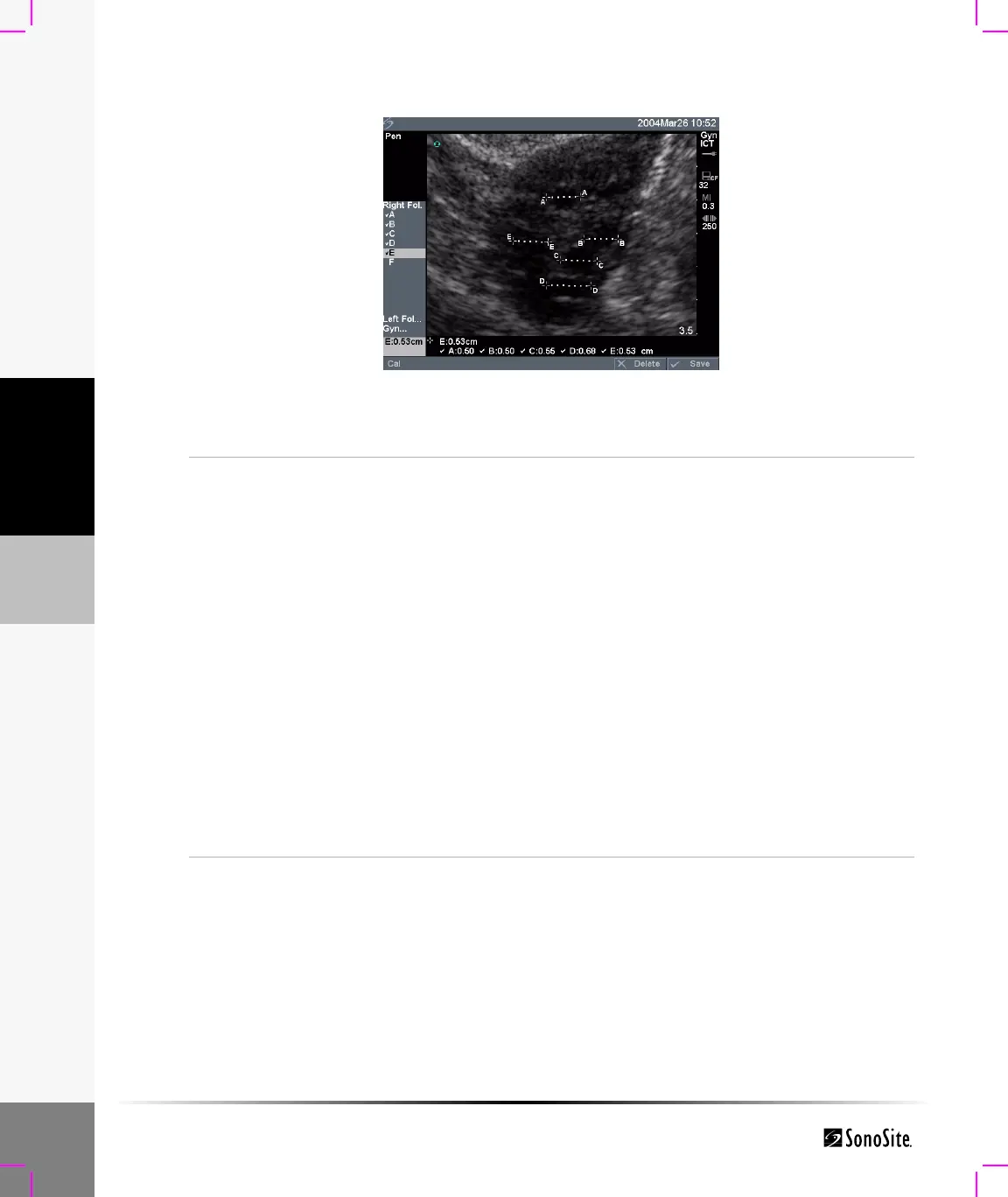
Figure 8 Follicle Measurement
Follicle
Measurement
Note: You may save up to six follicular measurements. One distance
measurement is provided for each follicle.
1 Select Gyn exam type.
2 On a frozen 2D image, press the Calcs key.
3 Select Follicle.
4 Highlight the desired measurement from the calculations menu and
press the Select key.
5 Perform the measurement on the first follicle.
The measurement is displayed in the measurement and calculation
data area and is updated as the caliper moves. The measurement is
complete when you finish moving the calipers.
6 Select Save from the on-screen menu, or press the Enter key to save
the measurement to the patient report.
The saved measurement is shown at the bottom of the calculation
menu and a check mark is put in front of the measurement.
If desired, press the Save key to save the image with the
measurements displayed.
7 Highlight the next measurement and press the Select key.
8 Repeat these steps until all measurements have been performed.



 To Next Page