Chapter 4: Measurements and Calculations 85
Meas. & Calcs
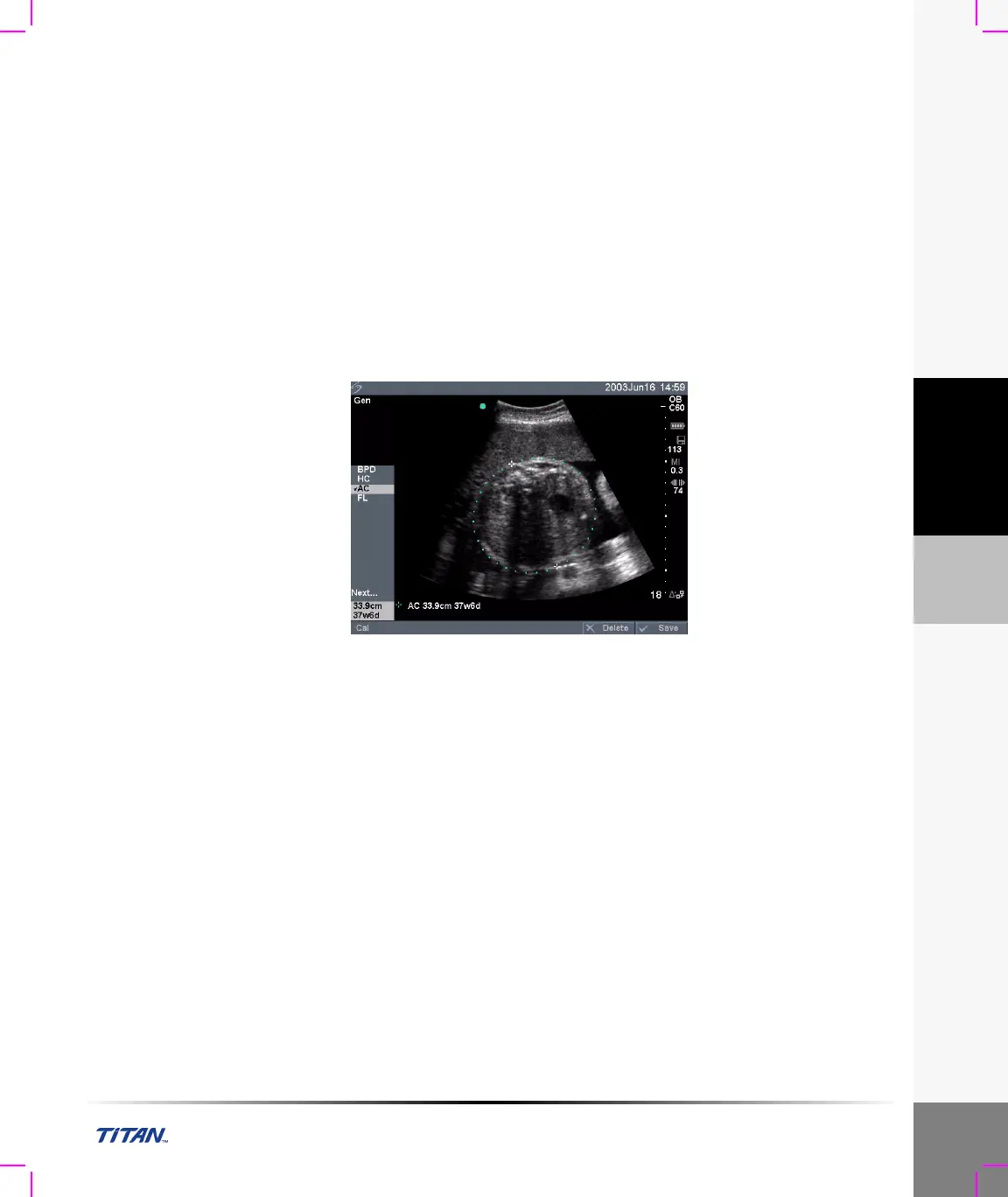
Note 1: The Gestational Age is automatically calculated and displayed next to the OB measurement you
selected. The average of the results is the AUA.
Note 2: The Estimated Fetal Weight calculation uses an equation that consists of one or more fetal biometry
measurements. The author for the OB tables, which you choose in system setup, determines the
measurements you must perform to obtain an EFW calculation. See “To set up OB calculations authors:” on
page 34, if necessary.
Note 3: Individual selections for Hadlock’s EFW equations 1, 2, and 3 are not determined by the user. The
selected equation is determined by the measurements that have been saved to the report with priority given to
the order listed above.
Note 4: The Growth Analysis tables are used by the Report Graphs feature. Three growth curves are drawn
using the table data for the selected growth parameter and published author. Growth tables are only available
with a user entered LMP or Estab. DD.
Figure 9 OB Measurement



 To Next Page