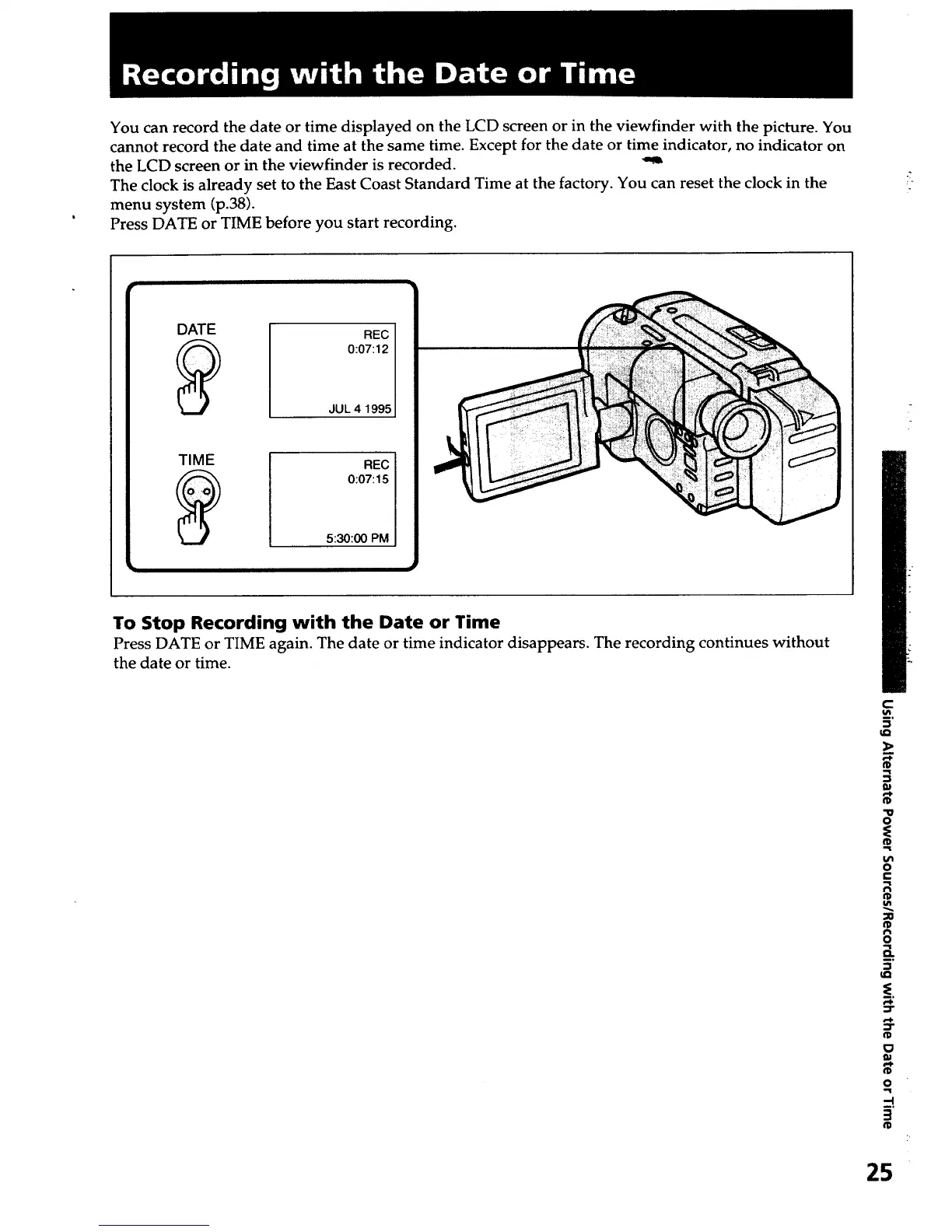
You can record the date or time displayed on the LCD screen or in the viewfinder with the picture. You
cannot record the date and time at the same time. Except for the date or time indicator, no indicator on
the LCD screen or in the viewfinder is recorded.
The clock is already set to the East Coast Standard Time at the factory. You can reset the clock in the
menu system (p.38).
Press DATE or TIME before you start recording.
To Stop Recording with the Date or Time
Press DATE or TIME again. The date or time indicator disappears. The recording continues without
the date or time.
c
tQ
3
W
"U
O
o
e-
€'1
o
a.
¢D
o
-4
°
25













 To Next Page