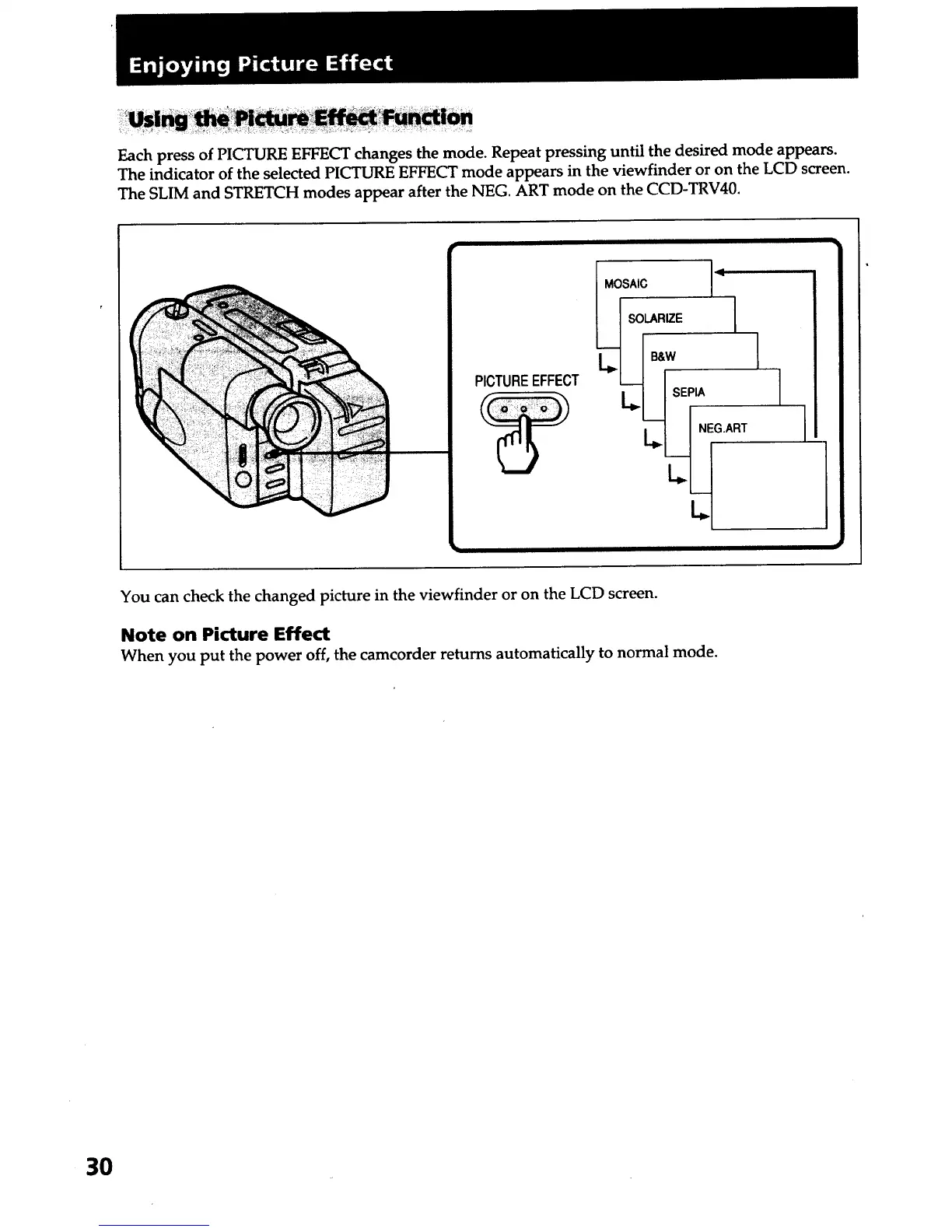
Each press of PICTURE EFFECT changes the mode. Repeat pressing until the desired mode appears.
The indicator of the selected PICTURE EFFECT mode appears in the viewfinder or on the LCD screen.
The SLIM and STRETCH modes appear after the NEG. ART mode on the CCD-TRV40.
PICTUREEFFECT
i
I MOSAIC I _
SOLARIZE ._ J
L_ B&W
_EPIA
You can check the changed picture in the viewfinder or on the LCD screen.
Note on Picture Effect
When you put the power off, the camcorder returns automatically to normal mode.
3O













 To Next Page