Important!
Use the battery completely before recharging!
Before you recharge the battery, make sure the battery has been used up (discharged) completely.
Repeated charging while some capacity remains causes a lowering of battery capacity. However,
the original battery capacity can be recovered if you use the battery completely and charge it fully
again.
To use up the battery, remove the cassette and turn the POWER switch to CAMERA with the
battery attached, and leave the camcorder until the _-\-_indicator and the red lamp flash rapidly in
the viewfinder.
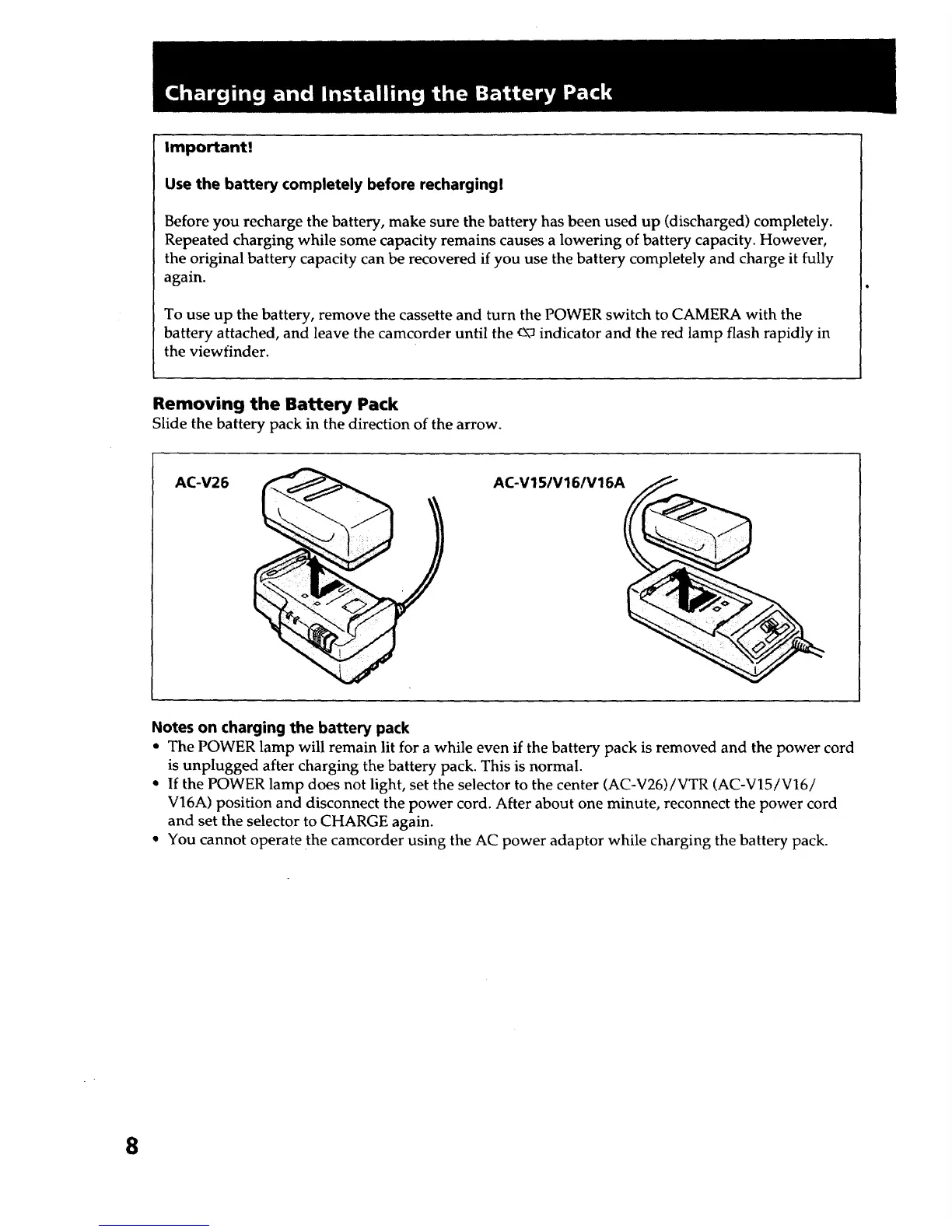
Removing the Battery Pack
Slide the battery pack in the direction of the arrow.
AC-V26 AC-V15/V16/V16A
Notes on charging the battery pack
• The POWER lamp will remain lit for a while even if the battery pack is removed and the power cord
is unplugged after charging the battery pack. This is normal.
• If the POWER lamp does not light, set the selector to the center (AC-V26)/VTR (AC-V15/V16/
V16A) position and disconnect the power cord. After about one minute, reconnect the power cord
and set the selector to CHARGE again.
• You cannot operate the camcorder using the AC power adaptor while charging the battery pack.
8













 To Next Page