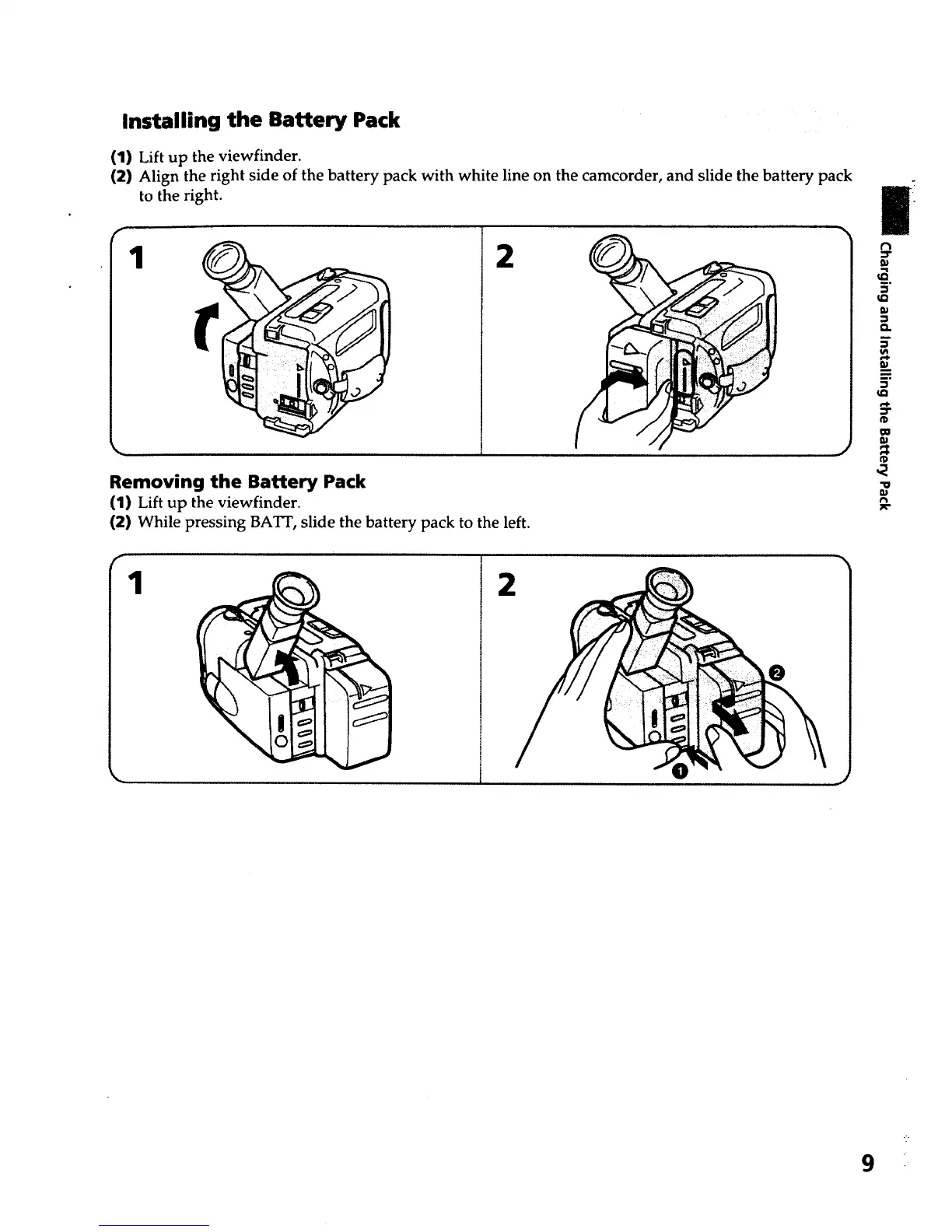
Installing the Battery Pack
(1) Lift up the viewfinder.
(2) Align the right side of the battery pack with white line on the camcorder, and slide the battery pack
to the right.
#r
1 2
Removing the Battery Pack
(1) Lift up the viewfinder.
(2) While pressing BAT]', slide the battery pack to the left.
1
2
t"l
:3"
5"
Q.
m
CO
m
"D
r_
9













 To Next Page