65
Using as a Remote Controller
The editing accuracy in the DMC editing mode is ±2
frames.
To cancel the DMC editing mode
Press the ALL STOP button simultaneously with the
PLAYER button.
Use one of the following models as a player when you
perform DMC editing: HDW-2000 series, HDW-1800,
MSW-2000 series, DVW-2000, PDW-1500 and PDW-
HD1500.
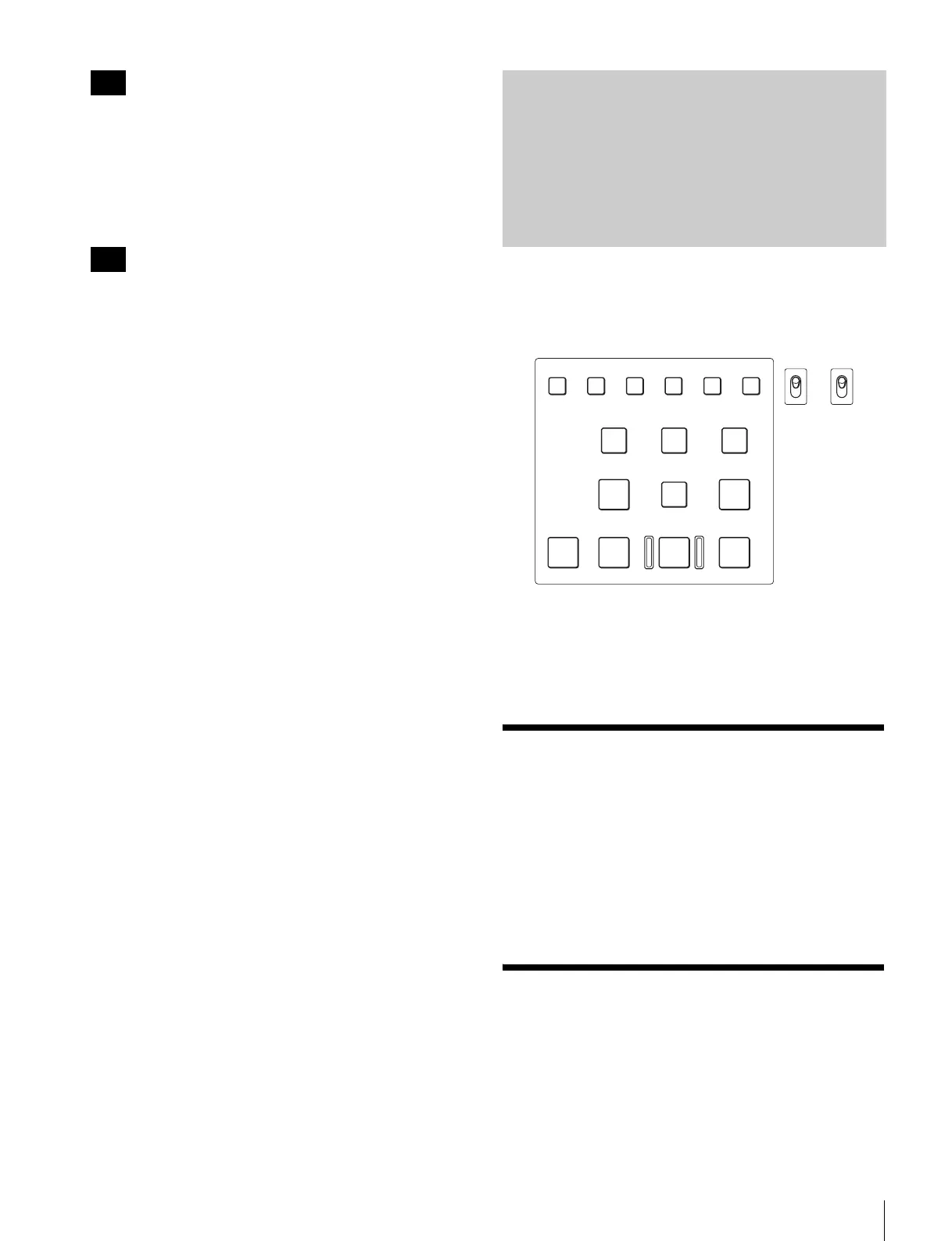
This unit can be used as a remote controller for up to two
VTRs connected to this unit.
In this mode, the buttons to use for editing in editor mode
can be used for a specified purpose.
To use as a remote controller
Set the EDITOR/REMOTE CONTROL switch to
REMOTE CONTROL.
Basic Remote Control
This unit can control the recorder and player connected to
the unit.
For details on operations, see “Running Control Area”
(page 51).
Extended Functions of
Remote Control Mode
The following variations of the remote control mode are
available on the unit, and you can switch between them via
the setup menu settings.
Note
Note
Using as a Remote
Controller
ASSEMBLE
VIDEO
TRIM
-
TRIM+
GO TO/SPLIT IN
PF7 PF8 PF9
PF4 PF5 PF6
PF1 PF2 PF3
IN ENTRY OUT
REVIEW / JUMP
PREVIEW AUTO EDIT ALL STOP
A1 A2 A3 A4
PF10 PF11 PF12 PF13 PF14 PF15
EDITOR
REMOTE
CONTROL
KEY INHI
ON
OFF














 To Next Page