80
Error Messages
This unit has a self-diagnostic function. Error messages are
displayed in the time data display when this unit detects an
error. When an error message appears, contact your Sony
service representative.
Display on the Display
Window
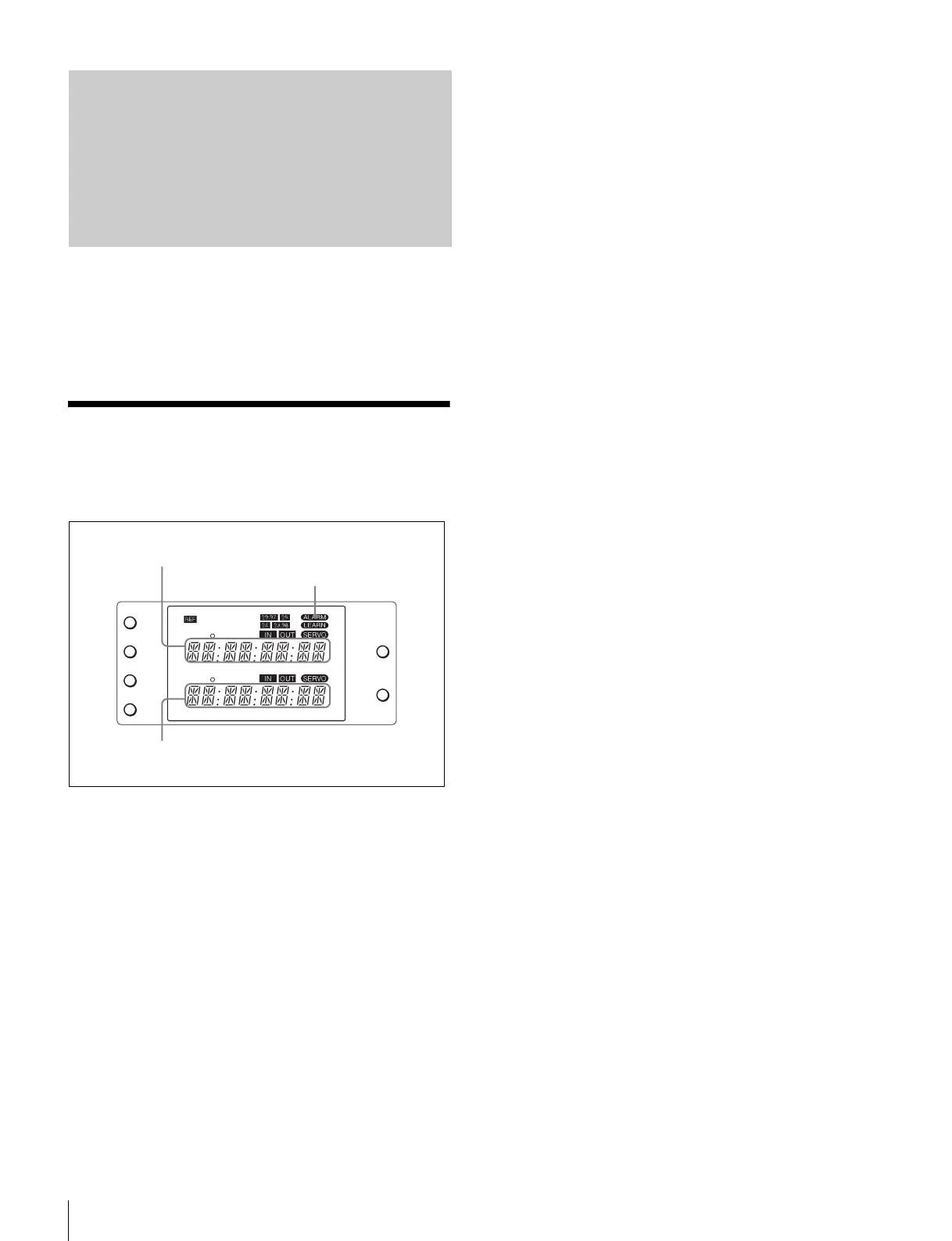
The ALARM indicator in the display window lights up and
error messages appear in the time data display when an
error is detected. An error message appears on the upper
portion when the player detects the error first, or on the
lower portion when the recorder detects first.
Press the RESET button to make the error message
disappear.
Error Messages
TC
IN OUT
PLAYER
RTCTL
DEVICE 2
RTC
CTL
LEARN
RESET
RESET
MENU
SET
RECORDER
RTCTL
DEVICE 1
Time data for the player
ALARM indicator
Time data for the recorder















 To Next Page