69
Using as a Remote Controller
XDCAM mode (when the PREVIEW button
is pressed simultaneously)
DSR-DR1000A Replay Mode
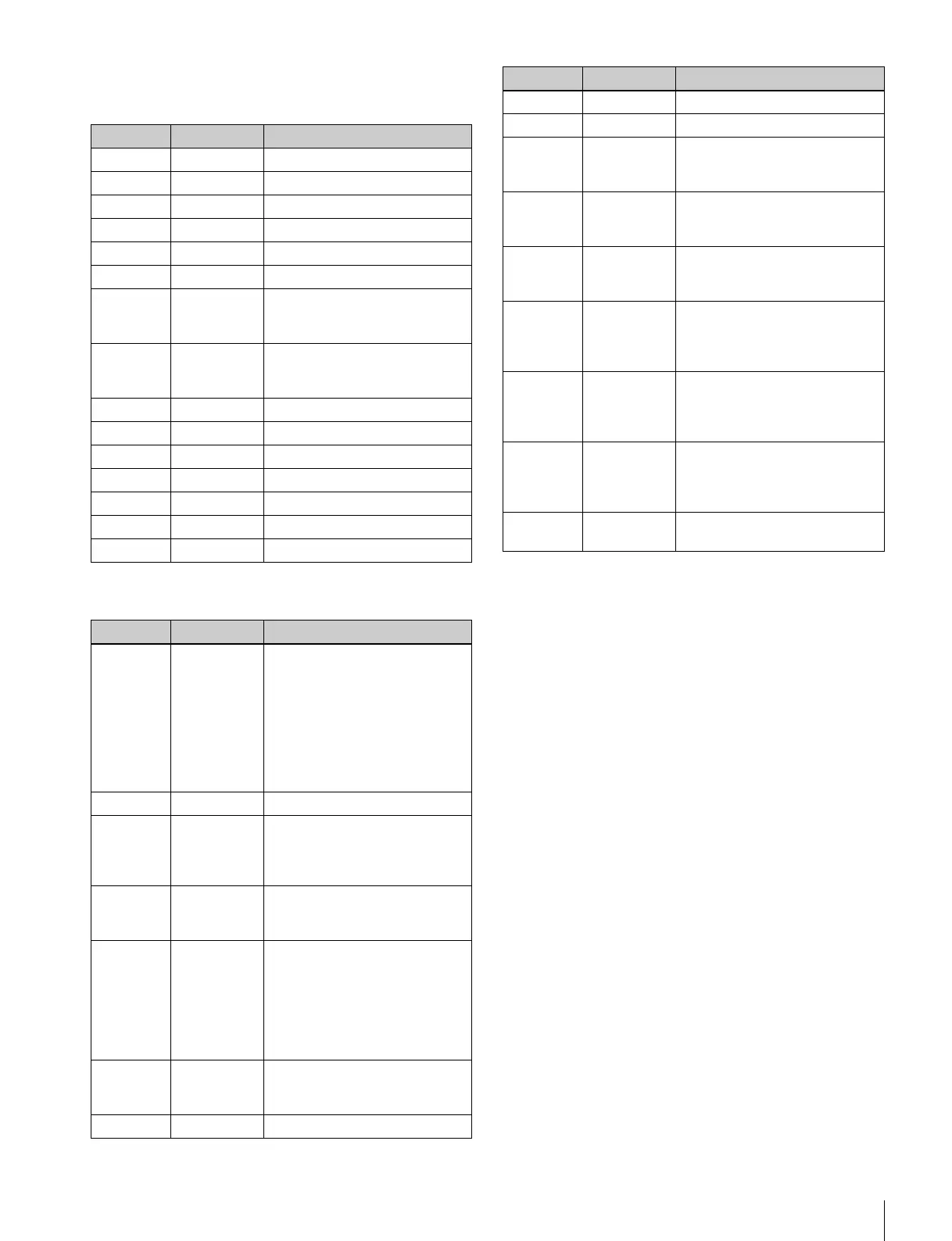
Key Display Function
PF1 – No function.
PF2 – No function.
PF3 – No function.
PF4 – No function.
PF5 – No function.
PF6 – No function.
PF7 PUSH SEL
(S.SEL)
KNOB REV
Turn the multi control knob of
the player/recorder in the
reverse direction.
PF8 PUSH SEL
(S.SEL)
KNOB FWD
Turn the multi control knob of
the player/recorder in the
forward direction.
PF9 – No function.
PF10 F1 FunctionMenu F1
PF11 F2 FunctionMenu F2
PF12 F3 FunctionMenu F3
PF13 F4 FunctionMenu F4
PF14 F5 FunctionMenu F5
PF15 F6 FunctionMenu F6
Key Display Function
PF1 REVIEW Starts playback a certain
amount of time (the preroll time)
ahead of the marked cue point.
(Set the preroll time with the
PREROLL 3, PREROLL 5, or
PREROLL 7 button, and set the
playback speed with the VAR
0.2, VAR 0.5, or VAR 0.8
button.)
PF2 MARK CUE Sets the cue point.
PF3 STOP (During playback) Stops the
playback.
(During stop mode) Enters E-E
mode.
PF4
RVW
–
Jumps to the point that is the
length of the preroll time ahead
of the previous cue point.
PF5 10 STEP
Press the RVW+ or RVW
–
button simultaneously with this
button to jump to the point that
is the length of the preroll time
ahead of the tenth cue point
before or after the current
location.
PF6 RVW+ Jumps to the point that is the
length of the preroll time ahead
of the following cue point.
PF7 – No function.
PF8 – No function.
PF9 – No function.
PF10 T1 To start playback three seconds
ahead of the marked cue point,
press this button so it lights up.
PF11 T2 To start playback five seconds
ahead of the marked cue point,
press this button so it lights up.
PF12 T3 To start playback seven
seconds ahead of the marked
cue point, press so it lights up.
PF13 S1 To start playback at the speed
that you set on the setup menu
item 23 RPLY SPD, press this
button so it lights up.
PF14 S2 To start playback at the speed
that you set on the setup menu
item 23 RPLY SPD, press this
button so it lights up.
PF15 S3 To start playback at the speed
that you set on the setup menu
item 23 RPLY SPD, press this
button so it lights up.
PREVIEW PLAY To start playback, press this
button so it lights up.
Key Display Function















 To Next Page