Status and Event Reporting
VX4792 User Manual
4-3
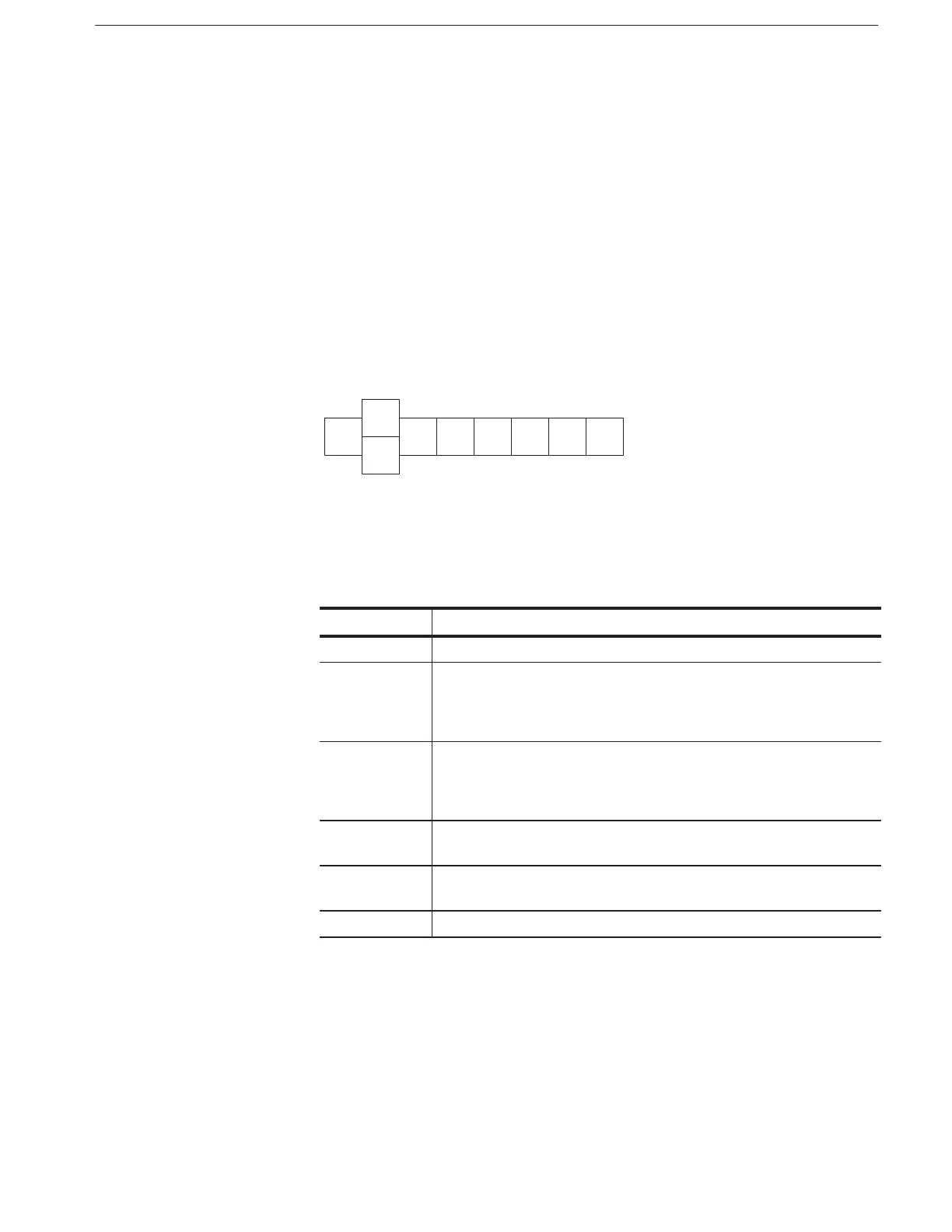
Status Byte Register (SBR). The SBR is shown in Figure 4–2. It records whether
or not the following events have occurred:
H Output is available in the Output Queue
H The waveform generator has requested service
H The SESR has recorded any events
Use a Serial Poll or the query to read the contents of the SBR. The bits in
the SBR are set and cleared depending on the contents of the SESR, the Event
Status Enable Register (ESER), and the Output Queue. When you use a Serial
Poll to obtain the SBR, bit 6 is the RQS bit. When you use the query to
obtain the SBR, bit 6 is the MSS bit. Reading the SBR does not clear the bits,
including the MSS bit.
Ċ
RQS
ESB MAV Ċ Ċ Ċ Ċ
MSS
7
6
543210
6
Figure 4-2: The Status Byte Register (SBR)
Table 4-2: SBR Bit Functions
Bit Function
7 (MSB) Not used (must be set to zero for waveform generator operation).
6 The RQS (Request Service) bit, when obtained from a serial poll, shows that
the waveform generator requests service from the GPIB controller (that is,
the SRQ line is asserted on the GPIB). This bit is cleared when the serial
poll completes.
6 The MSS (Master Status Summary) bit, when obtained from query,
summarizes the ESB and MAV bits in the SBR. (It shows that status is
present and enabled in the SESR, or a message is available at the Output
Queue, or both.)
5 The ESB (Event Status Bit) shows that status is enabled and present in the
SESR.
4 The MAV (Message Available) bit shows that output is available in the
Output Queue.
3-0 Not used (must be set to zero for waveform generator operation).



 To Next Page