Functional Overview
VX4792 User Manual
2-19
When assembling an equation, you first specify the time domain, and then
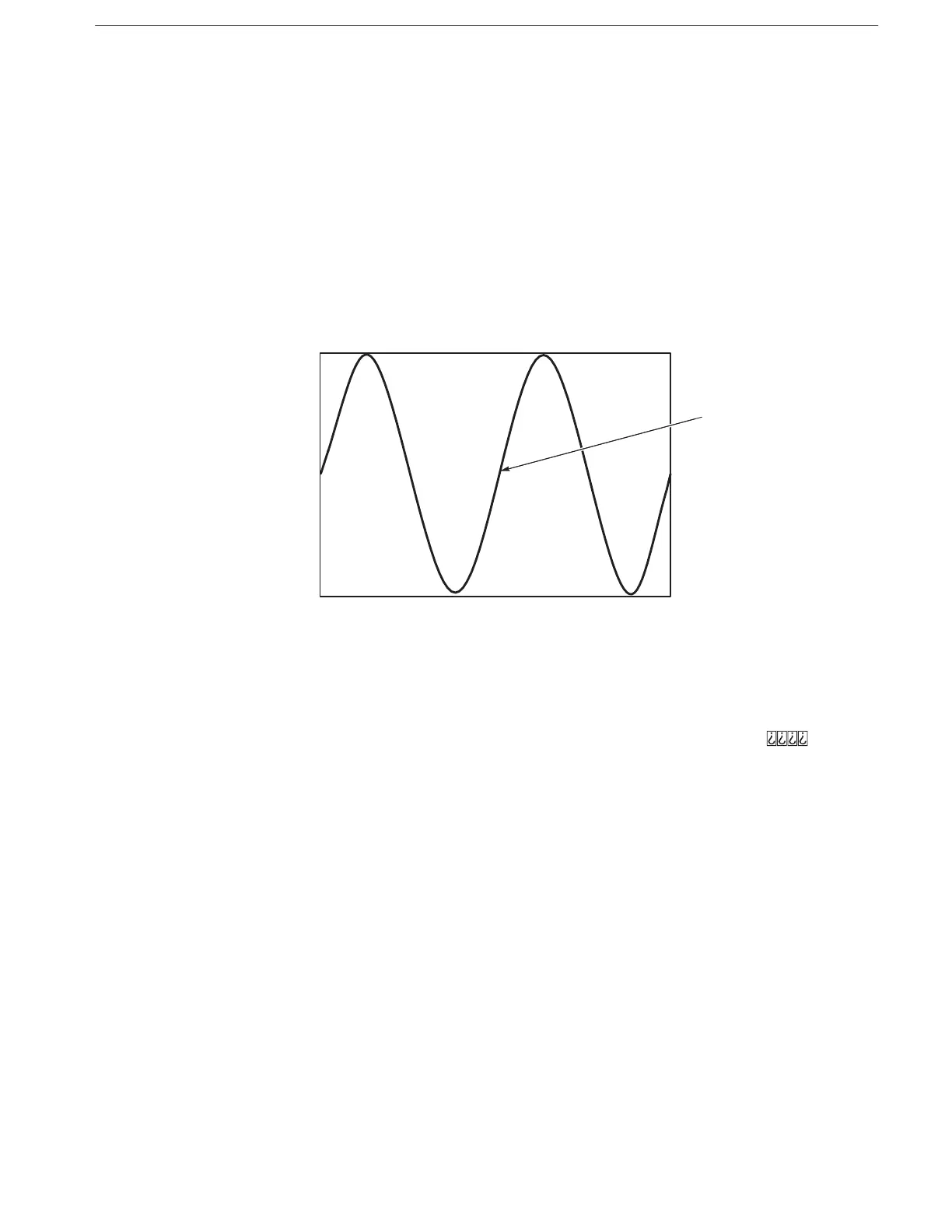
assemble the equation. Figure 2–17 shows an example of equation file data and
the waveform obtained by compiling the associated equation file. The equation
for Figure 2–17 can be separated into the following statements:
H The range statement “range(0,5 ms)” specifies the time domain
H The statement “sin(4*pi*x)” mathematically defines the waveform, a sine
wave with four peaks
H A Line Feed <LF> separates statements within the equation
!
Figure 2-17: Example of Equation File Data and Resulting Waveform
You can use multiple range statements within equations to assemble waveforms
of various shapes. Each range statement specifies the time period for the
mathematical statements that follow. See Figure 2–28 on page **
** for an
example waveform which requires multiple range statements.
Each equation must specify the time domain. An error will result if the time
domain is not defined. You specify the time domain with the statement “range()”.
Use the following format:
range( Equation starting time,Equation ending time )
When making a new equation file, “range(0,” is the starting point of the
waveform. Next you specify the ending time. This setting is valid until another
range statement is specified. Following the first range() specification, any
number of mathematical statements can be input.
Equation Structure
Specifying the Time
Domain



 To Next Page