Maintenance by the operator
— 50 SPECTRO XEPOS — 19.01.2017
6.10 Dust protection shutter / beam stabilization vacuum shutter
(option) — Clean O-ring
To clean the O-ring, proceed as described below:
1. Remove the sample tray and clean the sample chamber (see chapter 6.5).
2. Click the Diagnostic Tools of the "XRF Analyzer Pro" software. Select the
menu item "Shutter" and click the option "Open and deactivate".
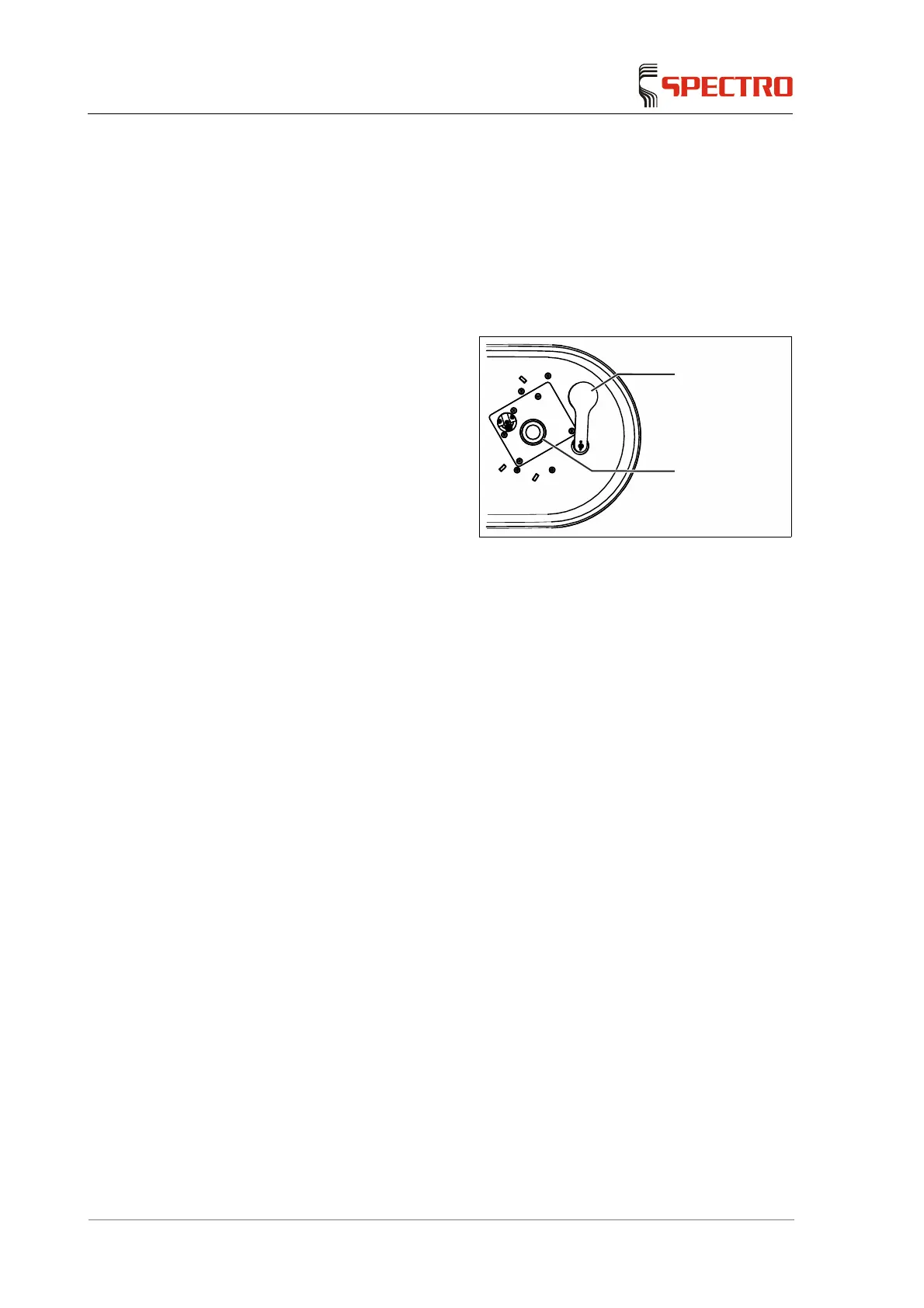
3. Inspect the O-ring (2). A dirty O-
ring can contaminate the
excitation chamber. If necessary,
clean the O-ring (2).
While cleaning, ensure the
excitation chamber is not
contaminated. To clean the
O-ring (2), use a soft cloth
and possibly isopropanol
(isopropyl alcohol). Do not
apply grease to the O-ring.
4. In order initialize the shutter (1),
select the option "Re-Initialize
Shutter" in the menu
item"Shutter" in the Diagnostic
Tools.
Fig. 26
The O-ring has been changed.
1
2



 To Next Page