Maintenance by the operato
SPECTRO XEPOS — 19.01.2017 — 49
6.9 Replacing the filter mat
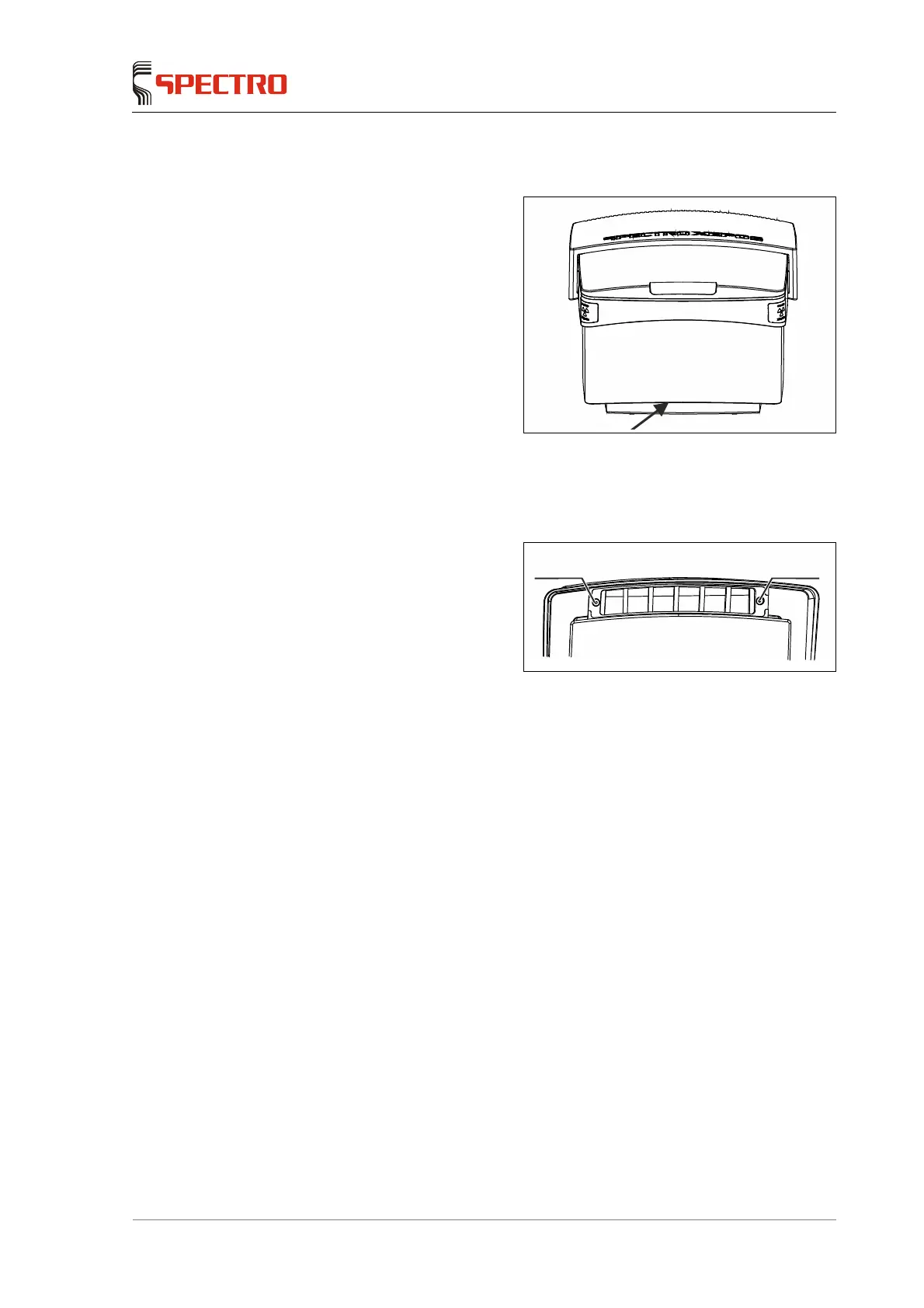
There is an air filter below the front
side of the instrument.
Fig. 24
The filter mat is included with each delivery. Additional mats can be ordered from
our SPECTRO Shop. The part number can be found on page 55.
To replace the filter mat, proceed as follows:
1. Loosen the cover on the
magnetic locks (1) by pulling
downward.
2. Remove the old filter mat.
Fig. 25: Bottom view
3. Install the new filter mat.
4. Reinstall the cover.
Ensure the magnetic lock is
positioned properly.
Now, the filter mat is replaced.
1 1



 To Next Page