Operation
SPECTRO XEPOS — 19.01.2017 — 25
5.2 Switching on the instrument
Note
When turning on the spectrometer after a long period of downtime, the following
conditions must be taken into consideration:
If the spectrometer was shut down for more than two days, the X-ray tube
must be run under standby conditions for at least 20 minutes. Start measuring
only after this period.
If the spectrometer was shut down for more than one month, the X-ray tube
must be run under standby conditions for at least 1 hour. Start measuring only
after this period.
Otherwise, the service life of the X-ray tube will be reduced significantly.
If the spectrometer is operated inside an air-conditioned room, a constant
ambient temperature must be maintained. If the room temperature was
changed, wait at least 30 minutes before switching on the spectrometer.
Otherwise, the results of the measurements will be falsified.
Note
Ensure that the ambient conditions specified in Chapter "Technical data" are
maintained. If the temperature and/or relative humidity does not comply with the
specifications, the software of the instrument will initiate a warning.
To switch on the instrument, proceed as follows:
1. Turn the key-operated switch on the spectrometer (see figure, page 9, Pos. 7)
into its horizontal position.
2. Switch on the computer.
The operating system is started.
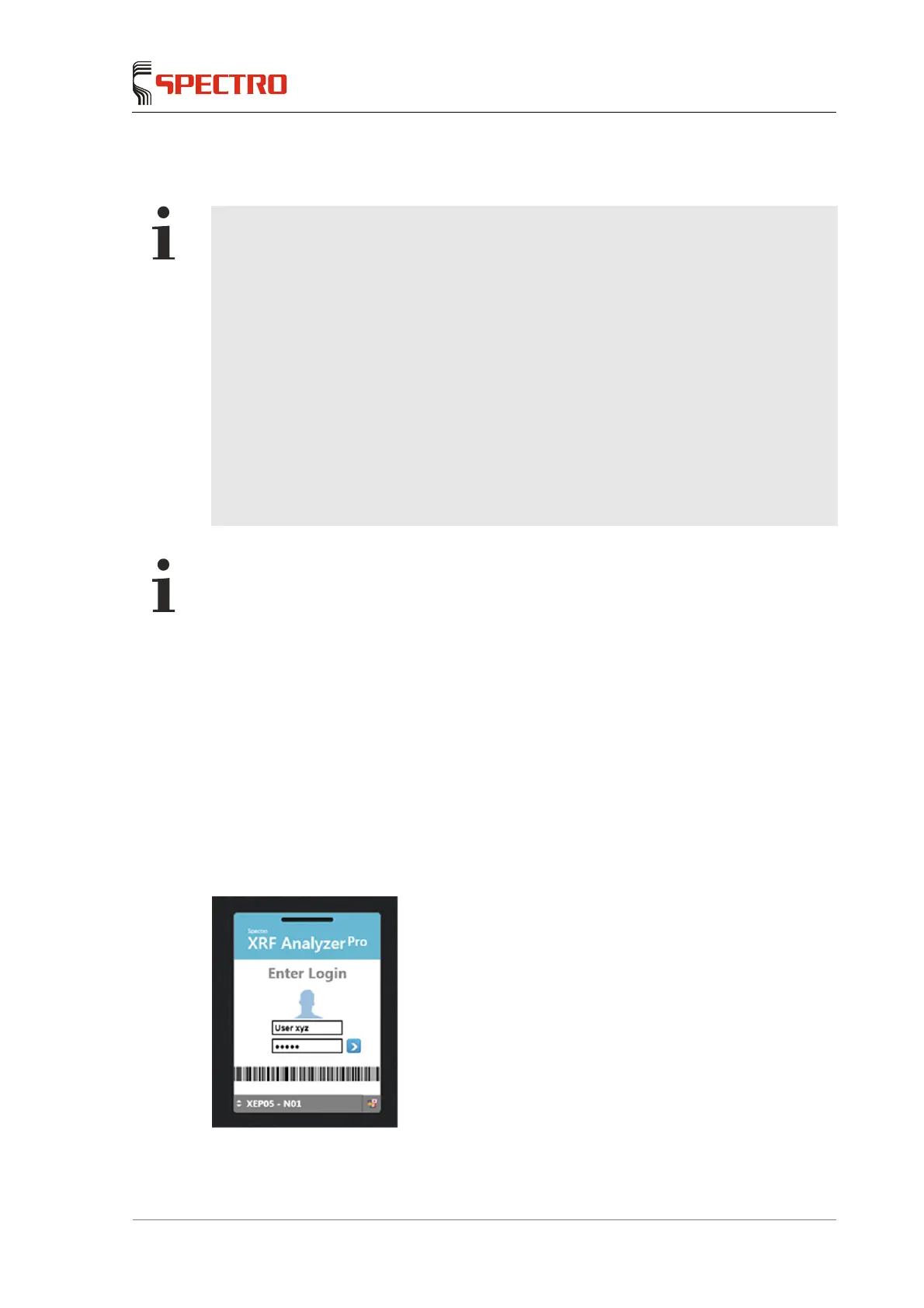
3. Click on the "XRF Analyzer Pro" button; this will start the routine dialog.
A login window opens:



 To Next Page