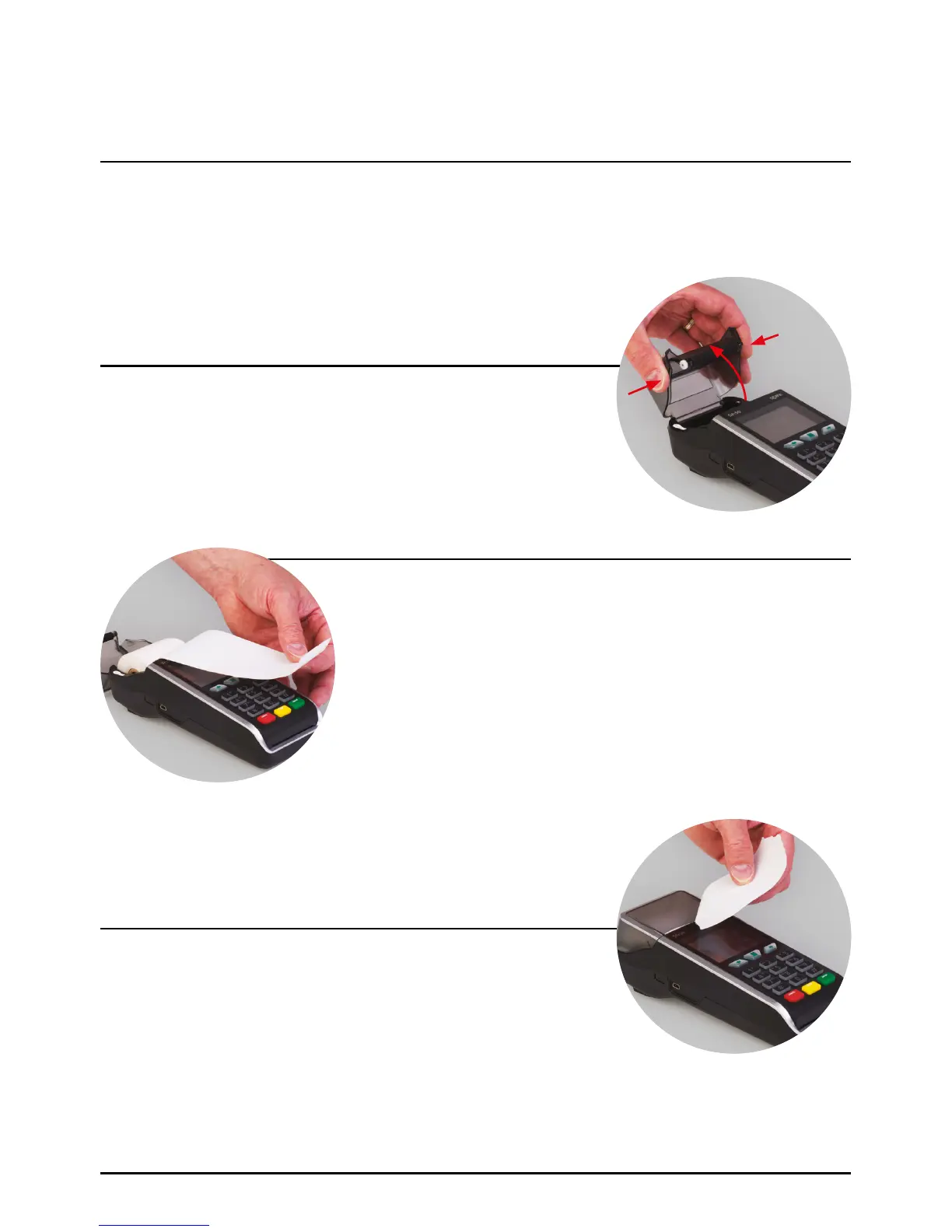
With the terminal facing upwards, place finger and thumb on
either side of the printer door, squeeze inwards and pull upwards
at the same time.
Discard any packing material from the paper roll. Replace the roll
as shown in the diagram. The paper must feed from underneath
the roll. The correct orientation of the paper is critical (if you
experience blank receipts, the paper may be incorrectly inserted
or the wrong specification). Pull a length of paper until it protrudes
from the top of the terminal.
SPc50 Paper Roll Loading Procedure
Step 1
Step 3
Step 2
Close the printer door until an audible ‘click’ is heard and tear
off the excess.
23
Loading A Paper Roll (Cont.)
Page 23.



 To Next Page