59
This is much the same as a regular Sale transaction but with the added ability of including a tip in
addition to the transaction amount.
PLEASE NOTE:
This is a service that must be requested from your acquirer. When activated, tipping will
be set by default for all Sale transactions.
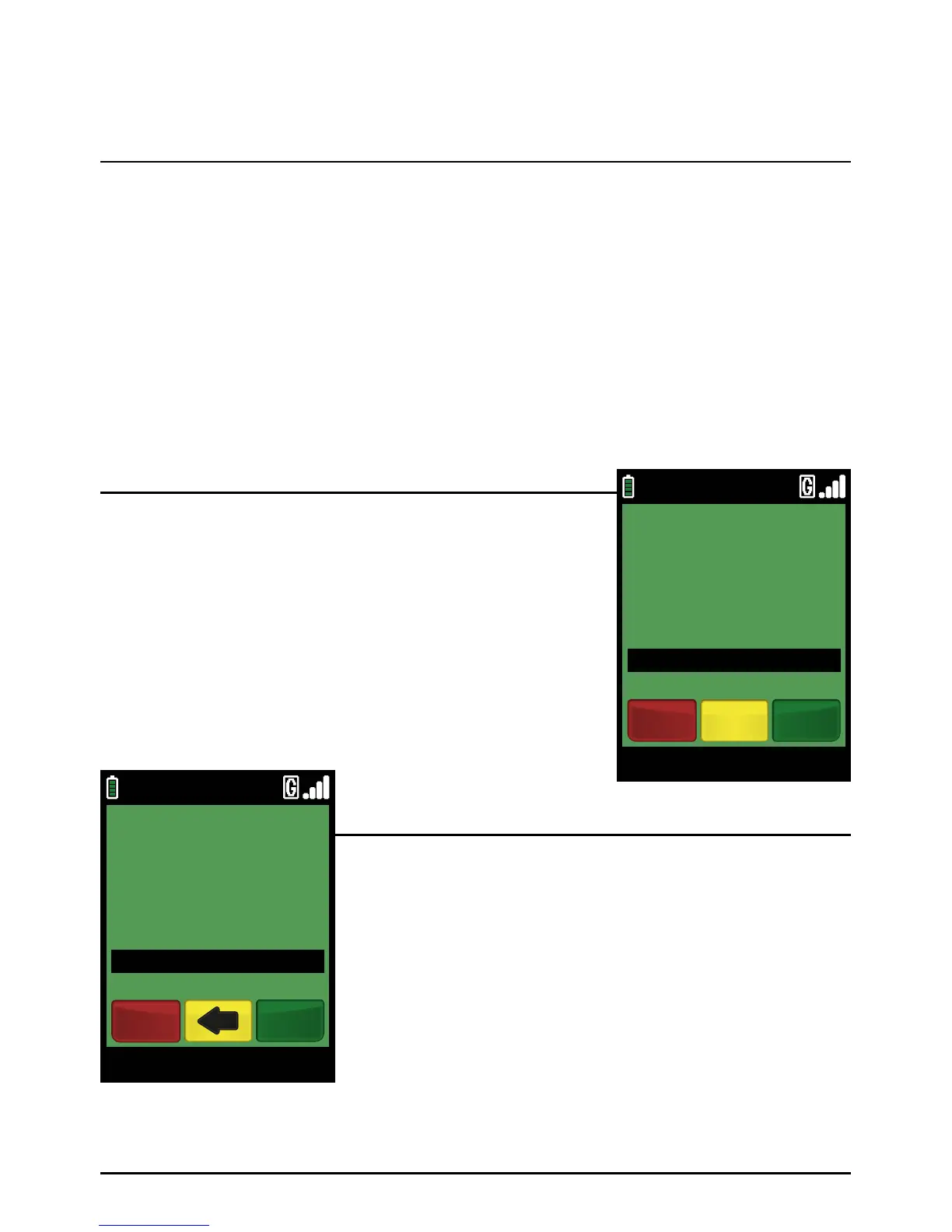
When the terminal is ready to perform a Sale and Tip transaction it will display the Welcome screen.
Enter the Sale amount in pence (or cents in ROI) and press the
green ‘ENTER’ key.
Example:
Typing in 1000 would equate to a value of £10.00 (€10.00 in ROI).
PLEASE NOTE:
If a mistake is made entering data, the the last digit can be
deleted by pressing the yellow ‘CLEAR’ key.
Insert the Chip Card into the terminal’s Chip Card reader or
PIN Pad (if fitted). Type in the base amount in pence (or cents
for ROI) and press the green ‘ENTER’ k ey.
Example:
Typing in 1000 would equate to a value of £10.00 (€10.00 in ROI).
PLEASE NOTE:
If a mistake is made entering data, the the last digit can be
deleted by pressing the yellow ‘CLEAR’ key.
You can start a Chip and PIN Sale and Tip transaction in one of two ways:
Step 1
Option 1
Option 2
Sale And Tip (Inserting A Chip Card)
Page 59.
09/11/13 12:00
BASE AMOUNT
£100.00
VISA SALE
EnterCancel
09/11/13 12:00
Main Menu
ENTER AMOUNT
TO START PAYMENT
£0.01
Clear EnterCancel



 To Next Page