42
The cardholder usually has 3 attempts to enter his/her PIN correctly. If they enter it incorrectly 3
times in a row (even on different days and in different locations), the card will lock the PIN and the
cardholder must contact his/her card issuer or have it unlocked at an ATM.
If the cardholder forgets his/her PIN and does not want to continue, you can cancel the transaction
by pressing the red ‘CANCEL’ key on the ‘ENTER PIN’ screen. Alternatively, you may be allowed to
continue and ‘bypass’ the PIN.
If you select ‘BYPASS’, the terminal will ask for the cardholder to sign the merchant’s copy of the
receipt which you will be asked to verify.
PLEASE NOTE:
Signature verication is not as secure as Chip and PIN and you may incur charge-backs from
your acquirer if you use it.
What Happens If The Cardholder Has Forgotten His/Her PIN?
If the card presented is a Chip Card, it must be inserted into the terminal or PIN Pad. If your terminal
cannot read the Chip you may be given the option to swipe the card’s magnetic stripe. As an additional
security measure you may be requested to enter the last 4 digits of the card number.
If a Chip Card is swiped prior to being inserted into the terminal or PIN Pad, the terminal will request
the card is inserted into the Chip Card reader.
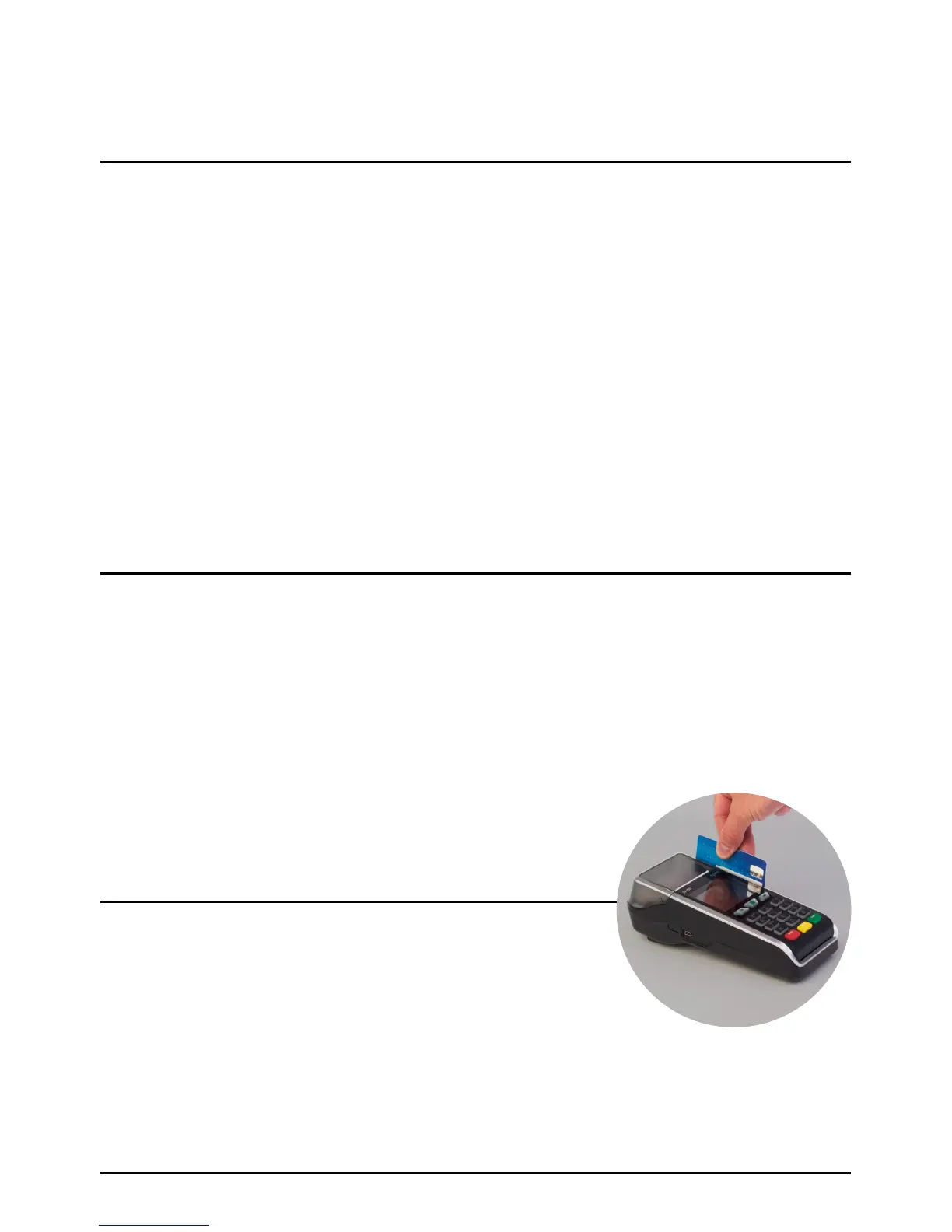
Swipe the card with the magnetic stripe facing down and towards
the terminal. Swipe the card quickly in either direction.
How To Swipe A Card
How To Swipe A Card
Transactions (Cont.)
Page 42.



 To Next Page