73
A Refund transaction should only be performed if an End of Day Banking/Settlement has been
completed subsequent to the original transaction that needs to be refunded. If the banking hasn’t
been completed, a Void transaction should be performed instead.
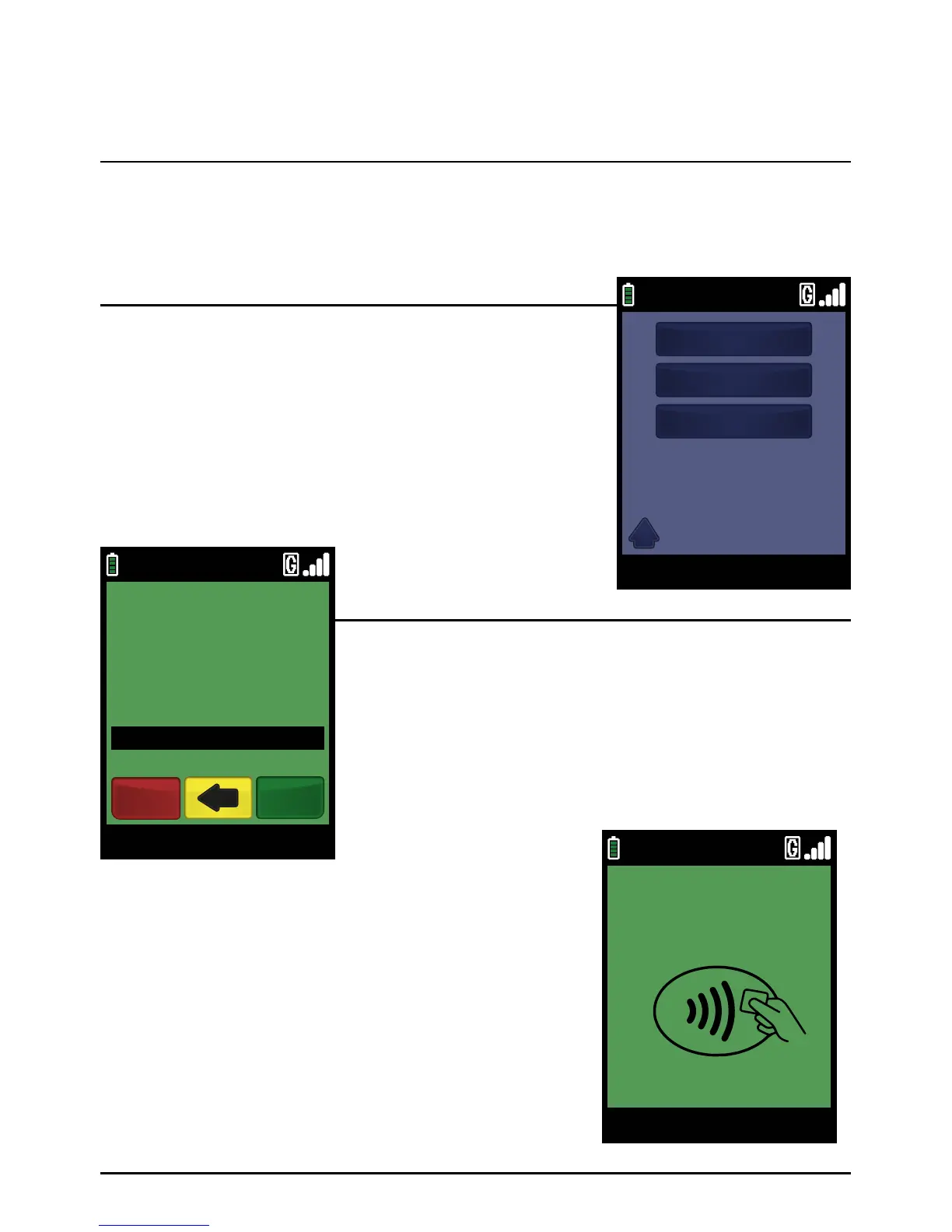
Select the ‘REFUND’ transaction type from either the Transaction
Menu or the ‘TRANS’ option of the Terminal and Reports Menu.
The exact location will be dependent on your terminal’s configuration.
Enter the Refund amount in pence (or cents in ROI) and press the
green ‘ENTER’ key.
Example:
Typing in 1000 would equate to a value of £10.00 (€10.00 in ROI).
PLEASE NOTE:
If a mistake is made entering data, the the last digit can
be deleted by pressing the yellow ‘CLEAR’ key.
Step 1
Step 2
Insert the Chip Card into the terminal’s Chip Card reader or PIN
Pad (if fitted).
The transaction will now complete as per a normal transaction,
but the PIN entry phase will be skipped.
Step 3
Refund (Inserting A Chip Card)
Page 73.
09/11/13 12:00
TRANS
1
2
3
SALE
REFUND
FORCE
09/11/13 12:00
ENTER AMOUNT
REFUND
Enter
£10.00
Cancel
TOUCH, INSERT
OR SWIPE CARD
09/11/13 12:00
Main Menu



 To Next Page