50
If your terminal cannot read the Chip on the presented Chip Card (or one is not present) you may
be given the option to swipe the card’s magnetic stripe (located on the rear of the card).
Swipe the Card in the terminal’s magnetic stripe reader
(see page 42).
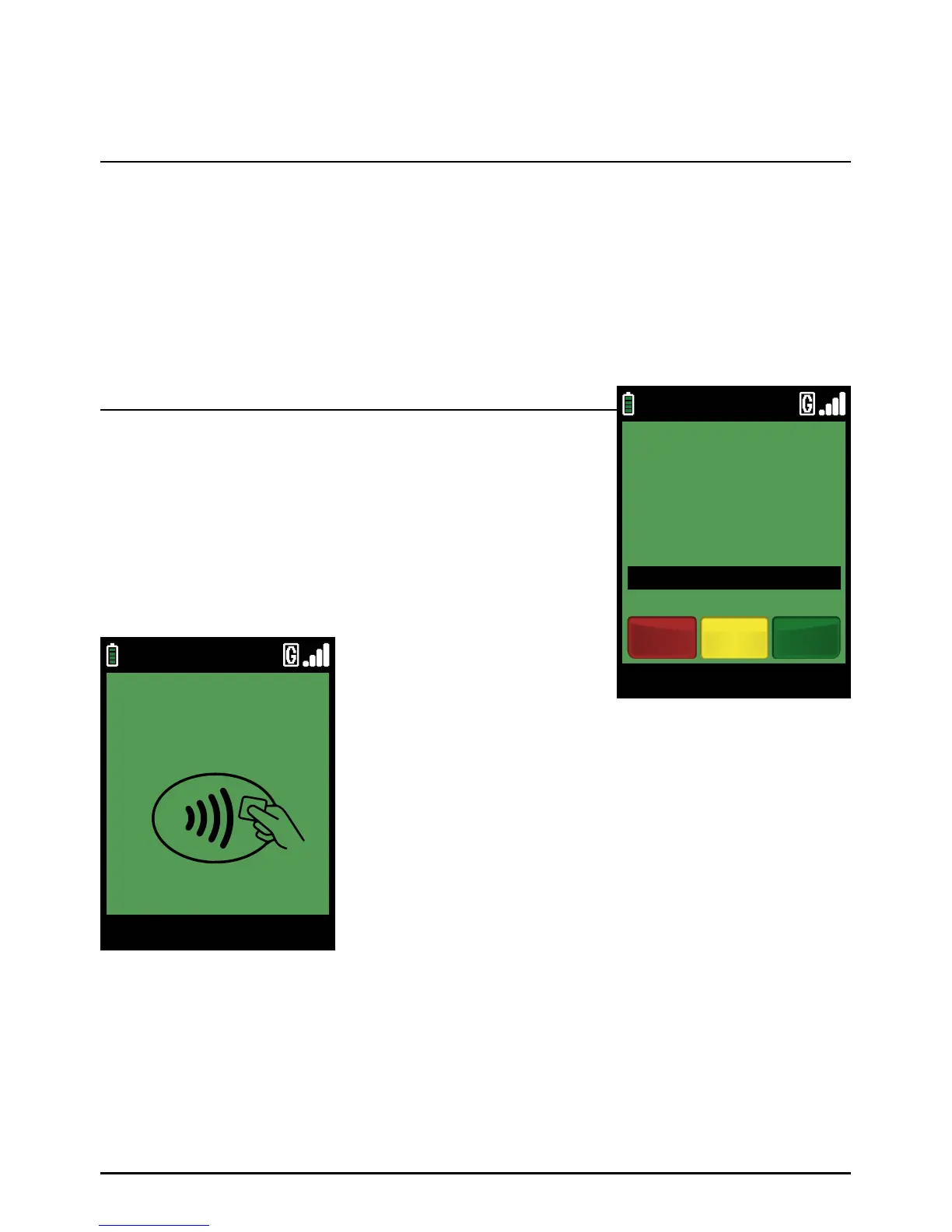
When the terminal is ready to perform a Sale transaction it will show the Welcome screen.
Enter the Sale amount in pence (or cents in ROI) and press the
green ‘ENTER’ key.
Example:
Typing in 1000 would equate to a value of £10.00 (€10.00 in ROI).
PLEASE NOTE:
If a mistake is made entering data, the the last digit can be
deleted by pressing the yellow ‘CLEAR’ key.
You can start a Sale transaction in one of two ways:
Step 1
Option 1
Sale (Swiping A Card)
Page 50.
09/11/13 12:00
Main Menu
ENTER AMOUNT
TO START PAYMENT
£0.01
Clear EnterCancel
TOUCH, INSERT
OR SWIPE CARD
09/11/13 12:00
Main Menu



 To Next Page