09/11/13 12:00
Main Menu
ENTER AMOUNT
TO START PAYMENT
£0.01
Clear EnterCancel
Turning The Terminal On
Turning The Terminal Off
31
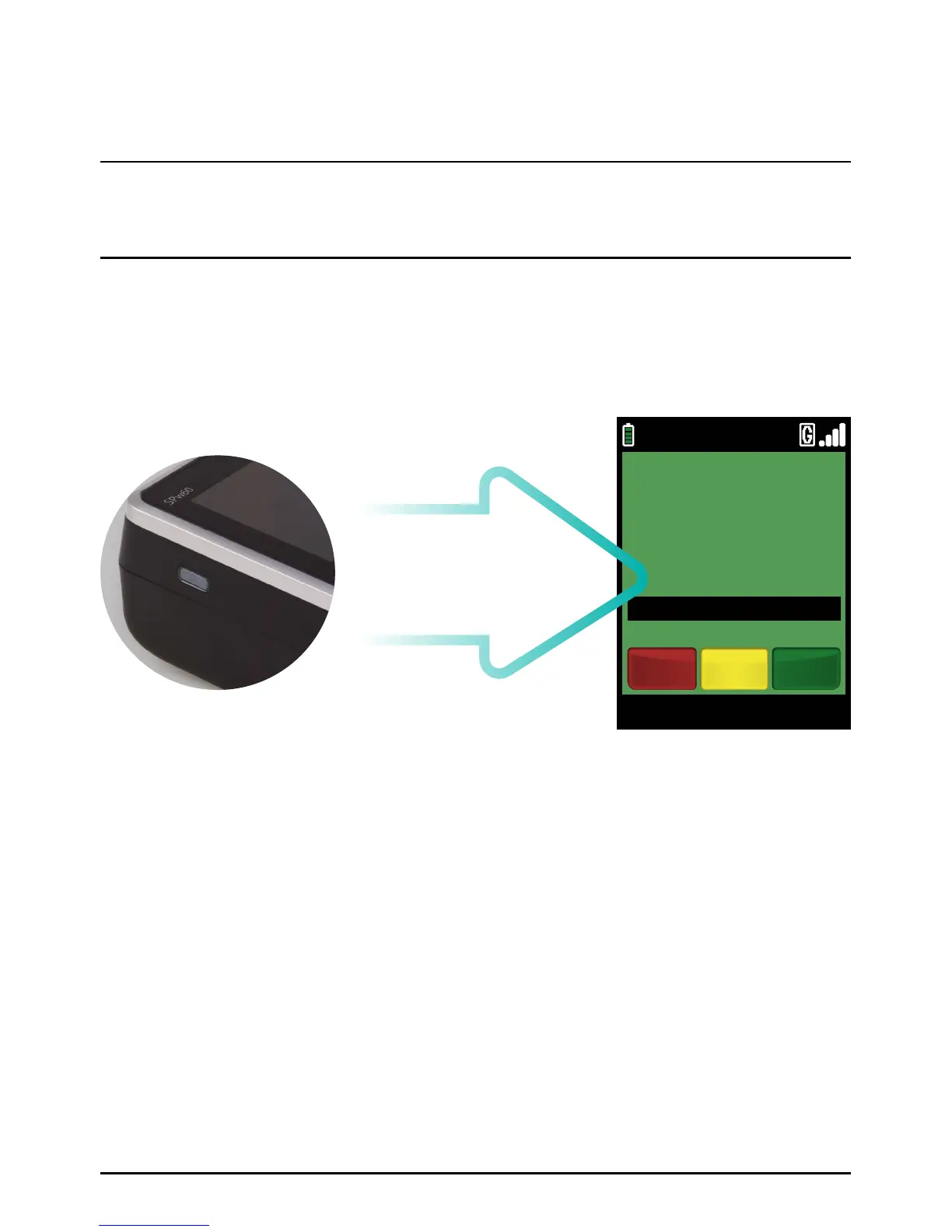
To turn the terminal on press the power button found on the left hand side of the terminal until
the screen lights up. The terminal will automatically scroll through several screens of information
until the Welcome screen is displayed.
Please note: the screens-shots and receipt examples on your terminal may differ in detail from those
depicted in this manual.
To turn the terminal off press the power button for three seconds,
ensure ‘SHUTDOWN’ is highlighted and press the green ‘ENTER’ ke y.
PLEASE NOTE:
Highlighting ‘RE-START’will re-start the payment application.
Welcome screen
Using Your Terminal
Page 31.



 To Next Page