Main Menu
09/11/13 12:00
1
2
3
4
5
New trans
Batch
Reports
Terminal
CL Receipt
Main Menu
09/11/13 12:00
1
2
3
4
Setup
Function
Tests
Re-Print
Reports
09/11/13 12:00
1
2
3
4
X
Z
Audit
Summary
Reports And Terminal Menu
37
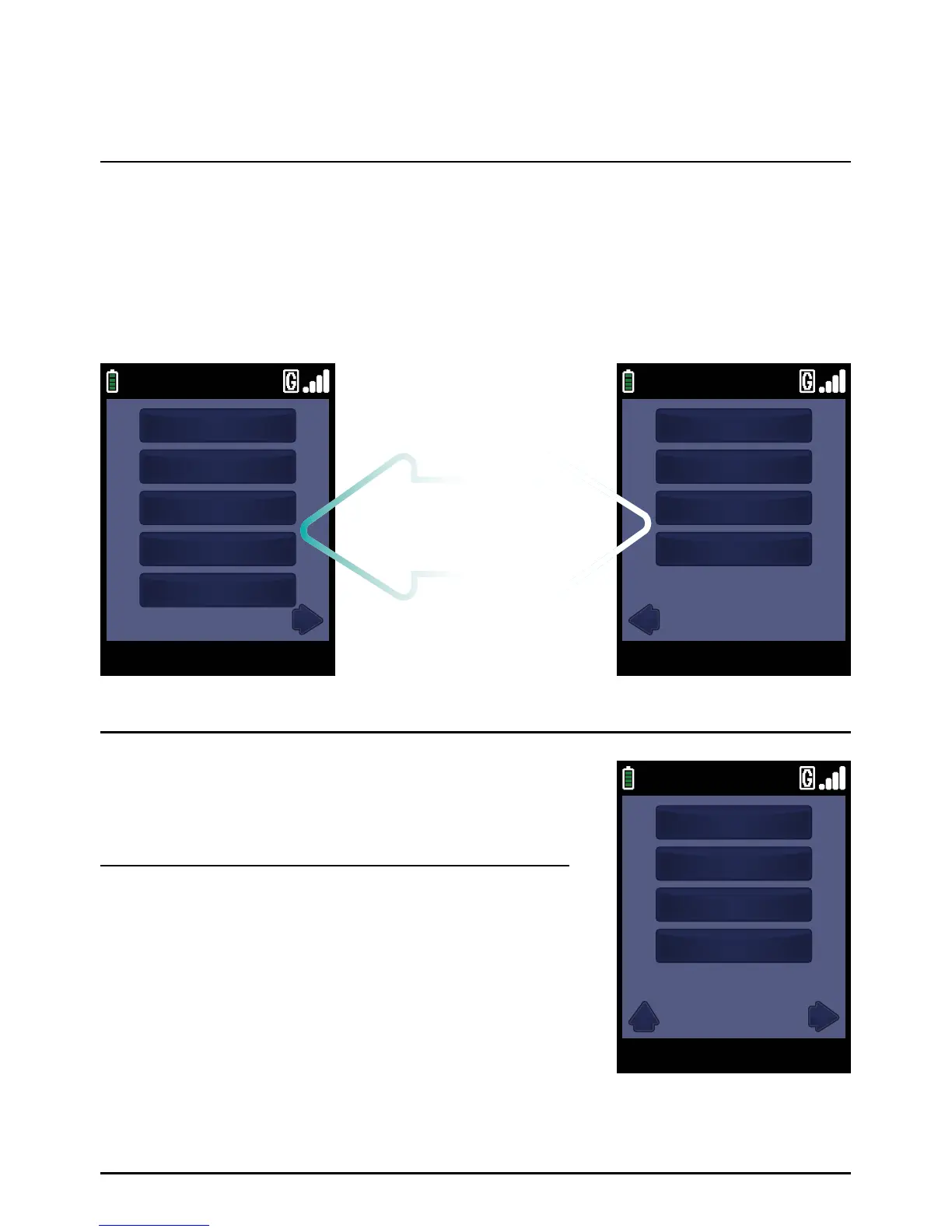
The screens below show the Reports and Terminal Menu. This is displayed by pressing the ‘MAIN MENU’
key when the Transaction Menu or Welcome Screen is displayed. As there are more than five menu
options it is split between two screens. To access the second screen press the ‘ARROW’ key below
the arrow icon at the bottom of the display. This operation can be repeated from the second screen
to return to the first part of the menu.
Selection of an item from a menu can display a sub-menu with
more options (see right for an example). You may return to the
original menu by pressing the ‘ARROW’ key under the upward
pointing arrow icon.
Menu Operation
Page 37.



 To Next Page