63
Force Authorisation is a transaction type that may be available on your terminal if permitted by
your bank. This transaction type allows you to capture and submit transactions that have previously
been authorised using paper vouchers. You can capture both Sale and Refund paper voucher transactions.
Force Authorisation must only be used if the transaction has already been authorised on a paper
voucher, and you must continue to keep the original paper voucher for the period specified by
your bank.
The terminal will then prompt for the entry of data from the paper authorisation receipt, including
card number, expiry date (this is not checked by the terminal as the transaction may have occurred
in the past), card issue number, authorisation code, and whether the cardholder was present or not
at the time of the original transaction. You will not be asked for Cardholder Security (CSC) data
or Address Verification (AVS) data, since the cardholder will no longer be available to supply this
information when capturing data from a paper voucher (please note you must under no circumstances
write down the CSC or AVS data as this is a breach of Data Security Standard requirements.
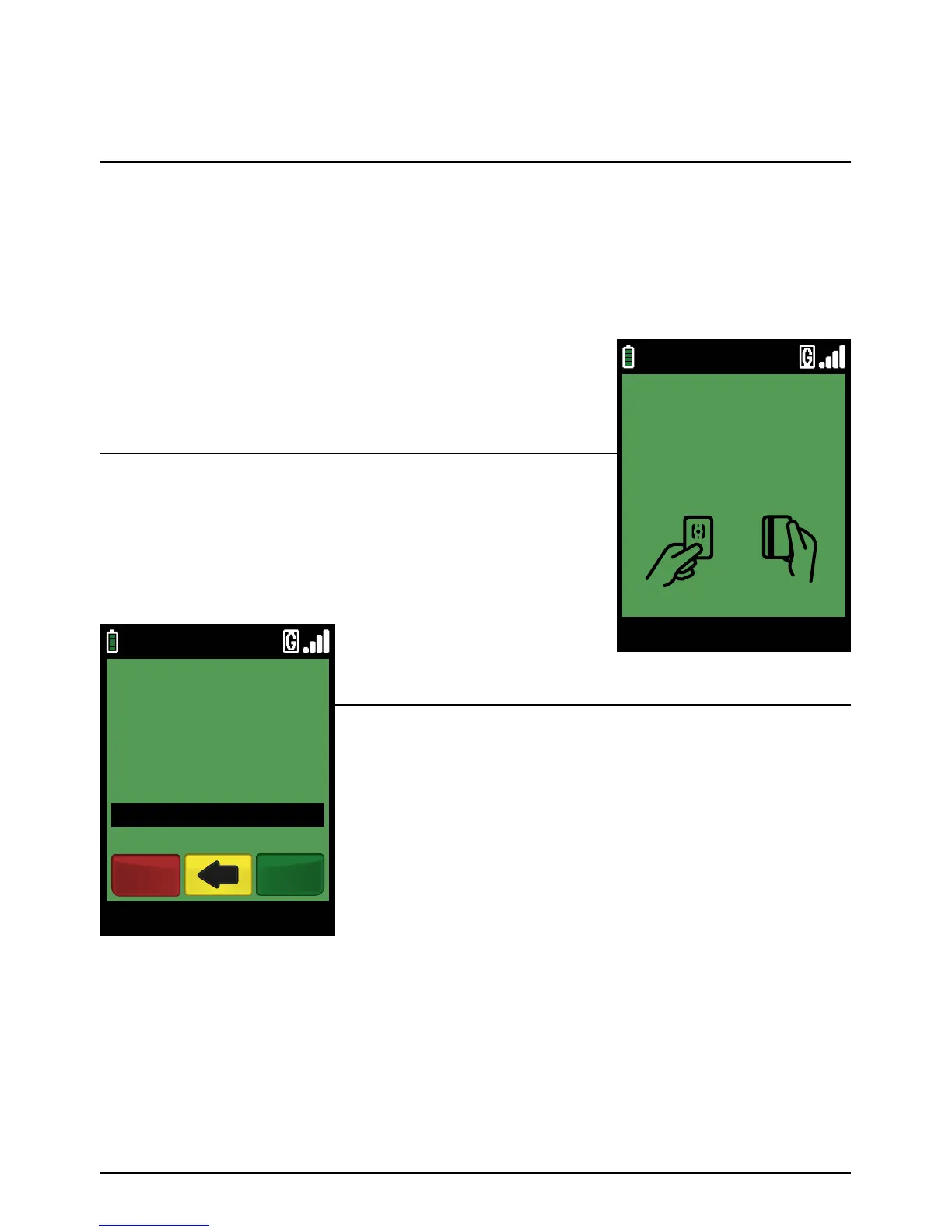
Select the ‘FORCE’ transaction type from the menu system.
Next select either ‘SALE’ or ‘REFUND’ from the same screen
depending on the Force Authorisation you require.
You may be asked to enter your Merchant Password.
Please enter the original transaction amount.
Example:
Typing in 100 would equate to a value of £1.00 (€1.00 in ROI).
PLEASE NOTE:
If a mistake is made entering data, the the last digit can
be deleted by pressing the yellow ‘CLEAR’ key.
Step 1
Step 3
Step 2
Forced Authorisation
Page 63.
09/11/13 12:00
PRE AUTH
INSERT OR SWIPE CARD
ENTER AMOUNT
AMOUNT £100.00
09/11/13 12:00
ENTER AMOUNT
VISA SALE
£10.00
EnterCancel



 To Next Page