41
Your terminal is able to provide the following transaction types:
PLEASE NOTE:
By default, your terminal will not be congured to accept all transaction types. Please contact
your terminal leasing company for further details on how to add other transactions.
PLEASE NOTE:
There are multiple configurable options on the SP range of terminals which are set by the
acquirers. As such the transaction ows within this manual may vary slightly to those displayed
on your terminal.
•
•
•
•
•
•
•
Sale
Sale with Cashback
Sale with Tip
Force Authorisation
Pre-Authorisation
Completion
Refund
If your terminal is fitted with a PIN Pad, the card reader in the terminal is disabled. In this situation the
cardholder inserts his/her Chip Card into the PIN Pad card reader. If no PIN Pad is fitted, the cardholder can
insert his/her Chip Card into the terminal or, if preferred, they can ask you to perform the operation.
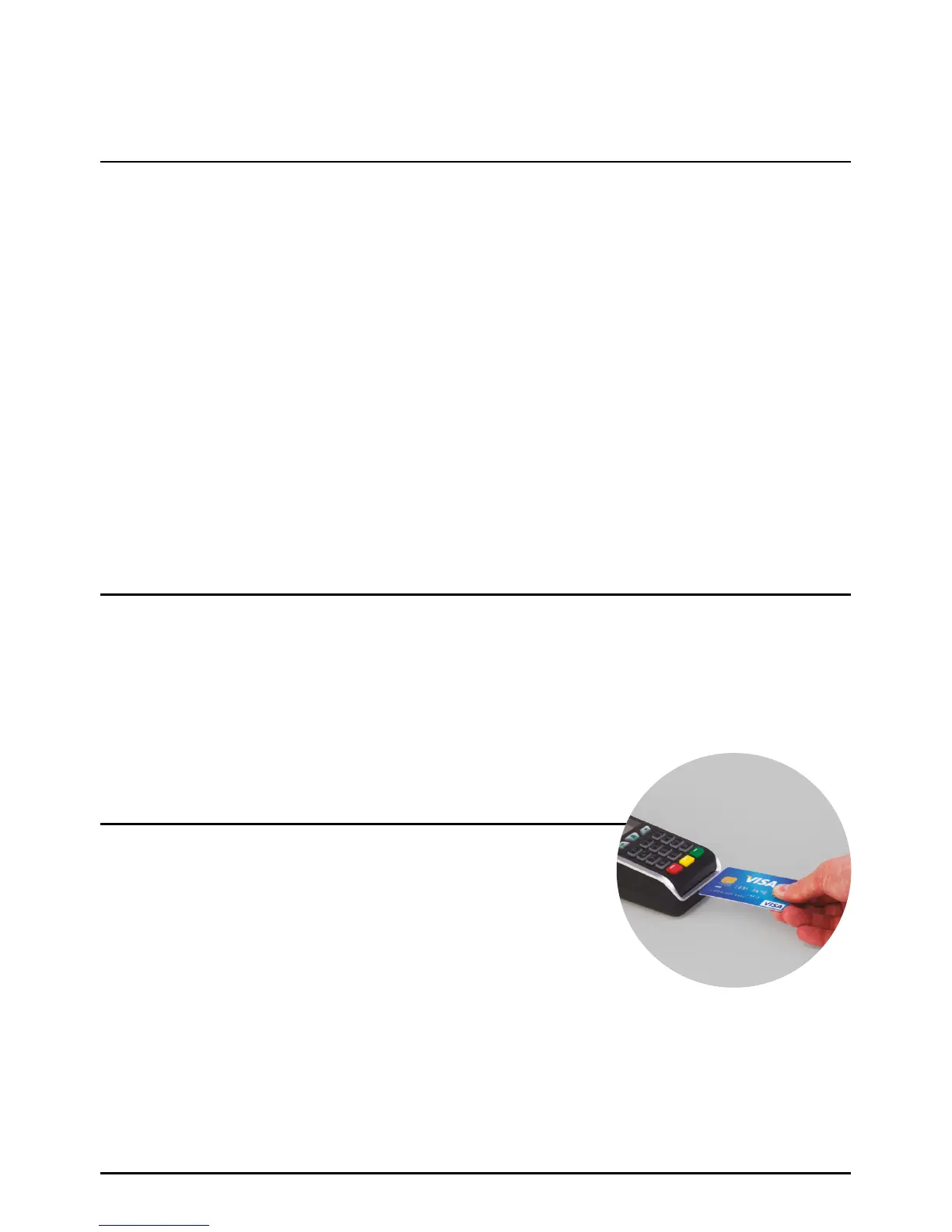
If the card has a Chip on the front, insert the card either in the
main terminal or separate PIN Pad (SPp10) with the Chip facing
up and towards the terminal/PIN Pad. When the card is inserted
correctly you should feel some resistance and hear an audible
soft ‘click’.
How To Insert A Chip Card
How To Insert A Chip Card
Transactions
Page 41.



 To Next Page