65
The SP family of terminals allow transaction types for use in the hotel industry. These transaction
types are also relevant for other merchant categories such as car rentals.
The transaction is performed in two parts: a ‘Pre-Authorisation’ and a confirming ‘Completion’.
The optional Express Check-Out feature (that allows Customer Not Present checkout) and Tipping
features are not available unless requested and agreed with your bank.
The Pre-Authorisation is performed during check-in. The final bill is estimated and the cardholder’s
account checked for sufficient funds. The estimated amount is reserved in, but not taken from,
his/her bank. The funds are eventually taken using a Completion transaction when the cardholder
settles his/her bill on check-out. There are, of course, other situations where these transactions
would be useful.
A Pre-Authorisation transaction must be completed within a set amount of time. If not completed
within this period it will become invalid and reallocated funds will return to the cardholder’s account.
Your bank can advise you on this time limit.
The value of the Completion must also be within a specified range of the original Pre-Authorisation
(not dramatically different). Your bank can advise on the upper and lower variances allowable.
Select the ‘PRE-AUTH’ transaction type from either the
Transaction Menu or the ‘TRANS’ option of the Terminal
and Reports Menu. The exact location will be dependent
on your terminal’s configuration.
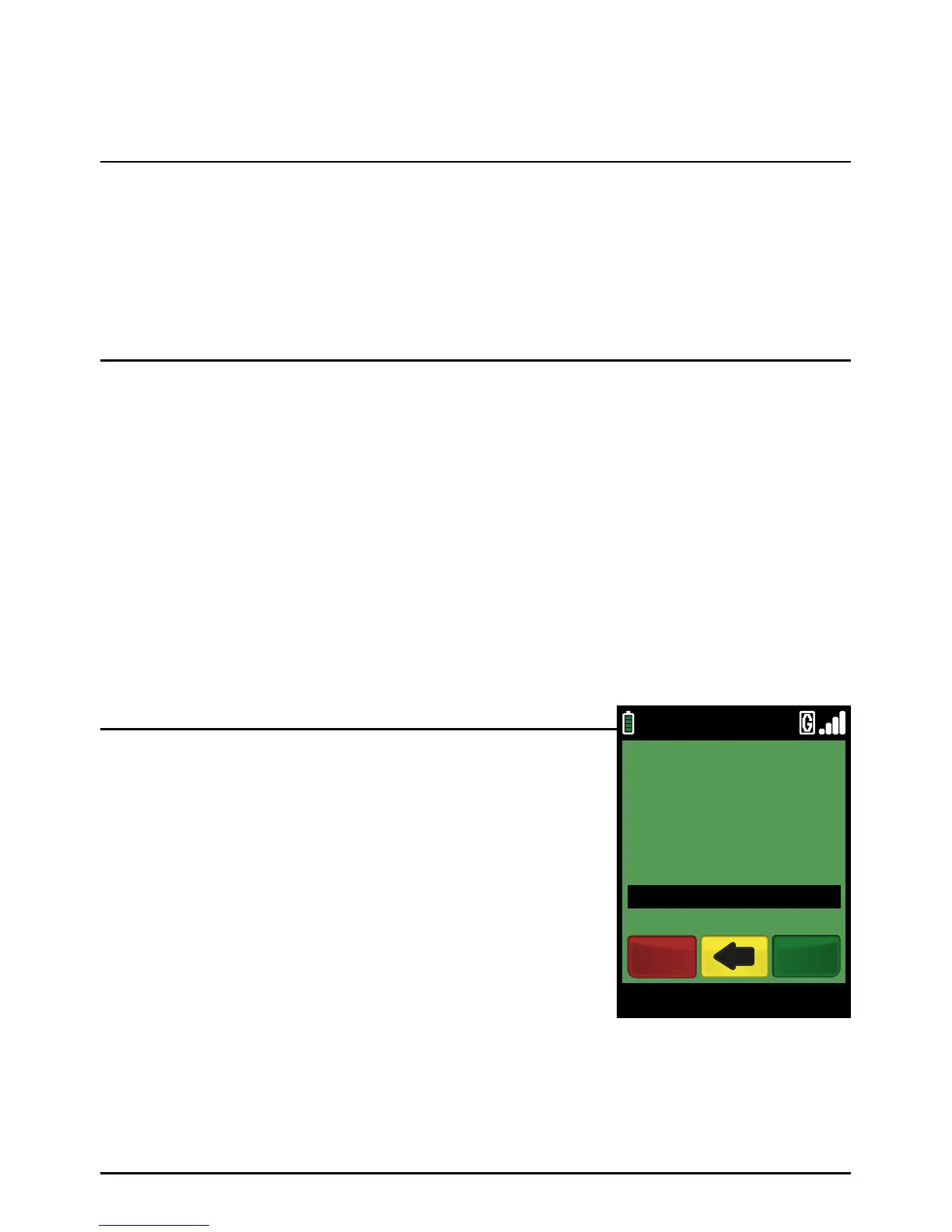
Type in the Pre-Authorisation amount in pence (or cents
for ROI) and press the green ‘ENTER’ k ey.
Example:
Typing in 10000 would equate to a value of £100.00 (€100.00 in ROI).
PLEASE NOTE:
If a mistake is made entering data, the the last digit can
be deleted by pressing the yellow ‘CLEAR’ key.
Step 1
Pre-Authorisation - Check-In
Hotel and Rental Operations
Page 65.
09/11/13 12:00
ENTER AMOUNT
£100.00
VISA PRE AUTH
EnterCancel



 To Next Page