28
•
•
•
•
•
Select a location close to an electrical power outlet.
Select a location close to a network connection point.
Select a location where there will be no physical obstructions between the WiFi access point and
the SPw60 operating area. This includes brick and block walls.
Do not install or place the WiFi access point on a metal or metallised material surface.
Avoid close proximity to cordless phones, Bluetooth devices, microwave ovens and other
mobile devices.
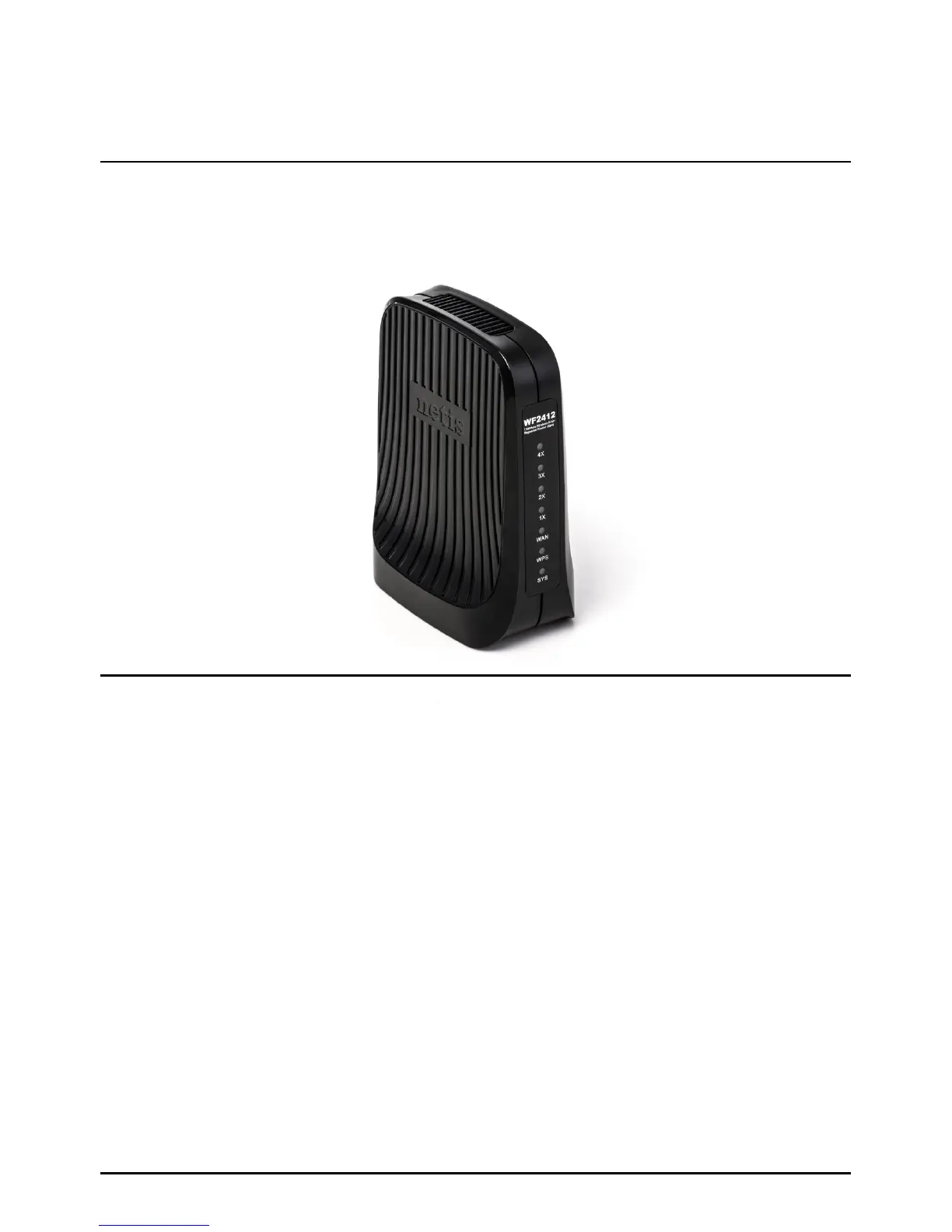
The exact model of WiFi access point may vary from that pictured here. However, the installation
procedure is identical.
The design of the WiFi access point allows it to be placed on a counter or shelf.
Please bear the following in mind when choosing an installation location:
WiFi Access Point Models
WiFi Access Point Siting Recommendations
WiFi (SPw60 Portable Terminal Only)
Page 28.



 To Next Page