29
Please follow this procedure carefully and only power on the terminal and WiFi access point when instructed.
The range of a SPw60 from the WiFi access point should be in the region of 100 feet in all directions,
but this can vary due to internal obstructions and potential interference from other equipment
(see page 28 for siting recommendations).
Once the system is powered, it is best to carry the terminal to the extremes of your premises where you
would expect to take payment and check operation. If necessary, relocate the WiFi access point.
Alternatively, it is possible to boost the WiFi signal strength by purchasing an aftermarket repeater.
SPw60 Portable Terminal’s Expected Range
Step 1
Step 3
Step 2
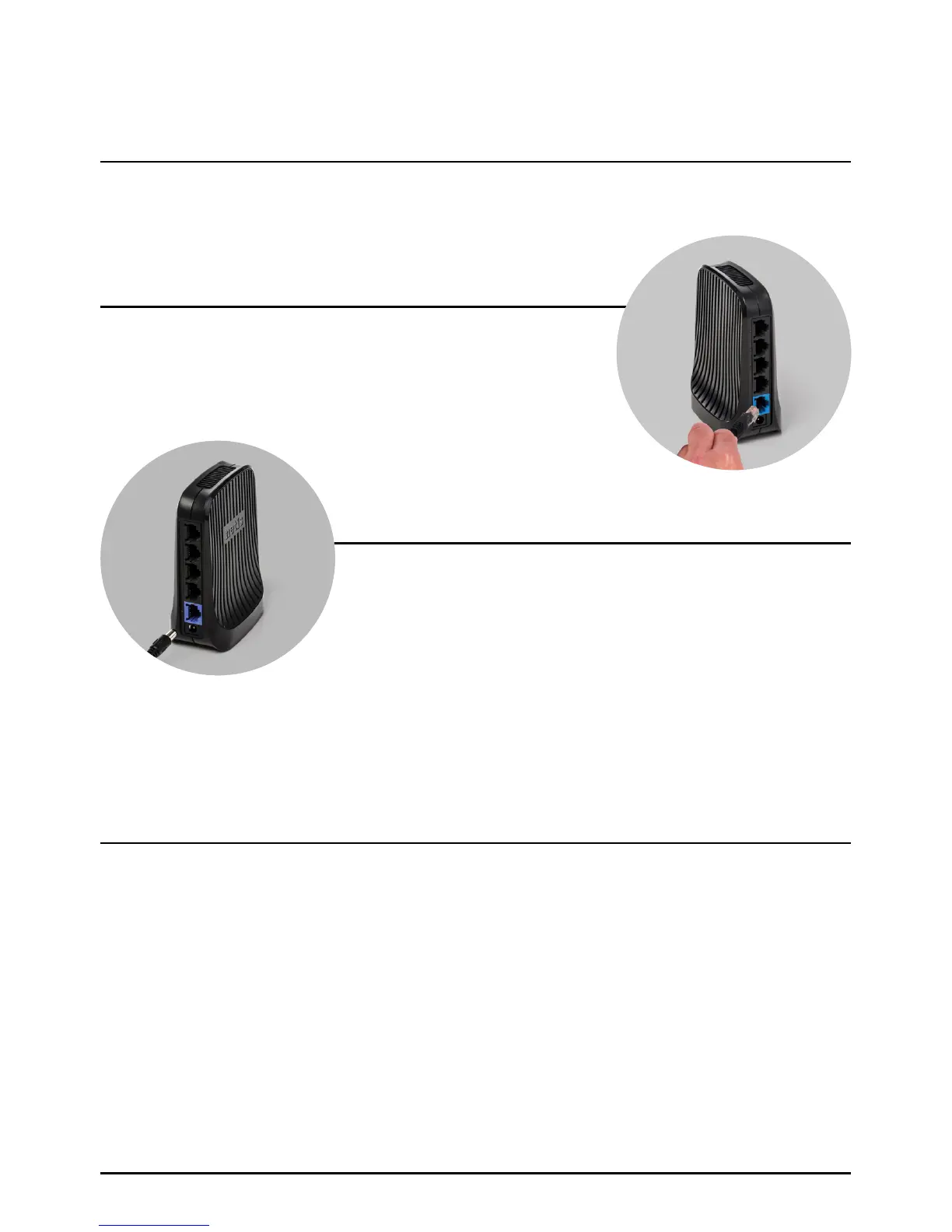
Plug the supplied network cable into the blue socket in the
rear of the WiFi access point.
Connect the other end of the network cable to your Internet
connection point.
Plug the WiFi access point power supply into the mains power socket and switch on.
Note: Multiple SPw60 terminals can communicate with a single WiFi access point.
Plug the power supply into the rear of the WiFi access point.
WiFi Access Point Cable Connection
Page 29.



 To Next Page