24
The SPw60 and SPw70 portable terminals can either be supplied with a charging stand as described
above or just a power supply. If you are operating without a charging stand, charging of the internal
battery module is achieved by the following procedure.
The SPc50 countertop terminal and optional SPp10 PIN Pad need to be located near a mains socket
and the desired communication point (telephone socket and/or network connection).
Step 1
Step 1
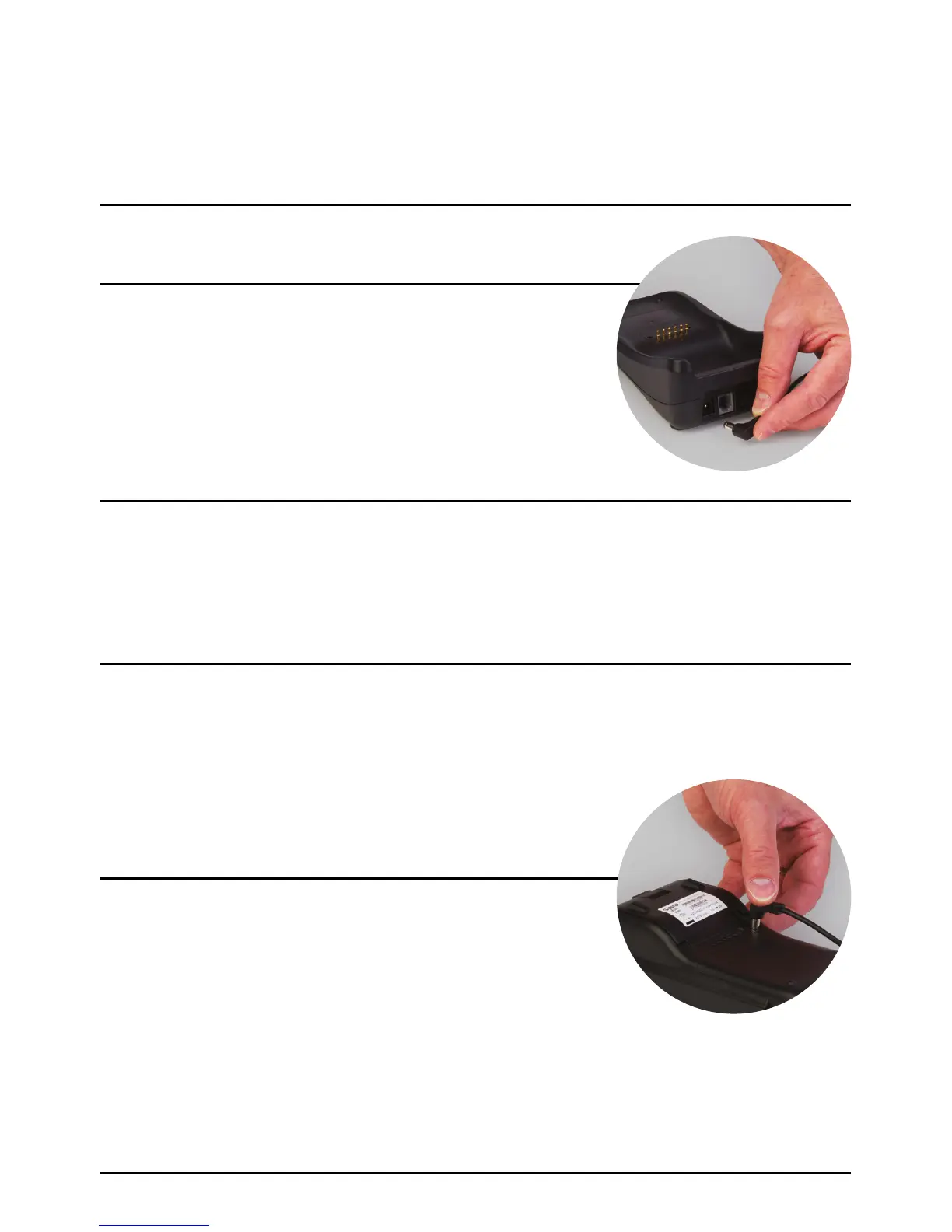
If a charging stand has been supplied, place in a convenient
location. Insert the supplied power lead into the rear of the
charging stand and connect into a mains socket. Once connected,
turn the mains on. A small red power indicator light will illuminate
on the side of the charging stand. The SPw60 portable terminal
will also come with a WiFi access point, connection of which is
covered in the next section.
Plug the power supply into the rear of the terminal as shown
in the picture and leave to charge.
Cable Connection SPw60 And SPw70
Portable Terminals With Charging Stand.
Cable Connection SPw60 And SPw70
Portable Terminals Without Charging Stand.
Page 24.



 To Next Page