09/11/13 12:00
YesNo
VISA SALE
ENTER TIP
AMOUNT
Terminal Keypad
32
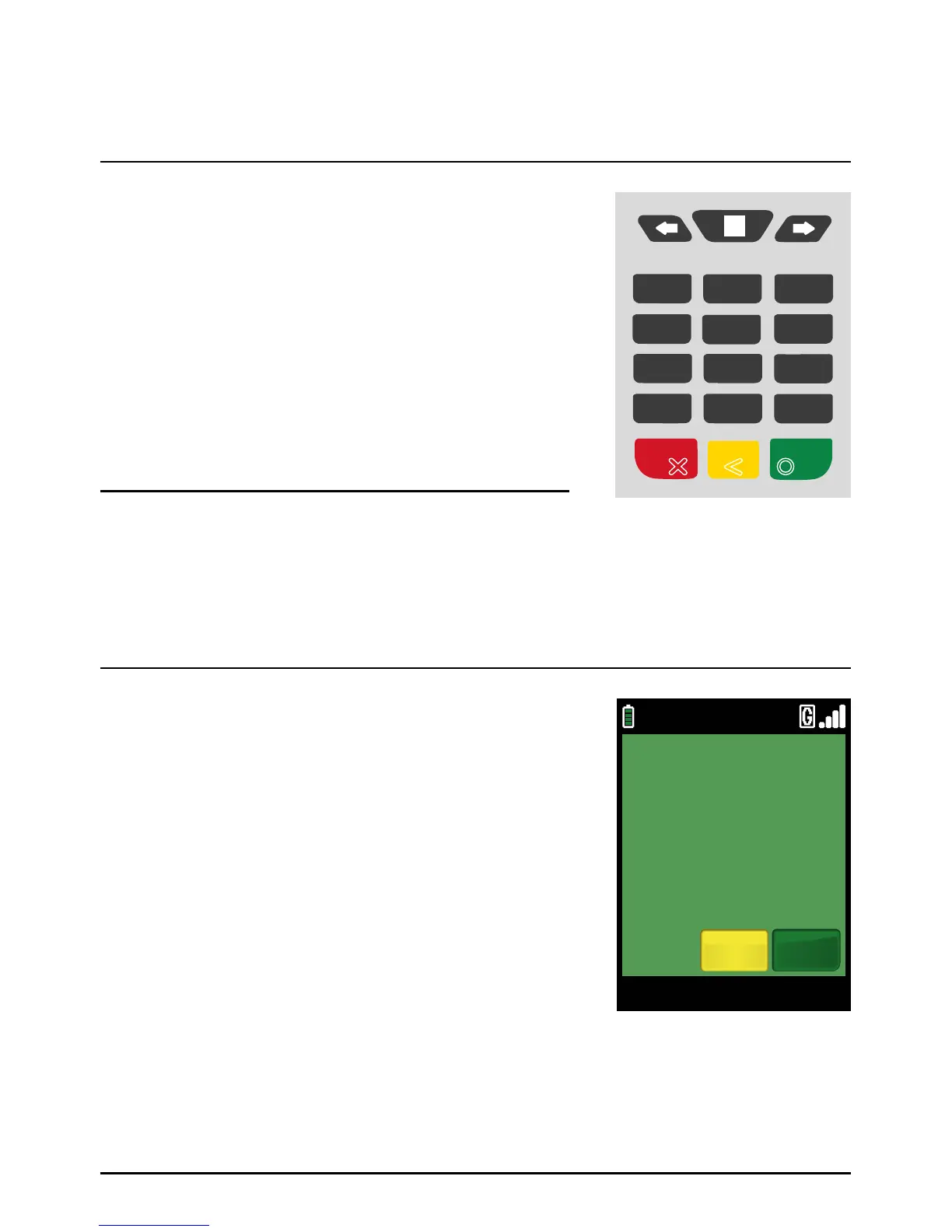
The SPw60, SPw70 and SPc50 all share a common keypad layout.
The action of the green ‘ENTER’ key will be displayed in a green
box at the bottom of the display.
The action of the red ‘CANCEL’ key will be displayed in a red
box at the bottom of the display.
The action of the yellow ‘CLEAR’ key will be displayed in a yellow
box at the bottom of the display.
The ‘#’ key allows the cycling of character selection on the numeric
keys during text entry. For example pressing ‘1’ and then ‘#’, ‘#’,
‘#’ will cycle through 1, Q, Z, 1.
The star key is used to cycle through the following nine characters:
. , / @ * # ( ) – during text entry.
The green ‘ENTER’ key will select ‘YES’.
The yellow ‘CLEAR’ key will select ‘NO’
Keypad
•
•
•
The ‘MAIN MENU’, key represented by a square and
positioned above the ‘2’ key, toggles between menus.
The ‘ARROW’ keys either side of ‘MAIN MENU’ key are
used to move to the next and previous menu screens.
When activated, an arrow will also be seen on the display
above the appropriate key.
The numeric keys.
ABC
JKL
TUV
GHI
PRS
CANCEL CLEAR
QZ DEF
MNO
WXY
ENTER
1
4
7
*
2
5
8 9
0.
3
6
#
Using Your Terminal (Cont.)
Page 32.



 To Next Page