56
This is similar to a regular Sale transaction and, if enabled, replaces the standard Sale transaction
described previously. There is a facility to enter an additional figure for Cashback.
PLEASE NOTE:
This is a service that must be requested from your acquirer. Cashback is only allowed on
Debit Cards, not Credit Cards.
When the terminal is ready to perform a Sale and Cashback transaction it will show the Welcome screen.
Enter the Sale amount in pence (or cents in ROI) and press the
green ‘ENTER’ key.
Example:
Typing in 1000 would equate to a value of £10.00 (€10.00 in ROI).
PLEASE NOTE:
If a mistake is made entering data, the the last digit can be
deleted by pressing the yellow ‘CLEAR’ key.
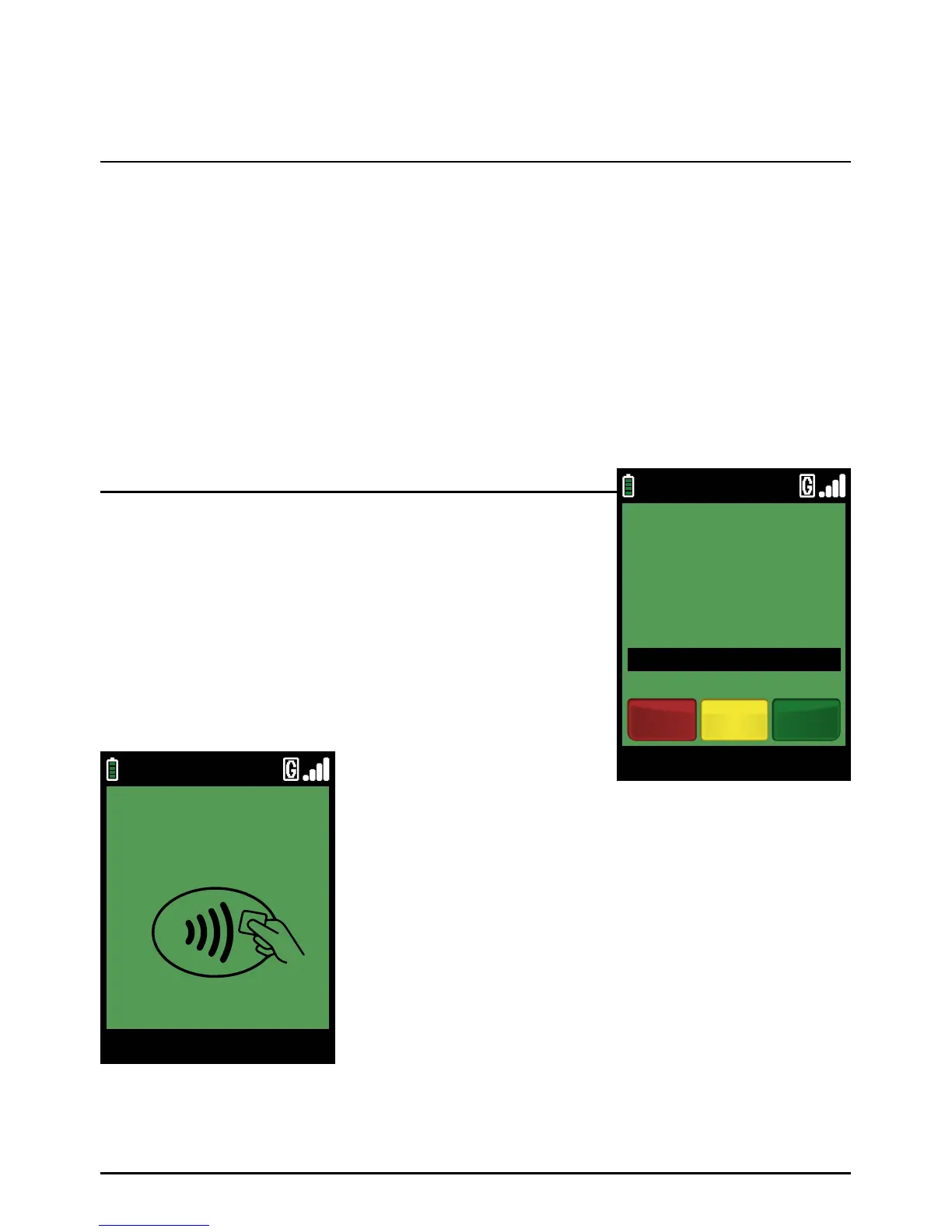
This screen will be displayed
You can start a Chip and PIN Sale and Cashback transaction in one of two ways:
Step 1
Option 1
Sale And Cashback (Inserting A Chip Card)
Page 56.
09/11/13 12:00
Main Menu
ENTER AMOUNT
TO START PAYMENT
£0.01
Clear EnterCancel
TOUCH, INSERT
OR SWIPE CARD
09/11/13 12:00
Main Menu



 To Next Page