57
Insert the Chip Card into the terminal’s Chip Card reader or PIN Pad (if fitted).
Insert the Chip Card into the terminal’s Chip Card reader or PIN Pad (if fitted). Type in the Sale amount
in pence (or cents for ROI) and press the green ‘ENTER’ k ey.
Example:
Typing in 1000 would equate to a value of £10.00 (€10.00 in ROI).
PLEASE NOTE:
If a mistake is made entering data, the the last digit can be deleted by pressing the yellow
‘CLEAR’ key.
Option 2
Sale And Cashback (Inserting A Chip Card) (Cont.)
Page 57.
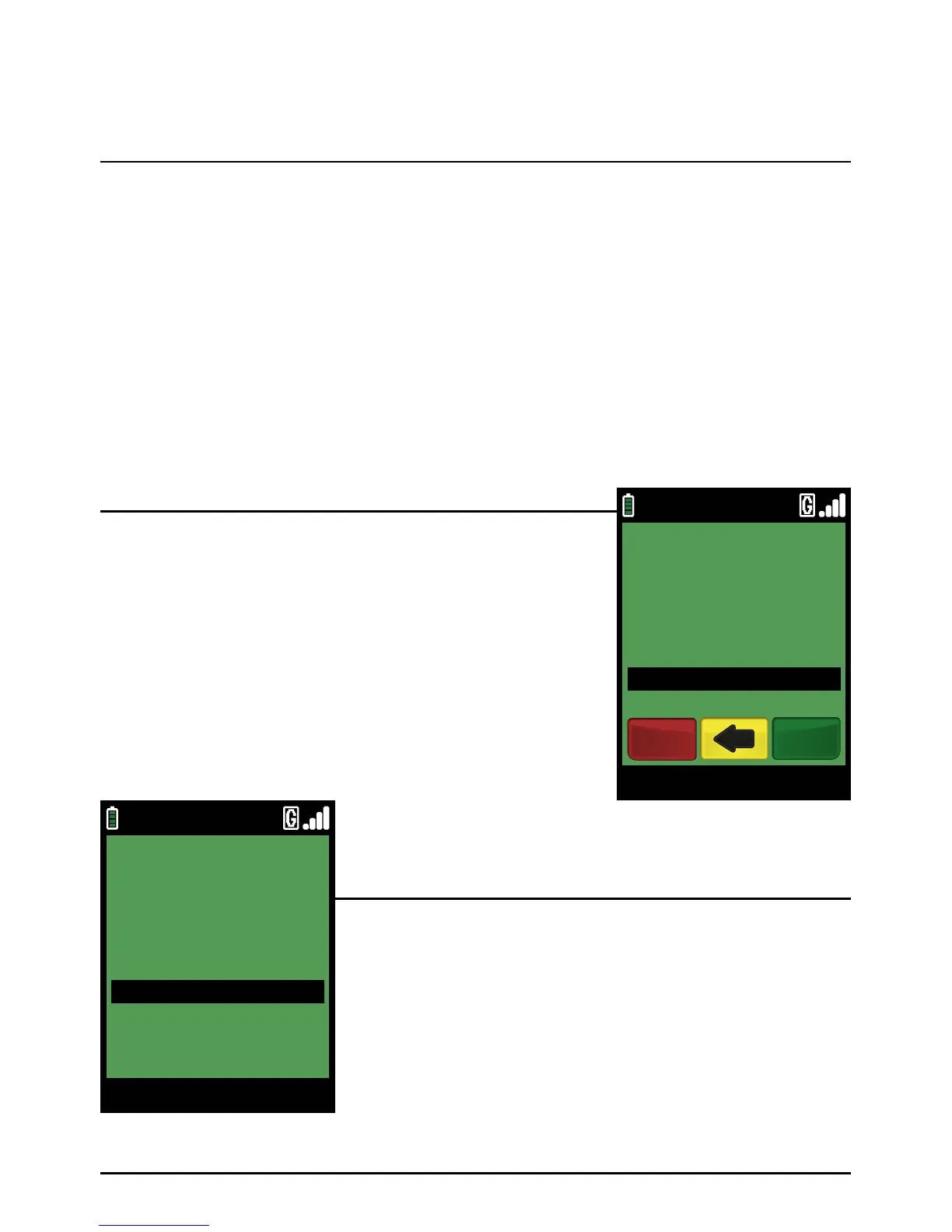
Type in the Cash amount. If the cardholder decides he/she does
not want Cashback at this stage of the transaction, do not enter
an amount and press the green ‘ENTER’ k ey.
Example:
Typing in 1000 would equate to a value of £10.00 (€10.00 in ROI).
PLEASE NOTE:
If a mistake is made entering data, the the last digit can
be deleted by pressing the yellow ‘CLEAR’ key.
You may be asked to confirm the amount, after which the
cardholder must type in his/her PIN (Personal Identification
Number) on the terminal keypad or the optional PIN Pad. After
the PIN has been entered, the cardholder should press the green
‘ENTER’ ke y.
The terminal then completes the transaction as described for
the Sale transaction described earlier.
Step 2
Step 3
09/11/13 12:00
CASH BACK AMOUNT?
£20.00
CREDITODEVISA SALE
EnterCancel
09/11/13 12:00
Pinpad
****
ENTER PIN
TOTAL £30.00



 To Next Page