67
Completion - Check Out
Page 67.
A Completion transaction is performed at the end of a stay to debit funds from the card holder.
For a rental environment, this will be when the vehicle is returned. In order to perform a Completion
transaction, a Pre-Authorisation must have been previously performed using the same card. You will
need the authorisation code from the most recent Pre-Authorisation receipt relating to this transaction.
You do not need to use the same payment terminal as was used for the Pre-Authorisation.
Select the ‘Completion’ transaction type from either the Transaction Menu or the ‘TRANS’ option of
the Terminal and Reports Menu. The exact location will be dependent on your terminal’s configuration.
Insert the Chip Card into the terminal’s Chip Card reader or PIN Pad (if fitted)
OR
Type in the card number. If the card number is keyed the terminal will prompt ‘Customer Present’.
For an Express Check-Out select ‘NO’ by pressing the red ‘CANCEL’ key, otherwise select ‘YES’ by
pressing the green ‘ENTER’ k ey.
Step 1
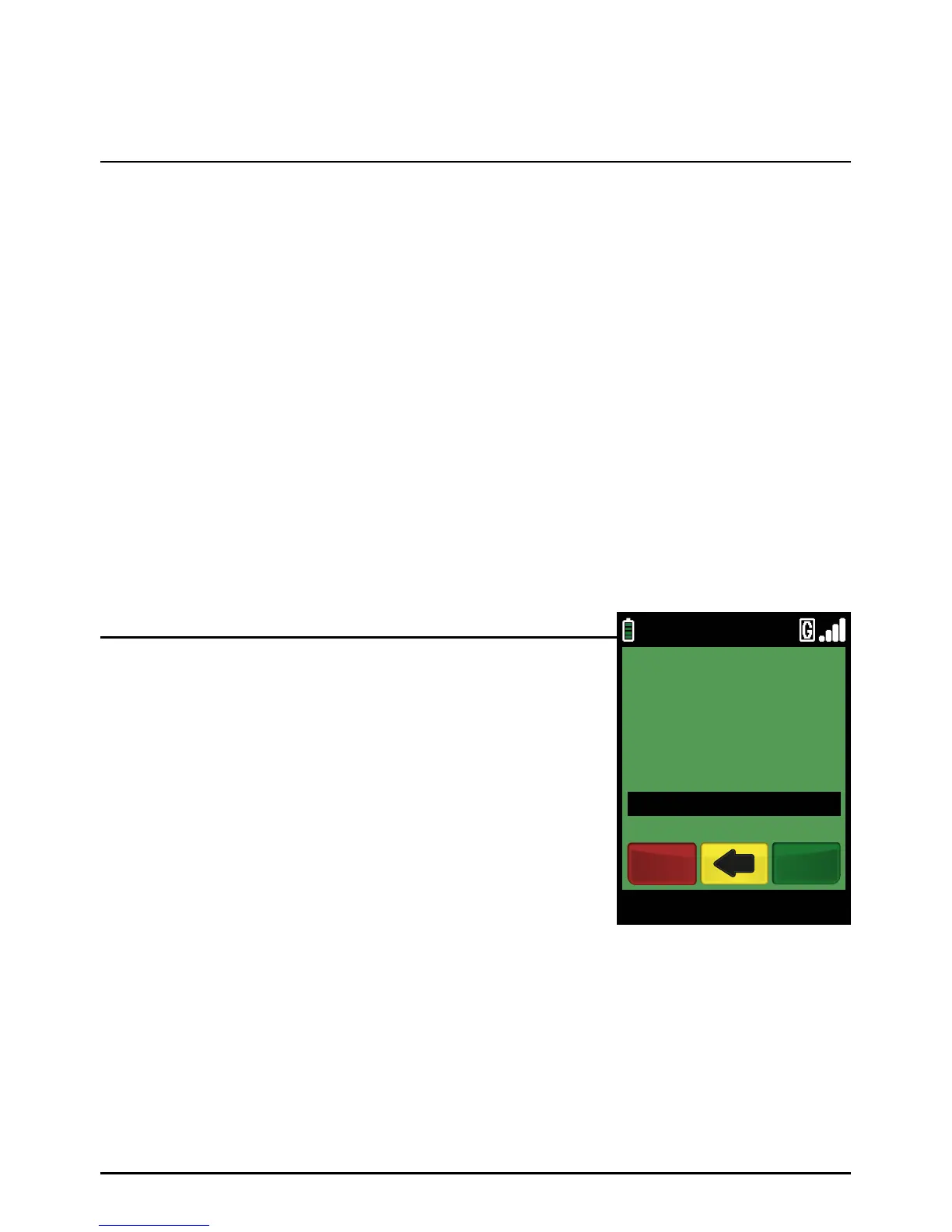
Type in the Pre-Authorisation amount in pence (or cents for
ROI) and press the green ‘ENTER’ ke y.
If you performed incremental Pre-Authorisations, then you
must enter the total value of all Pre-Authorisations on this card.
Example:
Typing in 1000 would equate to a value of £10.00 (€10.00 in ROI).
PLEASE NOTE:
If a mistake is made entering data, the the last digit can be
deleted by pressing the yellow ‘CLEAR’ key.
Step 2
09/11/13 12:00
PRE-AUTH AMOUNT
£100.00
CREDITODEVISACOMPLETION
EnterCancel



 To Next Page