68
Completion - Check Out (Cont.)
Page 68.
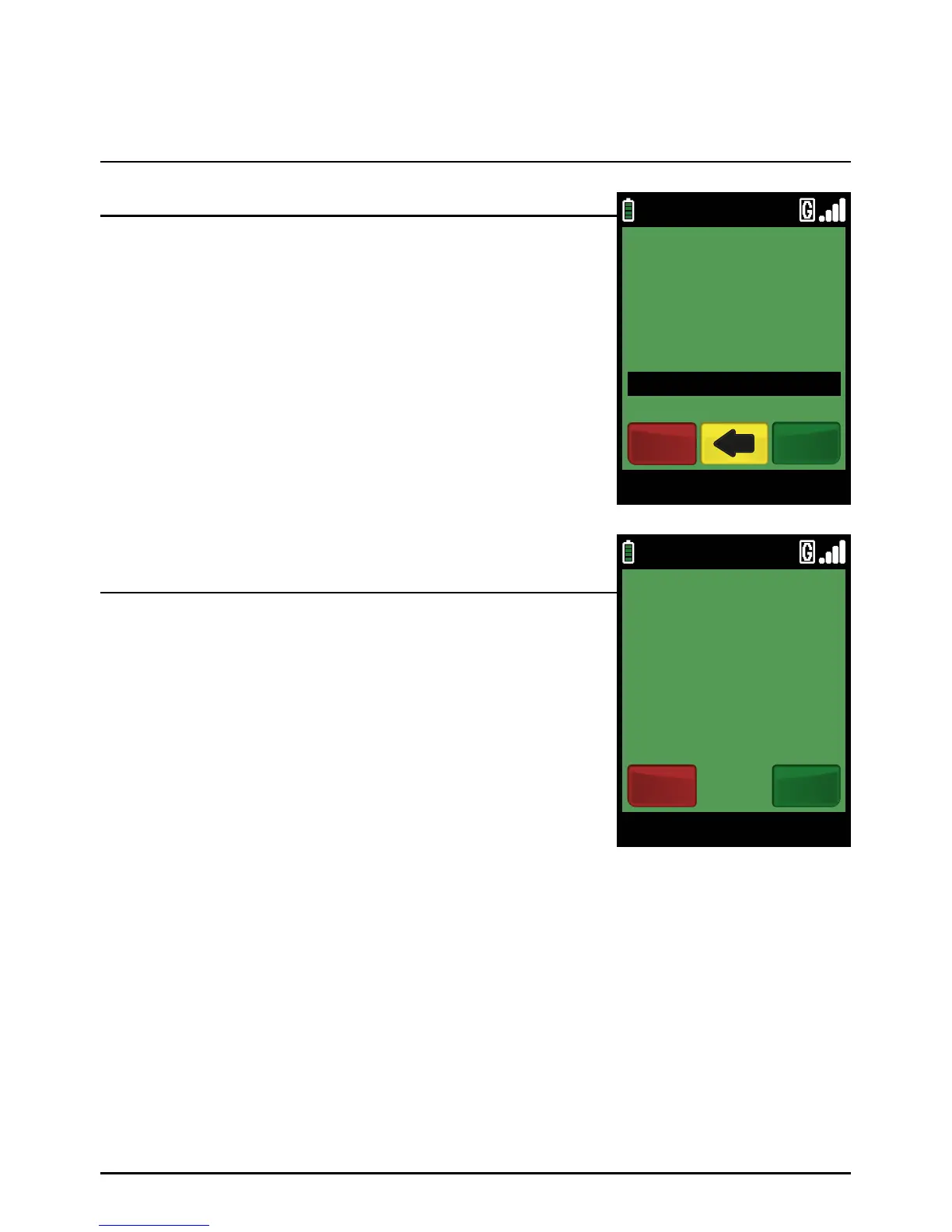
Type in the Completion amount in pence (or cents for ROI) and
press the green ‘ENTER’ k ey.
Example:
Typing in 1000 would equate to a value of £10.00 (€10.00 in ROI).
PLEASE NOTE:
If a mistake is made entering data, the the last digit can
be deleted by pressing the yellow ‘CLEAR’ key.
Refer to the receipt for the latest Pre-Authorisation on this card
and note the ‘AUTH’ code printed near the bottom. Key this
‘AUTH’ code and press the green ‘ENTER’ key. The terminal
will now connect to your acquirer.
The terminal will now connect to your acquirer and display progress.
If the transaction is approved, the Approval Code will then be
displayed and the terminal will print the merchant’s copy of
the receipt.
(See Appendix A for possible transaction responses.)
Completion amount confirmation is requested by pressing the
green ‘ENTER’ key.
Step 3
Step 5
Step 4
09/11/13 12:00
COMPLETION AMT
£110.00
CREDITODEVISACOMPLETION
EnterCancel
Image 316
09/11/13 12:00
TOTAL £110.00
CORRECT?
YesNo
CREDITODEVISACOMPLETION



 To Next Page