51
Swipe the Card in the terminal’s magnetic stripe reader (see page 42). A Sale transaction will be
initiated. Type in the Sale amount in pence (or cents for ROI) and press the green ‘ENTER’ k ey.
Example:
Typing in 1000 would equate to a value of £10.00 (€10.00 in ROI).
PLEASE NOTE:
If a mistake is made entering data, the the last digit can be deleted by pressing the yellow
CLEAR’ key.
Option 2
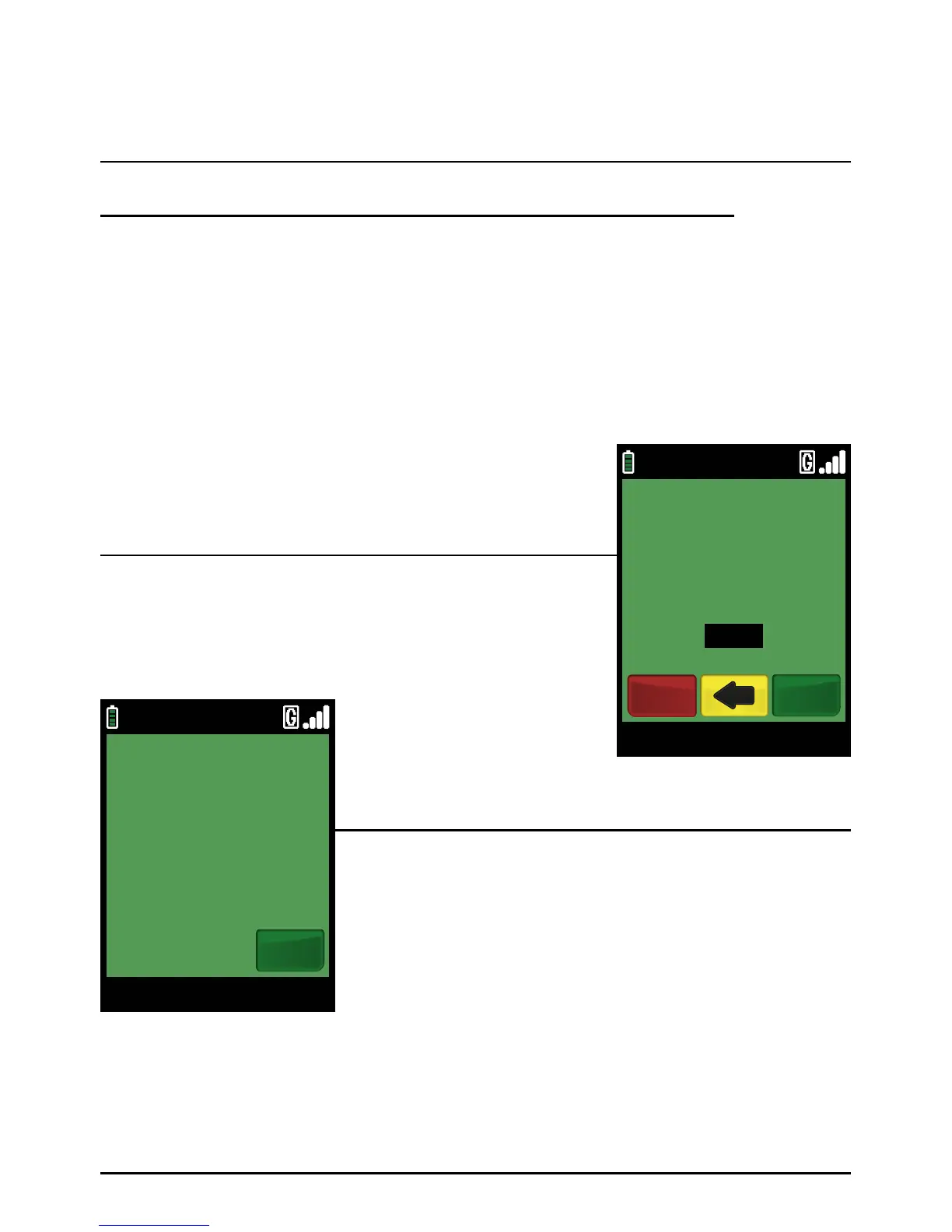
You may be asked to enter the last 4 digits of the card number
for an additional security check. Enter the four digits and press
the green ‘ENTER’ ke y.
The terminal will display the card type.
The terminal will now connect to your acquirer and display progress.
Once complete, the terminal will print the merchant’s copy
of the receipt.
Tear off the receipt and press the green ‘ENTER’ key. Ask the
cardholder to sign on the dotted line.
Step 2
Step 3
Sale (Swiping A Card) (Cont.)
Page 51.
09/11/13 12:00
REMOVE MERCHANT COPY
RECEIPT
Ok
09/11/13 12:00
ENTER LAST 4 No OF
CUSTOMER CARD
3456
VISA SALE
EnterCancel



 To Next Page