52
Compare the cardholder’s signature on the receipt to that on
the rear of the card.
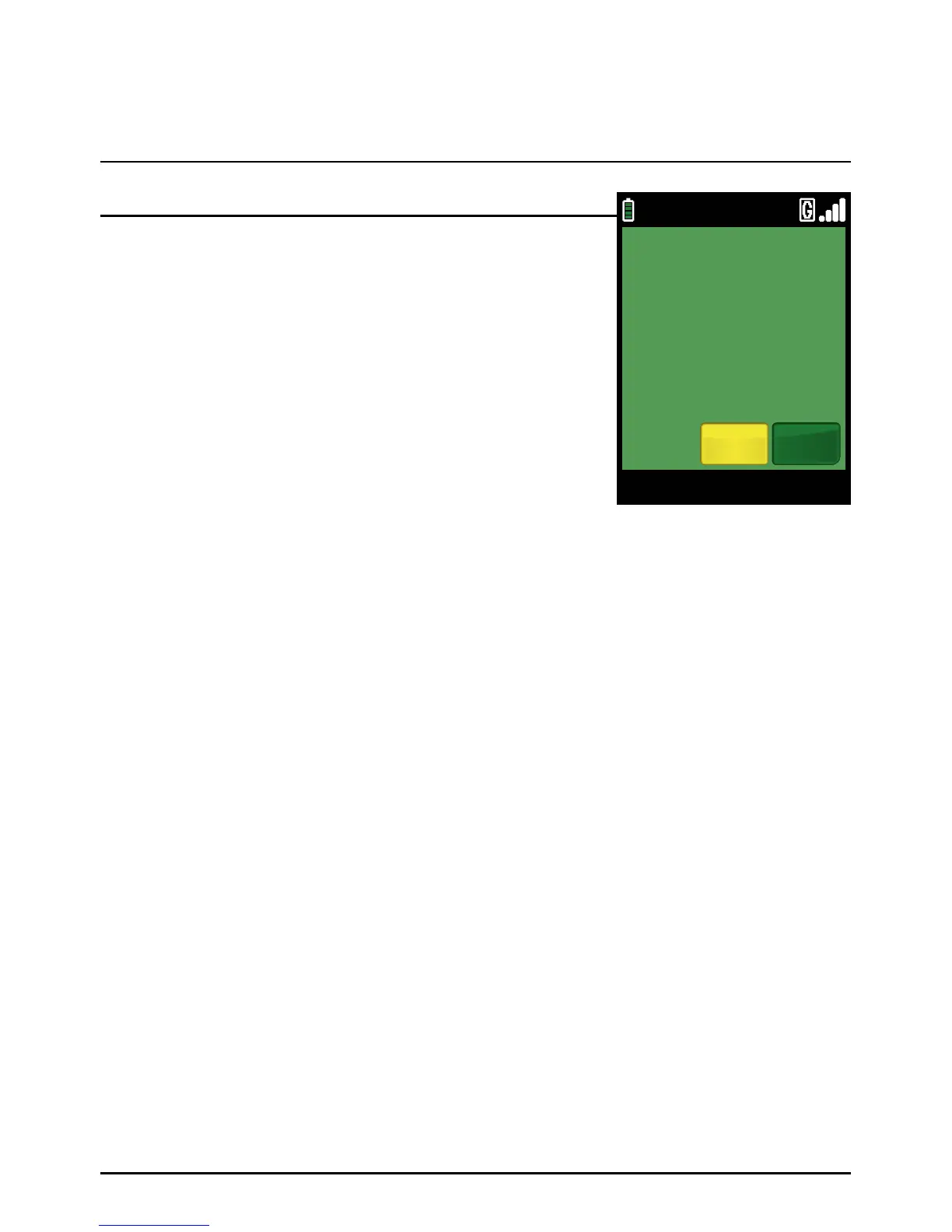
If you are happy with the signature comparison, select ‘YES’ by
pressing the green ‘ENTER’ key. The transaction will be approved
and a customer copy of the receipt will be printed. Go to step 5.
If you are not happy with the signature, select ‘NO’ by pressing
the yellow ‘CLEAR’ key.
The terminal will print a merchant reversal receipt for the original
transaction amount. Tear off and keep for your records. Press
the green ‘ENTER’ ke y.
Tear off the customer’s copy and hand it to the cardholder along with his/her card. The transaction
is now complete. The terminal will automatically return to the Transaction Menu.
Step 4
Step 5
Sale (Swiping A Card) (Cont.)
Page 52.
09/11/13 12:00
SIGNATURE
CORRECT?
SIGNATURE
YesNo



 To Next Page