09/11/13 12:00
SELECT VIEW
1
2
LIMITED VIEW
FULL VIEW
79
The SP family of terminals maintain a Batch record of all transaction information since the last successful
Settlement was performed. It is possible to review the Batch, find the appropriate transaction and,
if required, reprint the receipt.
There are two versions of this feature: Limited View and Full View
• Limited View shows only the last four digits of each card number.
• Full View shows the full card number.
Please note:
For compliance with the PCI Data Security Standard, you must contact the helpdesk to access
Full View reports. Full View reports may not be avalable on your terminal.
Press the ‘MAIN MENU’ key, select ‘BATCH’ from the Report
and Terminal menu and then select ‘REVIEW’.
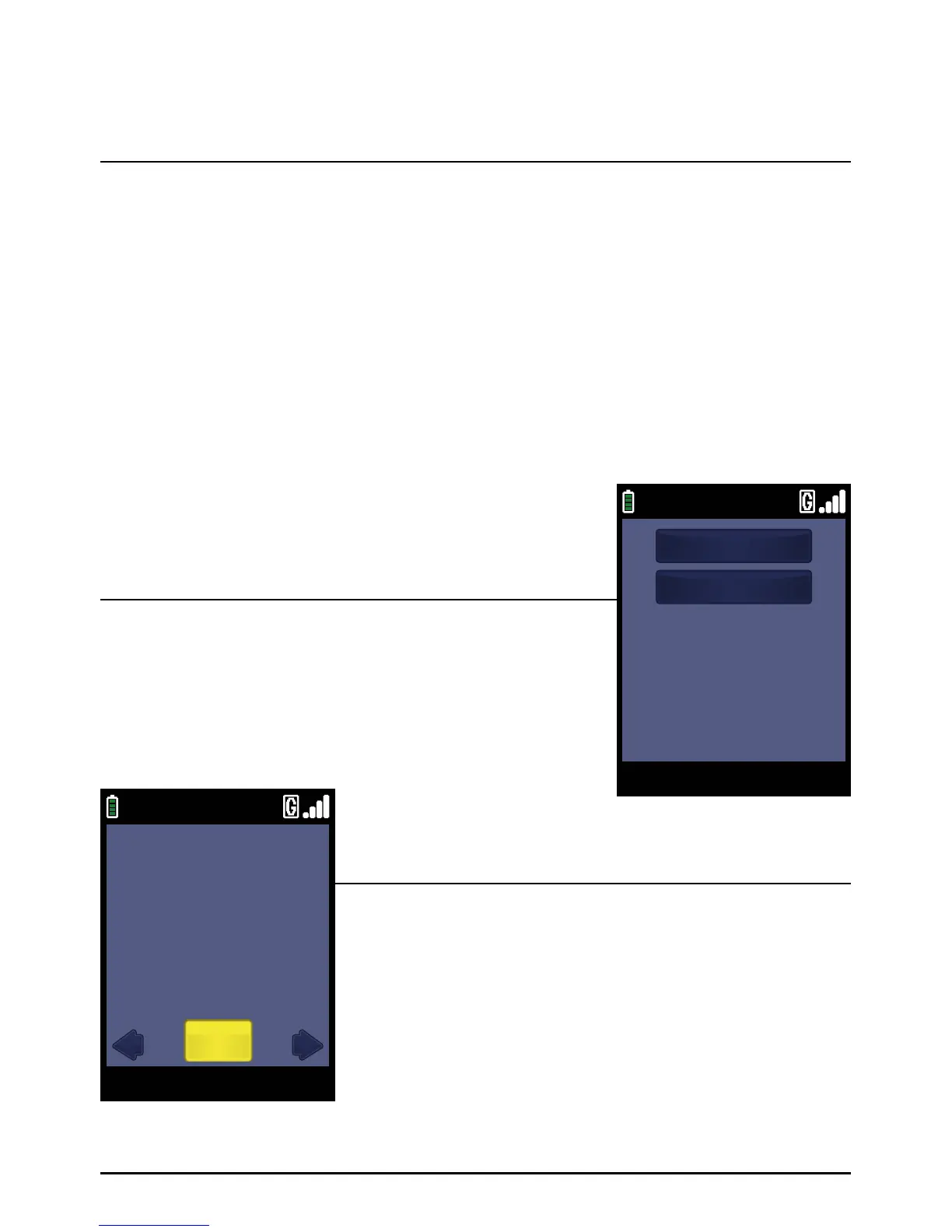
Select ‘LIMITED VIEW’.
The last transaction performed will be displayed. You have the
option to scroll through the available transactions using the
‘ARROW’ keys. A typical transaction summary is shown to the left:
Please note:
The duplicate copy will only show the last four digits of
the card number in Limited View mode. To access Full View,
please contact the helpdesk.
Step 1
Step 2
Reviewing Transactions/Reprinting A Receipt
Page 79.
09/11/13 12:00
VISA
INV:123456 TXN 1234
REFUND -£10.00
APPROVAL 12345
************1234
NOV 09, 13 12:00
REVIEW
Select



 To Next Page