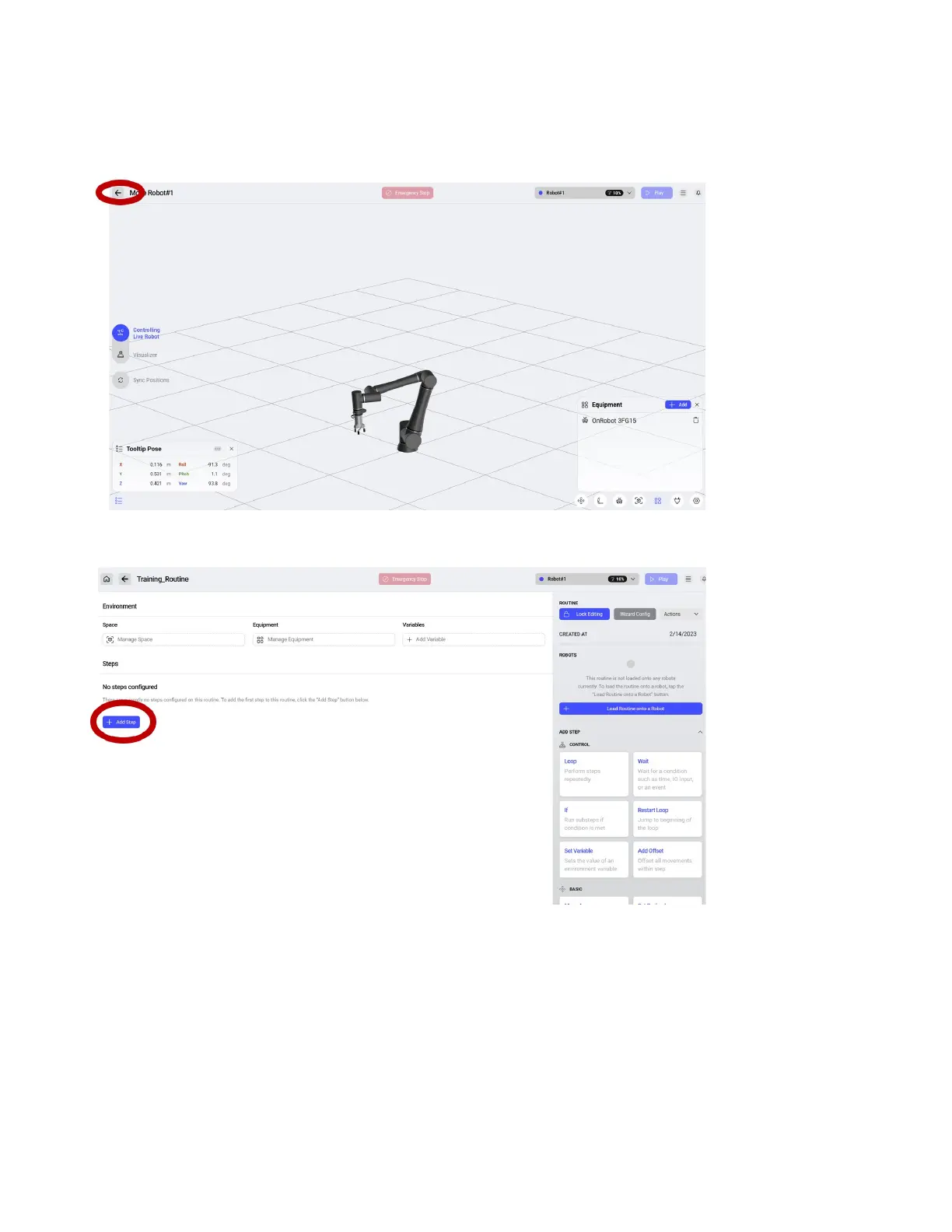
You will be directed back to the Space to add the equipment. Click the +add to add the equipment.
Select the equipment you have from the list. For our example, select OnRobot 3FG15. When adding a
single tool on a single changer, you do not need to dene a changer and instead simply add the tool.
Select the back arrow to return to the Routine.
Click Add Step to begin creating the routine.
48



 To Next Page