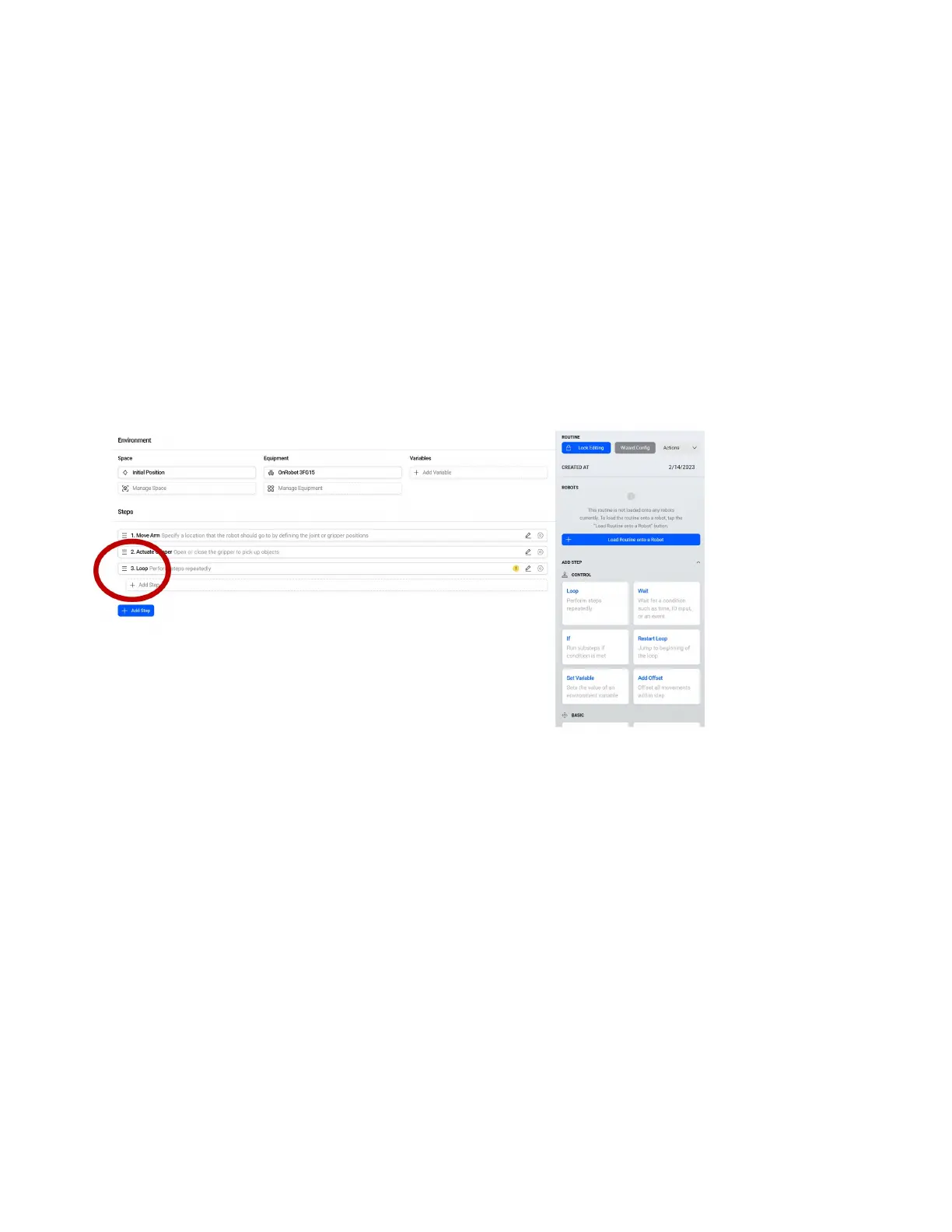
•Loop Forever: Loop until the program is stopped by the user.
•Loop x times: Loop the number of times specied before going to the next step.
•Use Rules: Allows you to use math and variables to set the number of times the loop runs.
For our case leave as Loop Forever
•Under Main Loop you can choose:
•Automatically assign Main Loop: Set the loop that is to count the number of times the routine runs as
the one index most left in the routine window.
•Manually assign Main Loop: Set the loop that is to count the number of times the routine runs manually
in the Loop setting using the checkbox below.
For our case leave as Automatically assign Main Loop.
The Loop will have a warning that steps are required below it when rst added to the routine. Steps
that are indexed to the right will loop according to what we set as the Loop parameters. If we add a
step that is in line with our last Actuate Gripper instead of indexed over to the right, they would happen
after the loop. Click Add Step in the transparent area below the loop to add a new step.
60



 To Next Page