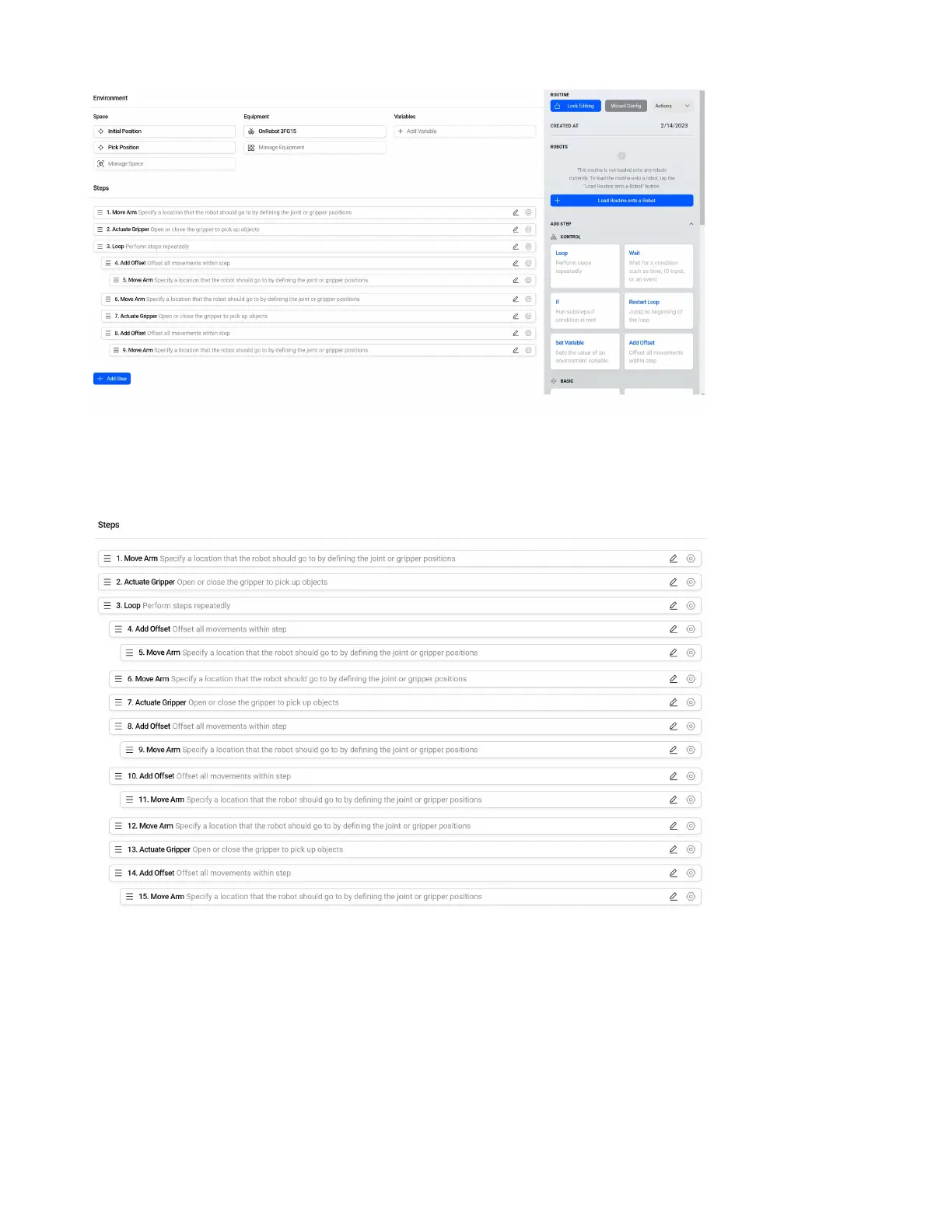
As we did before the pick, congure another oset move to move above the Pick Position. This will
ensure we do not drag the part before we move to the place. The routine should look like the image
above.
As we did for the pick, congure another set of steps to go to an oset above a new position, Place
Position, go to the Place Position, Actuate the tool, and go to an oset above the Place Position. The
routine should look like the image above. This routine should now continuously pick and place until it
is manually stopped.
65



 To Next Page