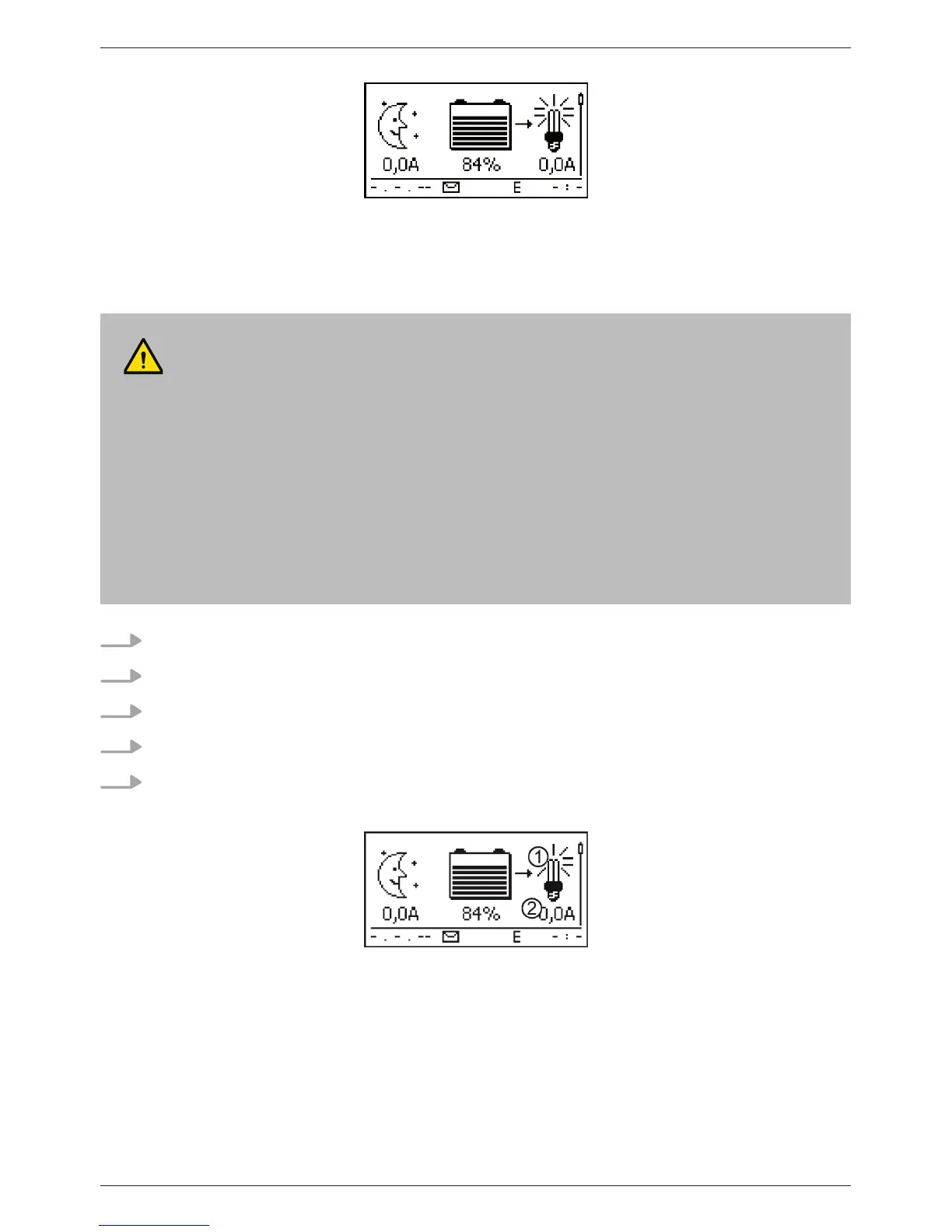
Fig. 14 Display without sunshine after connecting the solar module
9.5.4 Connecting loads
1. Switch off the load output (section 13.5 'Switching loads on/off (load output)').
2. Connect the load cable to the loads and to the load output of the controller.
3. Switch on the load output. The lamp (Fig. 15) appears on the display.
4. Switch on the load. Load currents greater than 0.1 A are shown on the display.
5. If Fig. 15 is not displayed then check the installation and if necessary correct the error using
section 15.
Fig. 15 Display content after connecting the load output
CAUTION!
– Danger of destroying the controller through overloading.
– Loads that consume more current than can be supplied by the controller must be
directly connected to the battery!
– Always directly connect inverters to the battery!
– Danger of battery destruction due to deep discharging. Consumers that are not allowed
to be switched off by the deep discharge protection of the controller (emergency lighting,
radio link) must be directly connected to the battery and must not deeply discharge the
battery.
– Danger of battery and cable destruction due to overloading. Directly connected loads must
be separately fused.



 To Next Page