13.4 General operation
1. If necessary, press ‘ESC’ for 1 s to show the basic setting of
the status display.
2. Press
sr to display the measurements.
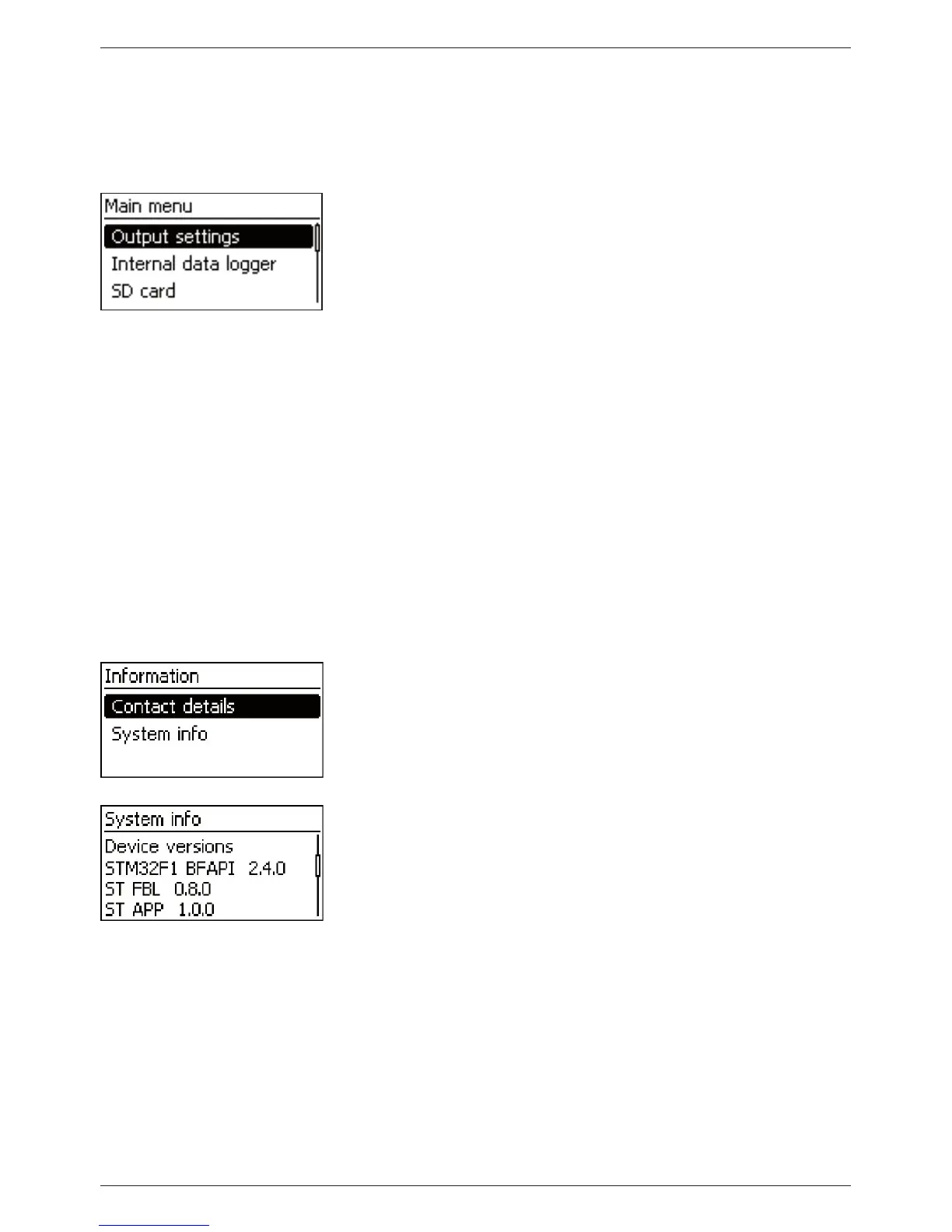
3. Press ‘SET’. The main menu is displayed with the top item
selected.
4. Press
sr to select a different entry (Fig. left).
5. Press ‘SET’. The submenu appears.
6. Repeat steps 4 and 5 if necessary.
7. Press ‘ESC’ briefly to jump one menu level higher or press ‘ESC’
for a longer time (1 s) to show the basic setting display.
13.5 Advanced operation
Switching loads on/off (load output)
‘Main menu’
‘Output settings’ ‘Load’ ‘Operation
mode’
1. Press
sr to select ‘On’ or ‘Off’.
2. Press ‘SET’. The load output is switched on/off.
Displaying advanced information
‘Main menu’
‘Information’
1. Press
sr to select an entry (Fig. left).
2. Press ‘SET’ to open the entry.
The entries contain the following information:
Q ‘Contact details’: manufacturer address as text and QR code.
Q ‘System info’ (Fig. left):
– Product designation
– Serial number
– Version of the software modules
– Address of the controller on the Slave bus
– Version of the manual for the inverter



 To Next Page